Software Overview
Document ID: OMM-00165 Rev. C Pro 32r Operations Guide 48
6 Media List displaying media distances. These include:
• Left - The distance between the left edge of the print table and the left edge of the
media. When printing multi-roll, the distance between the Left edge of the print
table and the left edge of each roll is displayed in the group box “Media Status.”
• Width: The width of each of the media rolls being printed.
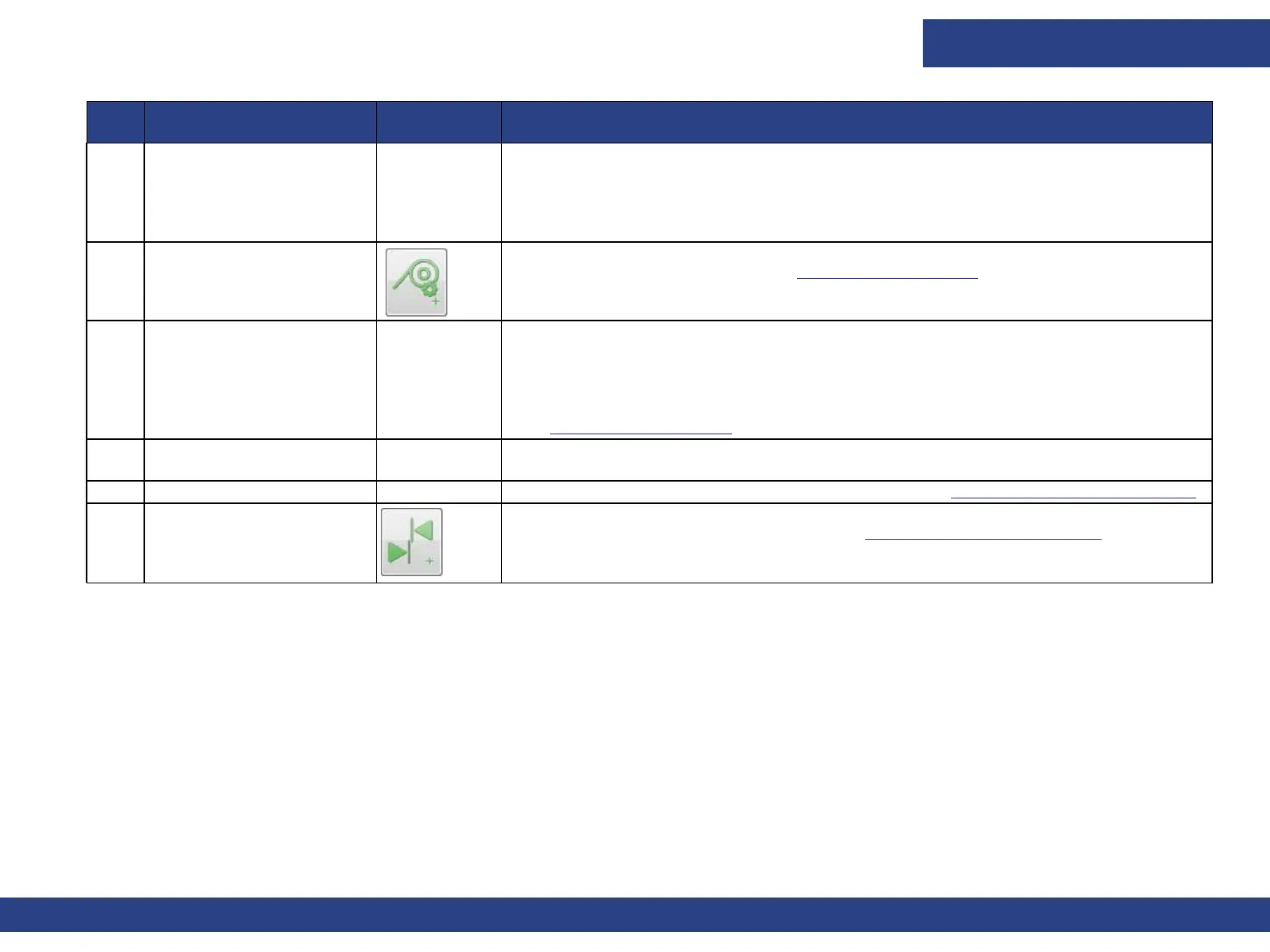
7 Set/Measure
Opens Media Settings dialog. See Media Settings Dialog for details.
8 Advance Fine Tuning Enables fine tuning the Media Advance feature, in units of 10 microns.
1. Select the print mode from the drop-down menu.
2. Set the number of Cycles and print the Advance Fine Tuning pattern.
(See Advanced Fine Tuning).
9 Tension settings Sets the Tension level (Print Tension Power) of the Tension Roller from 0-100%.
Set tension and click Apply.
10 Quick Settings Setup Enables a quick machine setup for each media. See Quick Settings Setup Feature.
11 Left-Right
Opens Left-Right Calibration window. See Left-Right Calibration Dialog for details.
No. Window Section Unlabeled
Icons
Icons/Field Description



 To Next Page