Software Overview
Document ID: OMM-00165 Rev. C Pro 32r Operations Guide 58
4.5.3 General Tools
Some actions on the printer are carried out in dialog boxes that, while open, block access to any other items in the software.
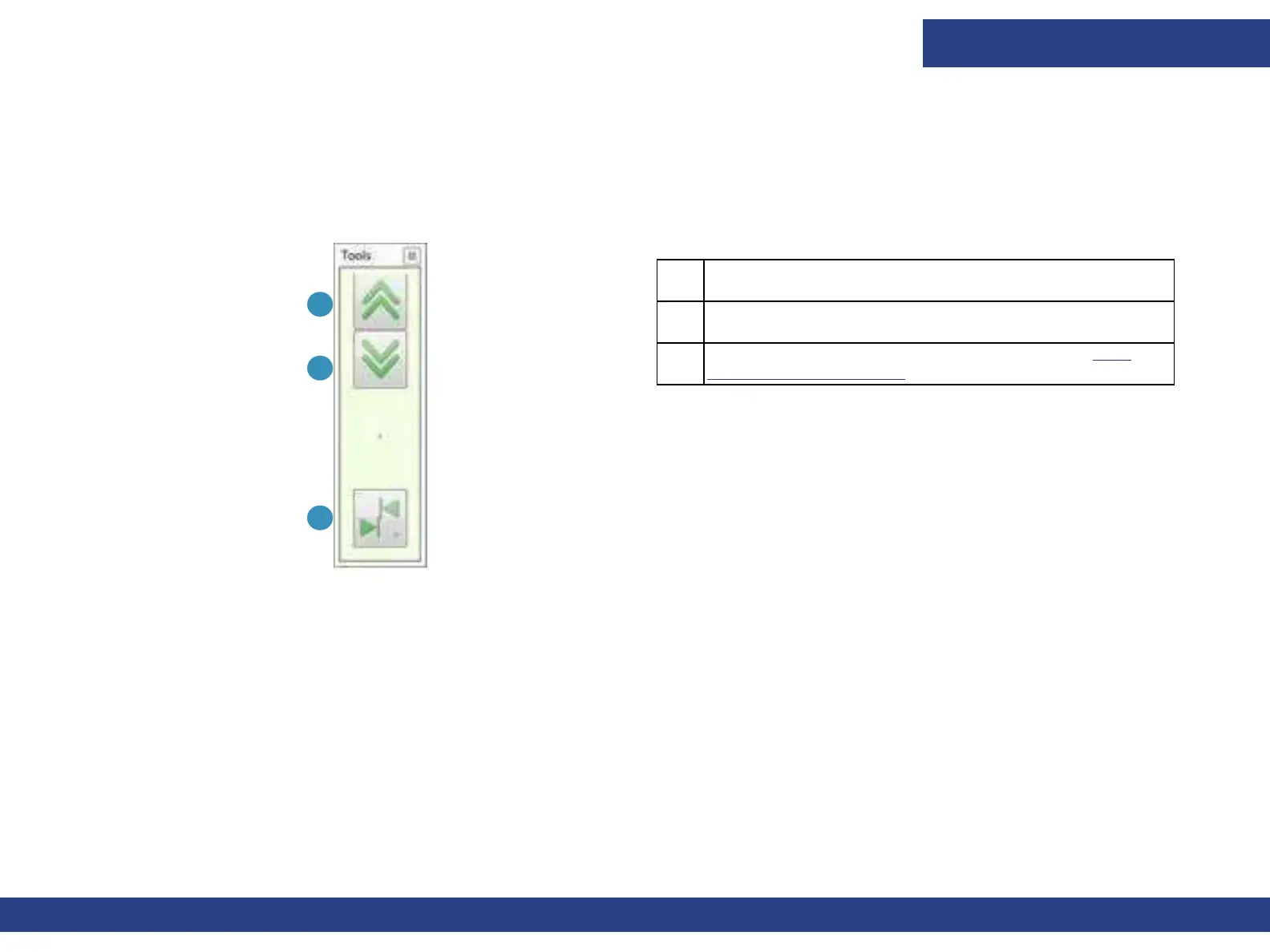
Use the floating tool box to advance media or open/close the hood, even when another dialog box is open.
This tool box floats and therefore, allows access to all the other components of the screen.
1 Advance media 120 mm backwards.
2 Advance media 120 mm forwards.
3 Opens Left/Right Calibration dialog box. See Left-
Right Calibration Dialog.
3
1
2
Figure 4-11 General Tools Floating Tool Box



 To Next Page