Software Overview
Document ID: OMM-00165 Rev. C Pro 32r Operations Guide 59
4.5.4 Print Modes
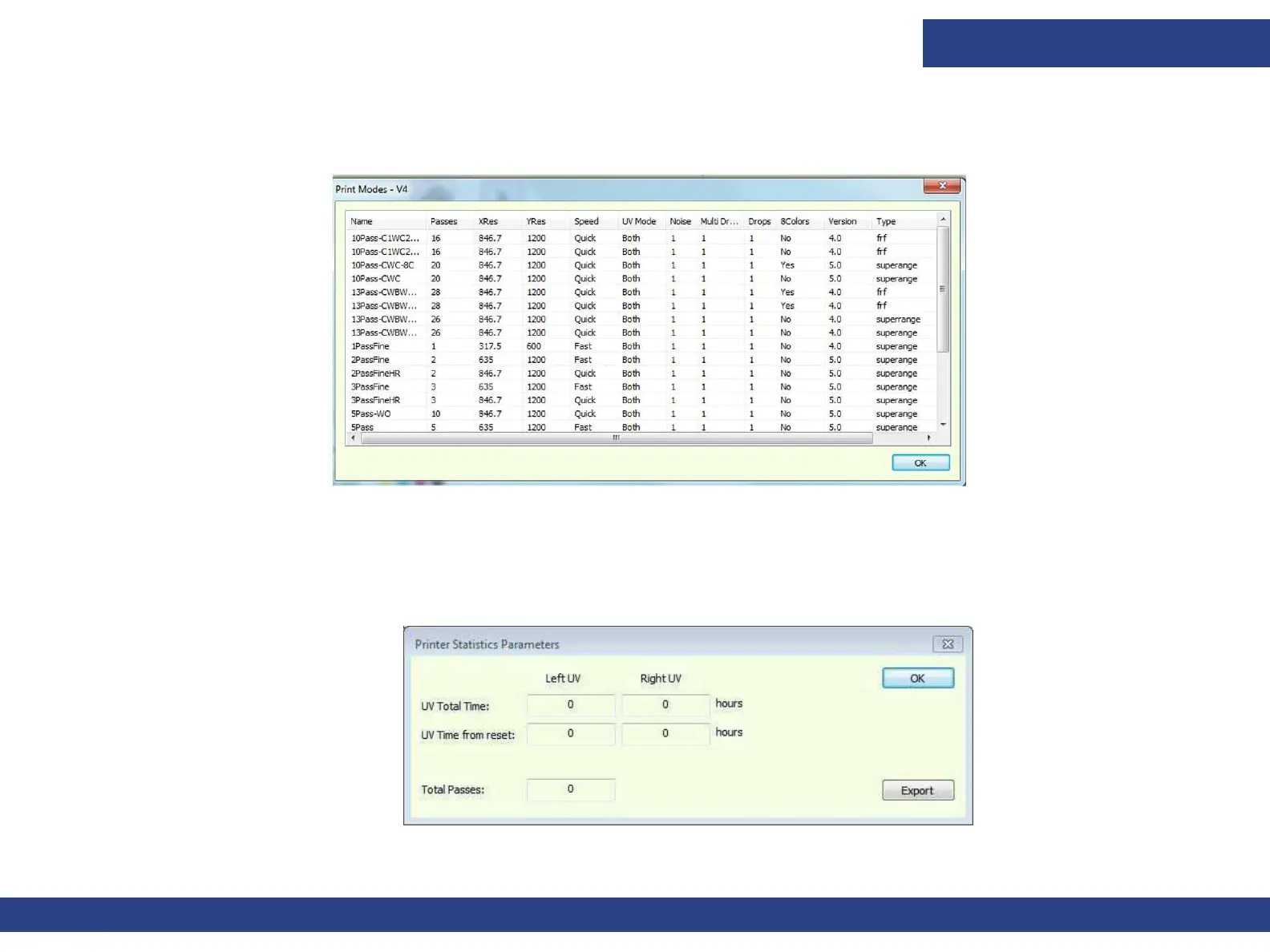
The Print Modes dialog box displays the list of print modes that are installed on the printer.
Figure 4-12 Print Modes Dialog Box
4.5.5 Printer Statistics
The Printer Statistics Parameters window shows the usage statistics of the UV LED lamps, for operator’s information only.
If needed, you can export the printer statistics and send it to an engineer (click EXPORT and save the file).
Figure 4-13



 To Next Page