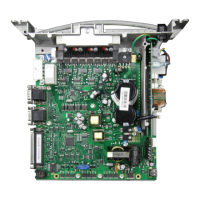
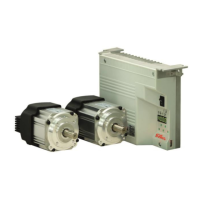
- AB620A5035
2. Service Hours Monitoring:
Operational mode: Number of operating hours before the next service.
Input of operating hours before the next service.
This value is compared to the operating hours counter.
The input of hours is done in steps of 10. i. e. the lowest display of 001 corresponds to 10 hours
(e. g. 055 = 550 hours).
When the set number of operating hours are reached, the message "C1" will show on the display
after each trimming operation. In addition, the speed indicator blinks on the control or on the V820
control panel during operation or after drive standstill.
Moreover, an acoustic signal is emitted when using a V810/V820 control panel if parameter 127=1.
In this service routine, the total operating hours can be read out according to the procedure
example described below for parameter 177.
Display of operating hours since the last service.
Display example of operating hours or hours since the last service and operating hours counter reset.
Display on the control:
Select parameter 177
(hours /thousands letter symbol)
hours /thousands display)
(hours / hundreds letter symbol)
(hours / hundreds display)
(milliseconds letter symbol)
See chapter "Set and Reset Operating Hours Counter"
The process will be repeated from the hours display.
(sewing process can be started)
Display on the V810 control panel:
Select parameter 177
(milliseconds letter symbol)
See chapter "Set and Reset Operating Hours Counter"
The process will be repeated from the hours display.
(sewing process can be started)
Display on the V820 control panel:
Select parameter 177
See chapter "Set and Reset Operating Hours
Counter"
(sewing process can be started)


 To Next Page