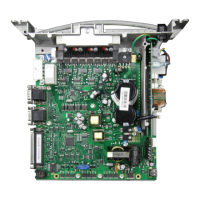
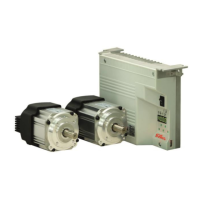
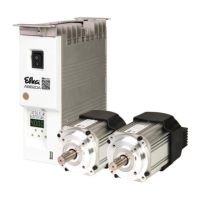
- AB620A5035
5 Quick access
These are button combinations that are linked in the direct access with settings & function of the control. Quick
access can, however, can only be used with machines that are already set up.
5.1 Parameter back up
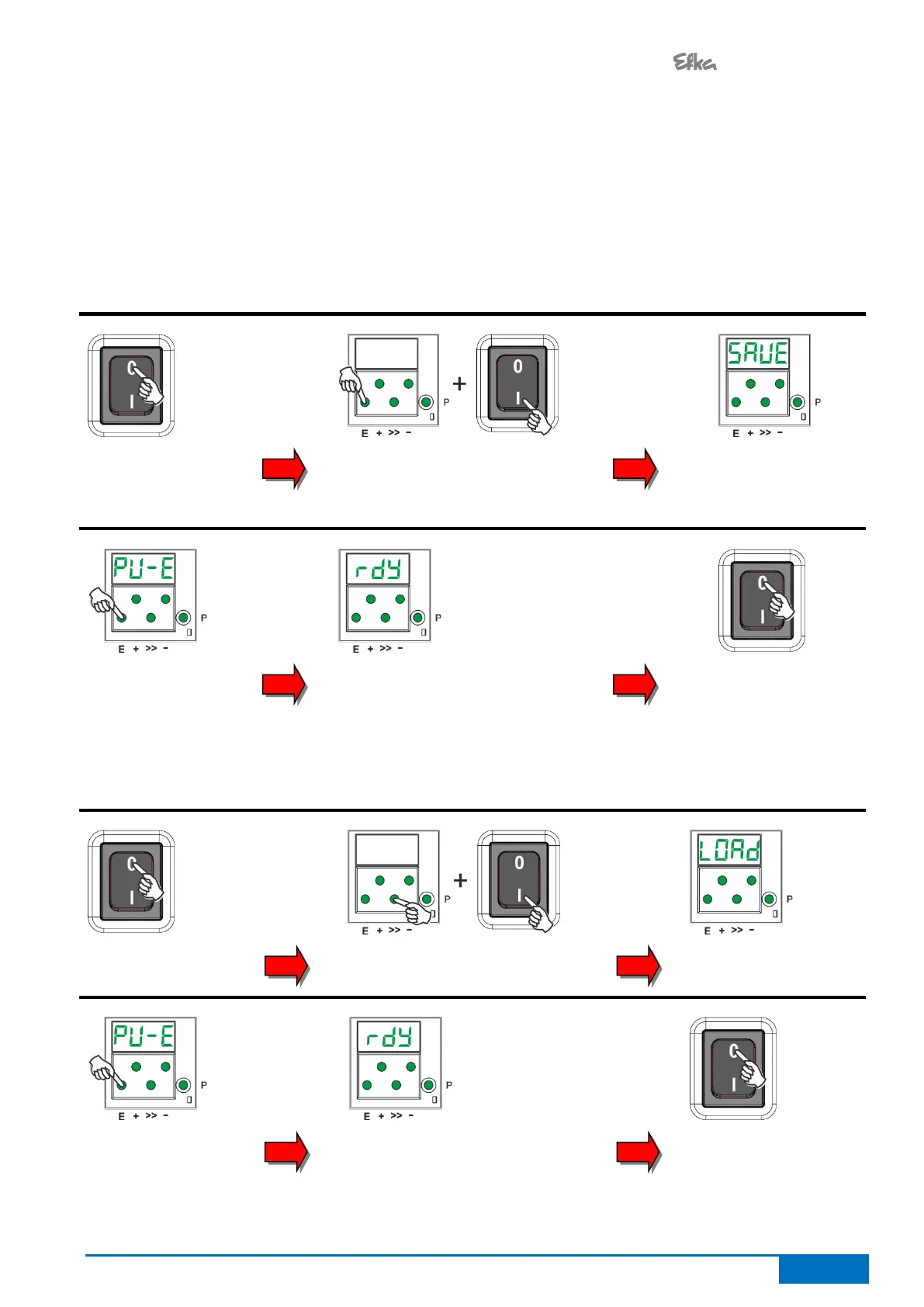
When the machine has been completely set up, the settings should be backed up.
5.1.1 Parameter backup
Turning off the
controls
Hold the E button down & turn on
the controls
(Hold down the E button 5 sec after
turning on)
"SAVE" is shown
on the display
Press the E button
once, to execute the
backup process
When the process is completed,
"rdy" is displayed for 1 second
Turning off the
controls
5.1.2 Restoring parameters from the backup
Turning off the
controls
>>-Hold the button down (5 sec) &
turn on controls
"LOAD" is shown on
the display
Press the E button
once, to execute the
backup process
When the process is completed,
"rdy" is displayed for 1 second
Turning off the
controls


 To Next Page