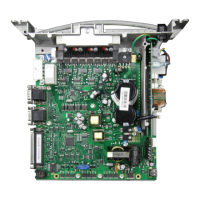
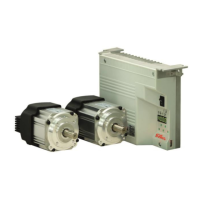
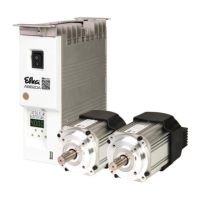
- AB620A5035 Instruction Manual
Service routine to teach the analog pedal. Pedal forwards
for standing operation
User-defined function strips for V860
0 = Off (selection of function strip using F-292)
1 = User-defined function strips 1
2 = User-defined function strips 2
3 = User-defined function strips 3
4 = User-defined function strips 4
User-defined function strips 5
High lift for walking foot - measurement value of potentiometer for
minimum lift
High lift for walking foot - measurement value of potentiometer for
maximum lift
Storage for threading function F-290 =66
Full engagement time for indexed M4
12 Error Displays
Pedal not in neutral position when turning the machine on
Reference position is not set
No thread trimming mode available in parameter 290
High lift foot for walking - measurement of the potis not permitted
The maximum speed configured cannot be reached at this transmission ratio
Error in preset parameter structure.
Max. number of files (99) on Memory Stick exceeded
File not found on Memory Stick
Data on Memory Stick and in the control is not equal
Error reading/writing file
Error reading/writing file
Operating hours counter has reached or exceeded the service time
C4-001 10h test runs have elapsed, release missing
Programming Functions and Values (Parameters)
Returns to 0000 or to last
parameter number
Wrong code or parameter number input


 To Next Page