8. REMOTE SYSTEM MANAGEMENT
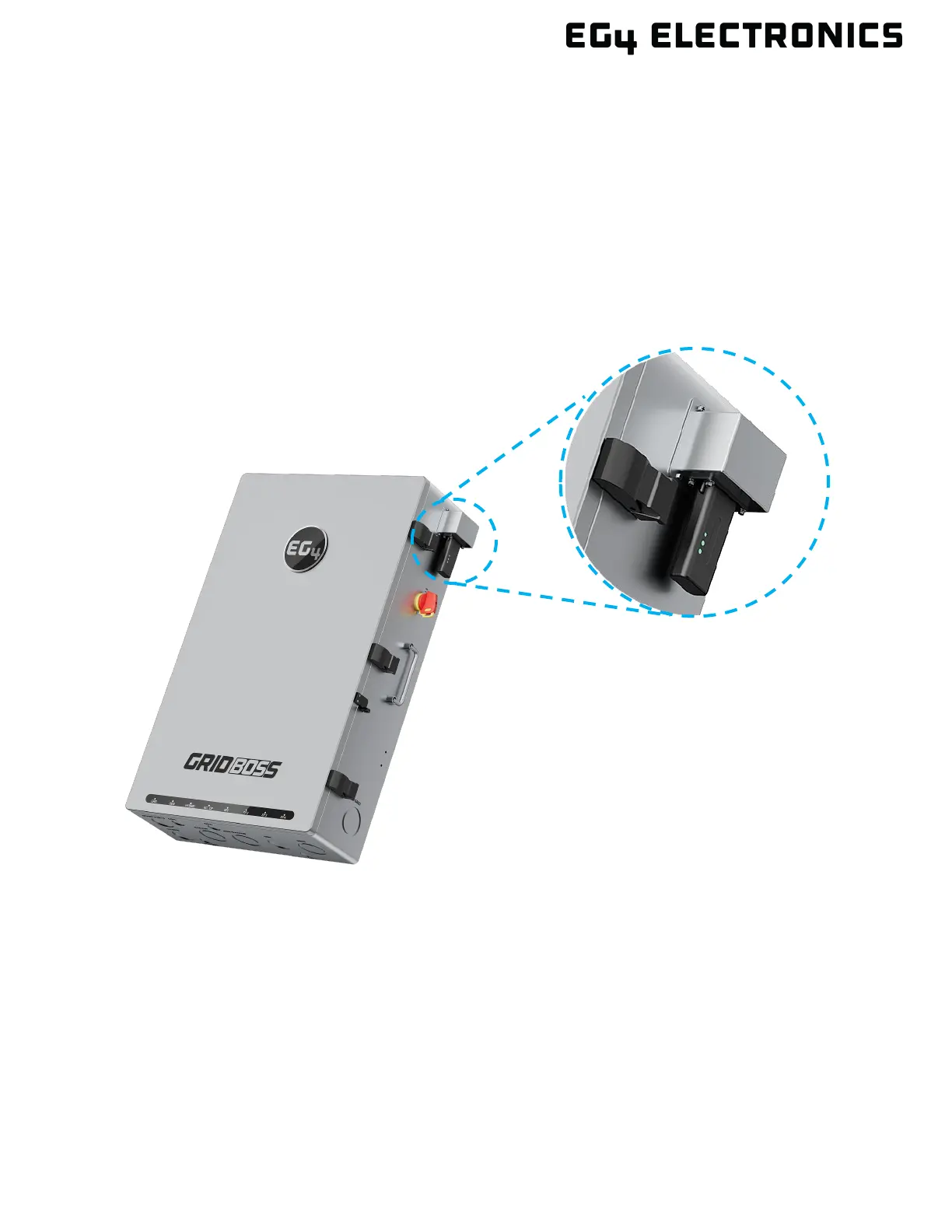
GridBOSS is remotely configured and monitored using the EG4
®
Monitor Center or mobile app. To
enable remote connectivity, install the included dongle into the communication port on the upper right
side of the unit. Use the four included screws to secure the dongle to the port.
Once the dongle is physically installed on the chassis, its serial number and PIN need to be added to
an EG4 user account to set up remote connectivity.
New EG4 users must create a new account. Existing users can also add GridBOSS to an existing
account, as shown in section 8.2.



 To Next Page