9.1 MAINTENANCE TAB
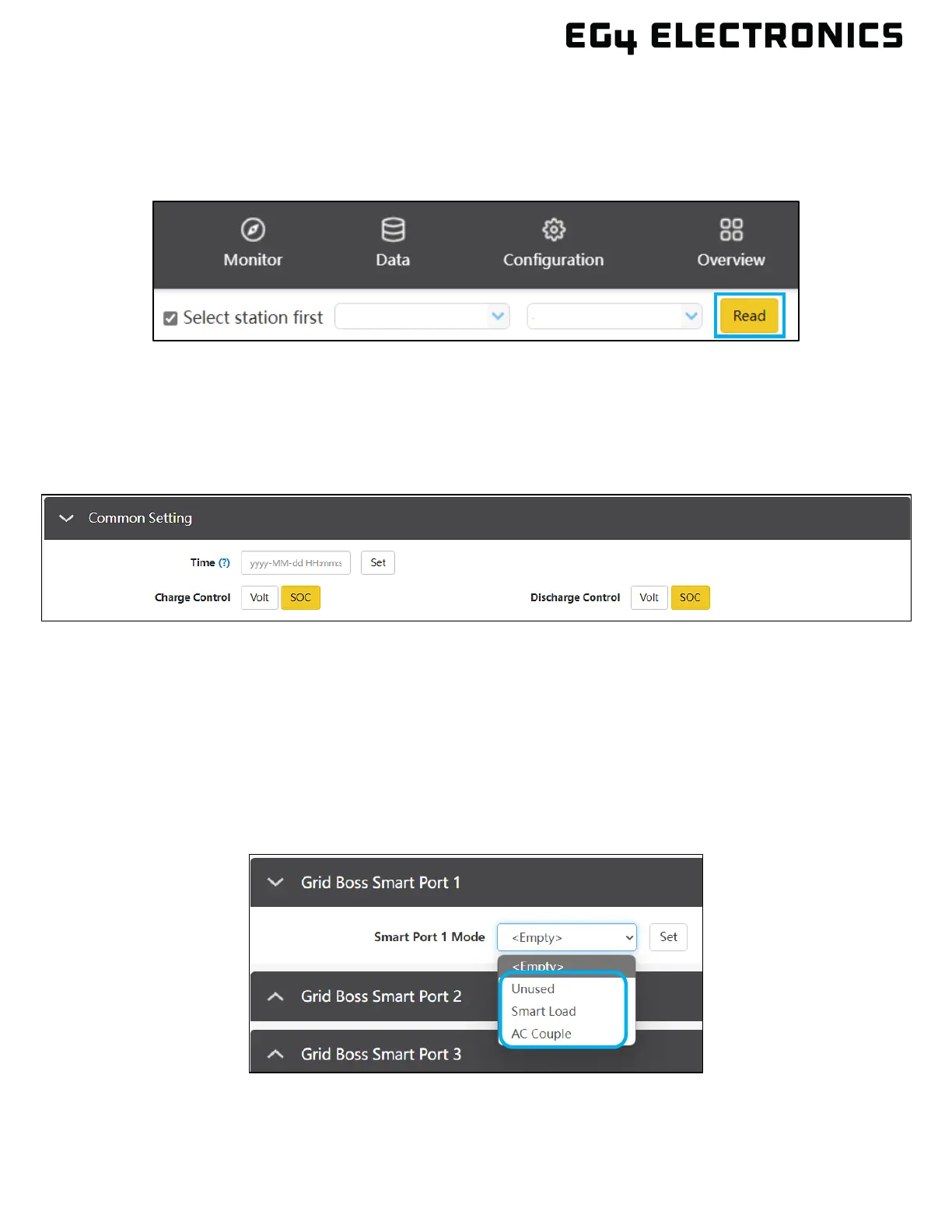
This section describes the settings for each area within GridBOSS. As a best practice, always start
by selecting the “Read” button at the top of the maintenance page. This will refresh the settings page,
displaying the values currently set for each option.
COMMON SETTING
Configure the time and charge and discharge control based on voltage or SOC. It is recommended to
use SOC when using closed-loop communications with LFP batteries. Use voltage when using lead-
acid batteries or LFP batteries with the lead-acid setting.
GRIDBOSS SMART PORTS 1–4
There are a total of four smart ports (1-4) that can be configured as “Unused,” “Smart Load,” or “AC
Couple.” The default is “Unused”. Before changing the port setting, press the “Read” button at the top of
the page to display the currently configured settings. After reading the data, the Smart Port Mode will be
changed from “<Empty>” to its current setting.
Select the desired working mode from the drop-down menu. Press the “Set” button to save the change.
The smart port will display the proper setting parameters for the selected port mode.



 To Next Page