11. TROUBLESHOOTING
11.1 FRONT PANEL LEDS
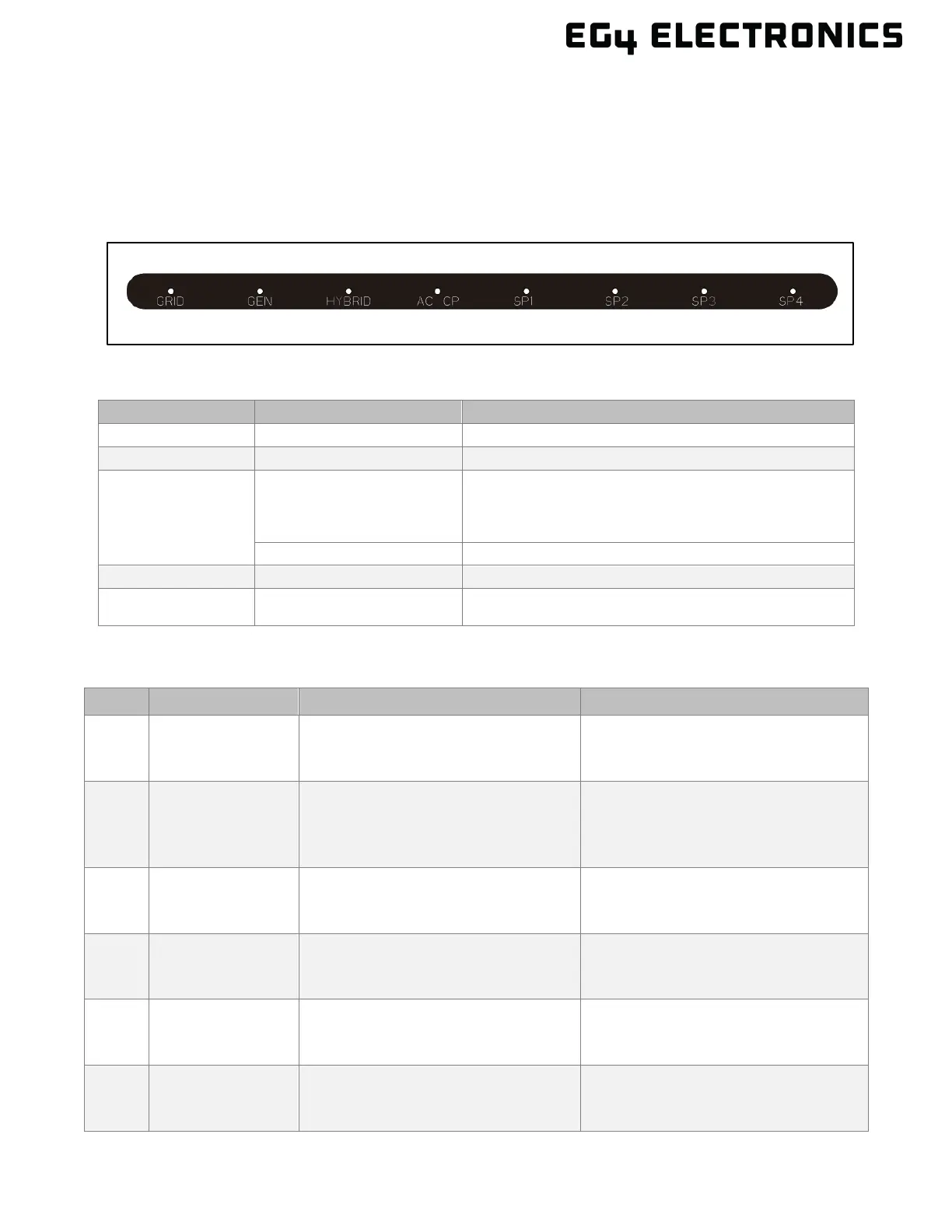
The front panel LEDs represent the working status for each port or group of ports. An individual port
operating normally will have a solid green LED. If there is a fault, the port with the fault will have a
flashing green LED. When a firmware update occurs, all the port LEDs flash with a green LED.
LED Fault Indicators:
PORT LED STATUS
GRID Blink every 100 ms Load overcurrent
HYBRID
Blink every 100 ms
Parallel RSD alarm is triggered
The inverter is running old firmware
The inverter stops outputting
Blink every 500 ms CAN communication cable is disconnected
AC CP Blink every 100 ms AC coupled port cannot be closed
SP1 – SP4 Blink every 100 ms
Smart port overcurrent
Smart port 4 trigger NEC PCS protection
11.2 ERROR CODES
CODE INFO DESCRIPTION RECOMMENDATION
E004
Inverter
Firmware
Mismatch
The inverter is running an older
firmware that is not compatible
with the GridBOSS.
Update the inverter FW to a version
supported by the GridBOSS.
E005 NEC Protection
The current is more than 80% of
the maximum current value
supported by the busbar.
Verify that the total system load is
less than 80% of the maximum
busbar limit setting. Reduce system
load to under 80%.
E006 Grid OCP
Grid port has overcurrent
protection
Verify the grid port load does not
exceed 220A for more than 1
E007 NBC Load OCP
Non-backup Load port has
overcurrent protection
Verify the non-backup port load
does not exceed 220A for more
than 1 minute.
E008 GEN OCP
The generator port has
overcurrent protection
Verify the generator port does not
exceed 137.5A for more than 1
minute.
E009 BC Load OCP
Backup Load port has overcurrent
protection
Verify the backup load port does
not exceed 220A for more than 1
minute.



 To Next Page