9
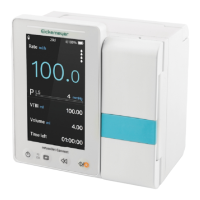
USER MANUAL INFUSOVET CONNECT INFUSION PUMP
T +49 7461 96 580 0 | F +49 7461 96 580 90 | export@eickemeyer.com | www.eickemeyer.com
• If the equipment suffered from dropping or impacting, please immediately stop using it, and contact our after
sale service department, because the inside components of the equipment may be possibly damaged even the
appearance is not damaged and abnormality is not occurred when working.
• It is recommended to use the accessories specifi ed in this manual to ensure animal safety.
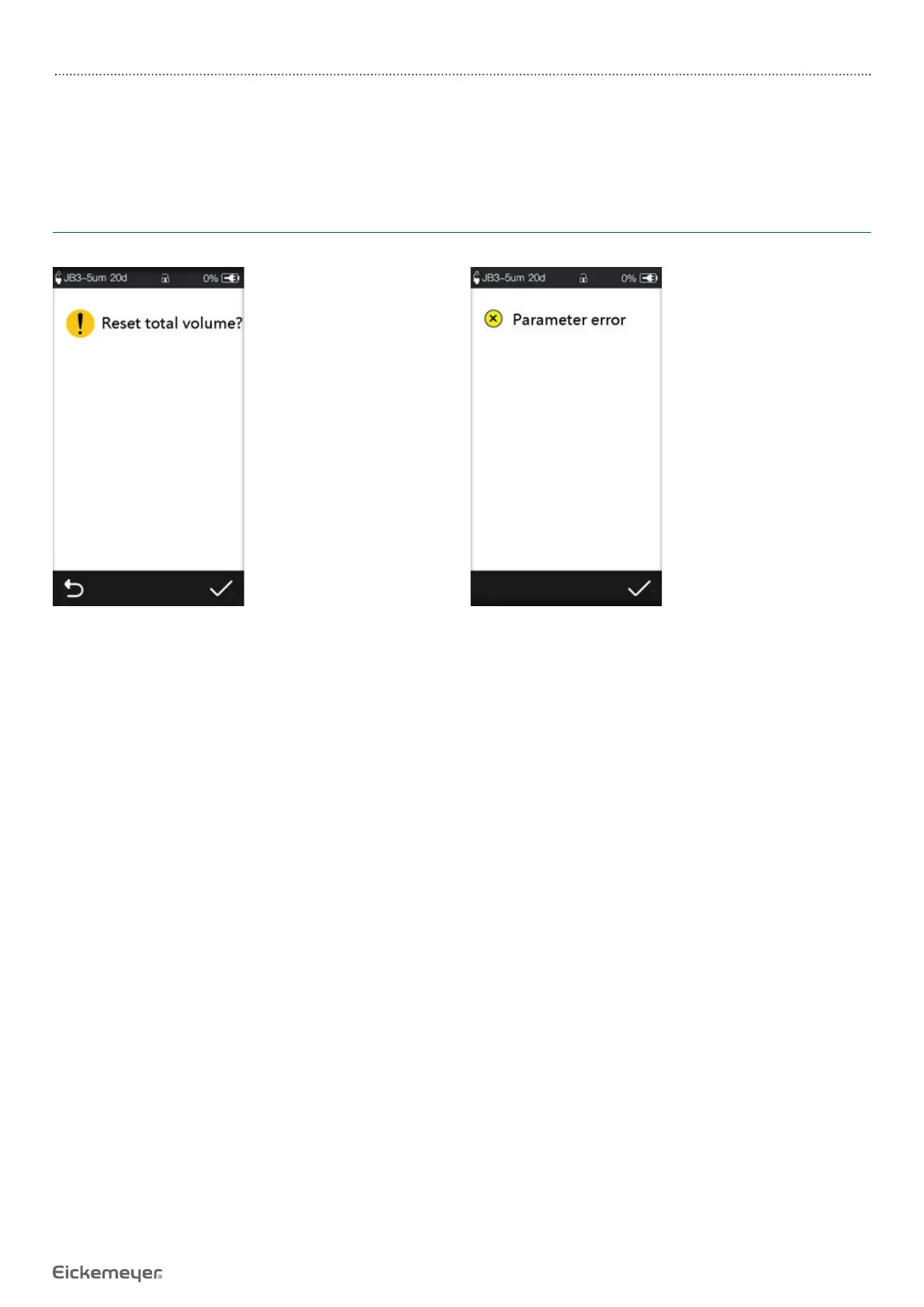
1.3 Dialogue Window
Dialogue window mainly content include operation select, operation confi rm etc. tips information. For instance:
Figure 1.3-1 Operation select information Figure 1.3-2 Parameter error reminder


 To Next Page
 Loading...