E L A N H O M E S Y S T E M S
INSTALLATION MANUAL
© ELAN Home Systems 2009 • All rights reserved. Page 15
S86A
Table 2-1 displays the ELAN pre-wiring recommendations for connections to the S86A
Item Description
VIA! Touch Panels Cat-5 network cable
16-18 AWG 2 conductor wire (On runs greater than 100 feet) RG-6 or RG-59 Coaxial cable
Olé Film Interactive
Touchpads
Cat-5 network cable
ELAN Keypads Cat-5 network cable
IR Receivers Cat-5 network cable
Volume Controls Cat-5 network cable
16-18 AWG 2 conductor wire
Use stranded, twisted pair speaker wire between amplifiers and volume controls, and between
volume controls and speakers.
Use Cat-5 to power electronic volume controls and for volume control override when used with
a C2 Communications Controller.
Speakers 16-18 AWG speaker wire
Use stranded, twisted pair speaker wire between amplifiers and
speakers.
Remotely Located Sources Cat-5
RG6 or RG59 coax (if necessary) Remotely located sources connect to the S86A using an
ELAN RSWP Remote Source Wall Plate Kit with Cat-5.
C2 Communications
Controller
Cat-5
18 AWG
When using an ELAN C2 Communications Controller, run Cat-5 for telephones and door sta-
tions. See the C2 Installation Manual for details.
Serial Devices
Cat-5 or Serial Cable
Run Cat-5 or serial cables between RS-232 controllers and the S86A.
Sense Inputs Cat-5 (3 conductors used)
Use Cat-5 to extend sensor leads, if necessary.
System Video RG-6 coax for RF or base-band video.
RG-59 coax for base-band video only.
Use coaxial cable to distribute video to TVs and VIA! Touch Panels throughout the house.
System Audio RCA Interconnect Cables
Table 2-1: ELAN Pre-Wiring Recommendations
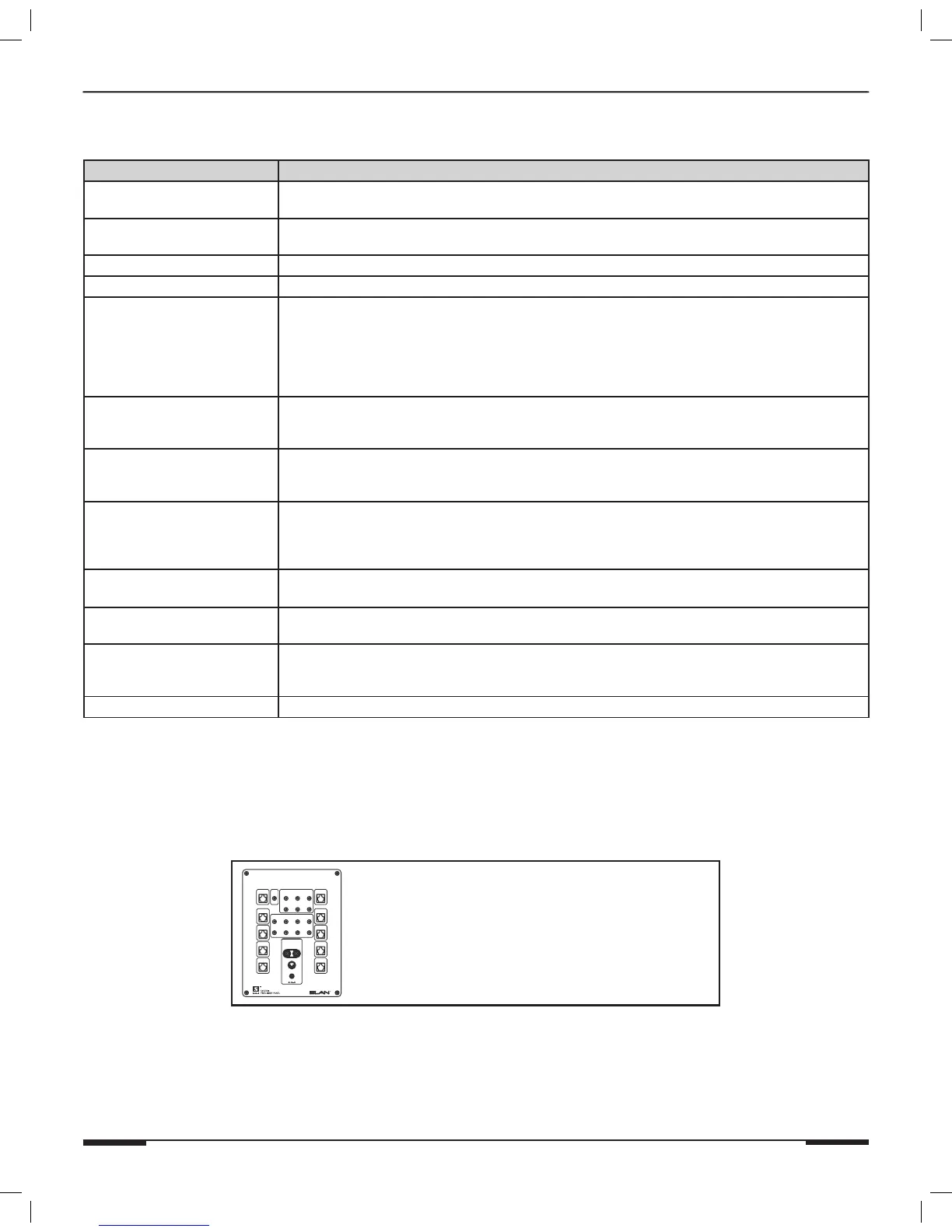
ELAN Precision Panels save
time and make sense out
of complex wiring jobs!
+
--
VIA!NET
16VDC / 10A
16VDC / 4A
16VDC/1.5A
1
ZONE
2
ZONE
3
ZONE
4
ZONE
SS/SC4
5
ZONE
6
ZONE
7
ZONE
8
ZONE
TO SENSE INPUTSEXT IR
1 2 3
USE STEREO 3.5mm PLUGS ONLY
4 5
6
1
TRIGGERS
2 3 4
5 6 7 8
POWER



 To Next Page