E L A N H O M E S Y S T E M S
INSTALLATION MANUAL
Page 70 © ELAN Home Systems 2009 • All rights reserved.
S86A
Appendix B: Programming
While the S86A Multi-Room Controller is designed to work right out of the box, VIA!TOOLS 8.0 & higher or
ELANTOOLS Setup Software provides customized functionality for the specific environment for which it is being
configured. Variables can be set for:
• IR Routing
• Trigger Output Functionality
• Page/DB Volume
• Page/DB Enable/Disable
• WHM/DND Enable/Disable
• Zone Turn On Volume
• Zone Bass/Treble/Loudness
• Source Input Levels
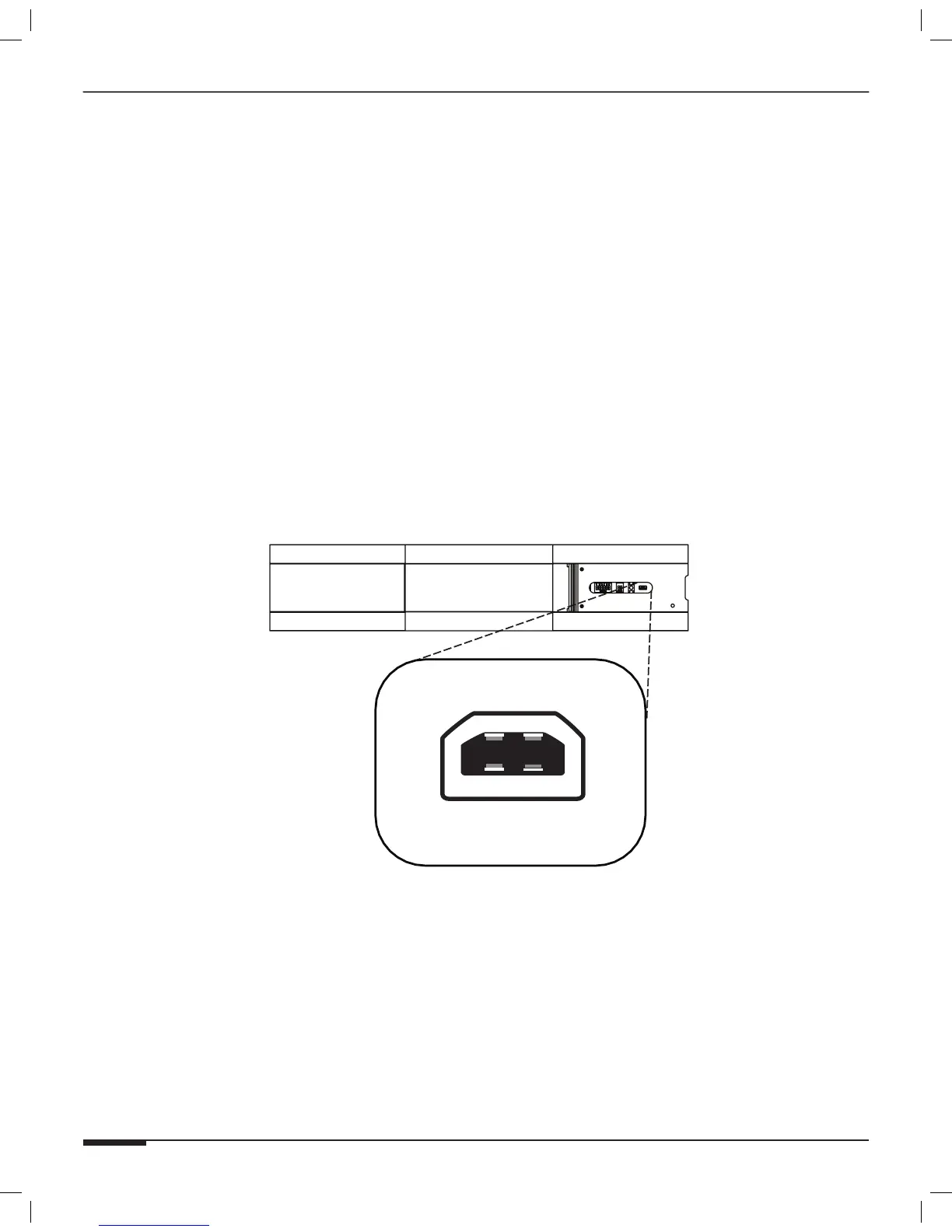
In order to download information into the S86A Controller, pull out on the Access Door from the right side of the
S86A Front Panel. From a computer running Windows XP or Vista connect a standard USB A to USB Mini B cable
to the USB Download port on the front of the S86A.
Note: Consult VIA!TOOLS or ELANTOOLS HELP file for specific programming steps.
Note: Once programming steps are completed, remove power for the S86A, the reapply
power in order to reboot the unit.
Figure B-1: USB Download Port



 To Next Page