43
43EN
EPIR3 User Manual v1.3
3. After the system is successfully armed, it will reply with conrmation by SMS message to User 1 phone num-
ber (by default).
EPIR3
SMS
User
75
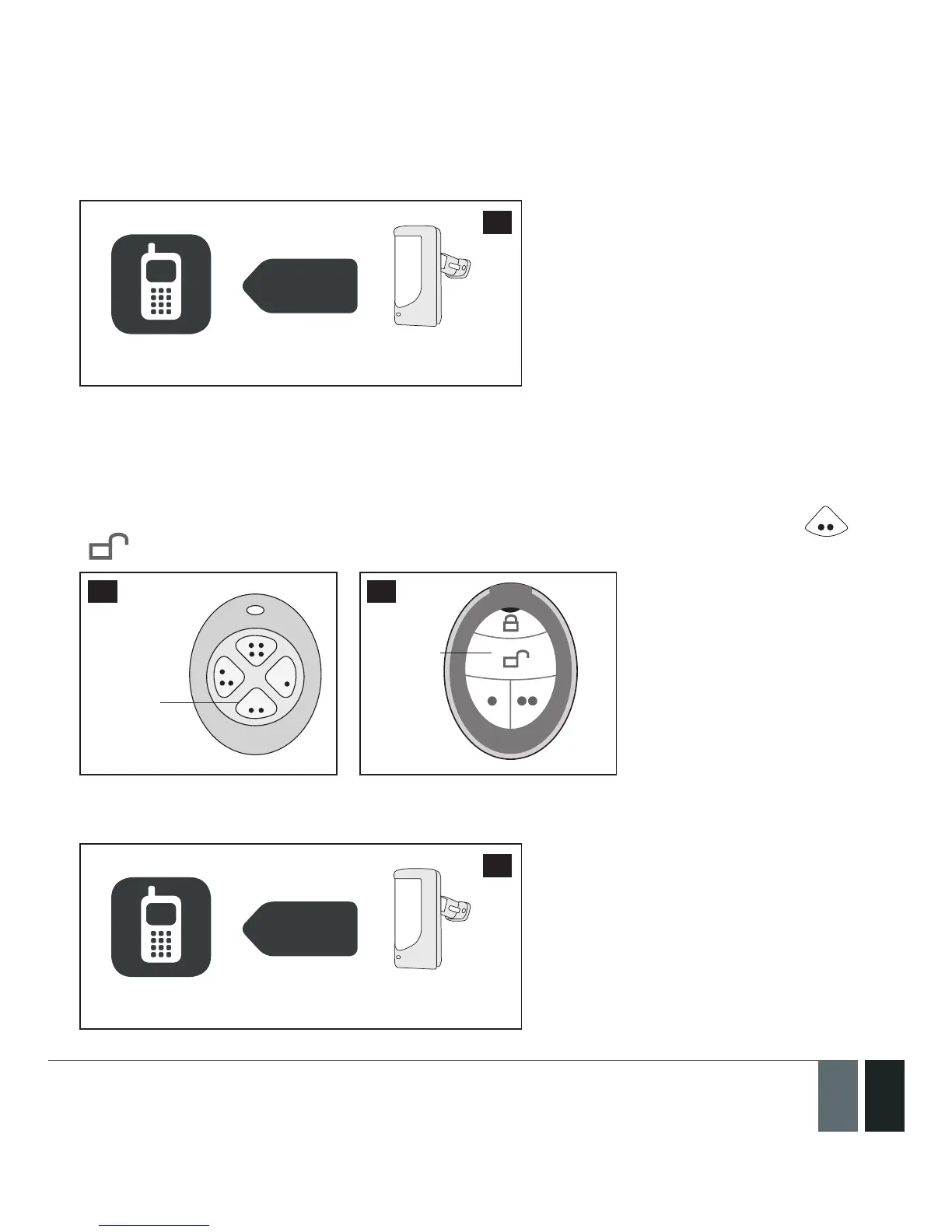
3.4.2. How to disarm & turn o alarm by EWK1 or EWK2
1. The system will initiate the entry delay countdown (by default – 15 seconds) after the user has entered the
secured area. Entry delay countdown is intended for user to disarm the system before the alarm is caused.
2. To disarm the system, press 1 of 4 keyfob buttons set to disarm the system (by default, EWK1 - ; EWK2
- ).
Disarm
the
system
76 77
Disarm
the
system
3. After the system is successfully disarmed, it will reply with conrmation by SMS message to User 1 phone
number (by default).
EPIR3
SMS
User
78



 To Next Page