7
7EN
EPIR3 User Manual v1.3
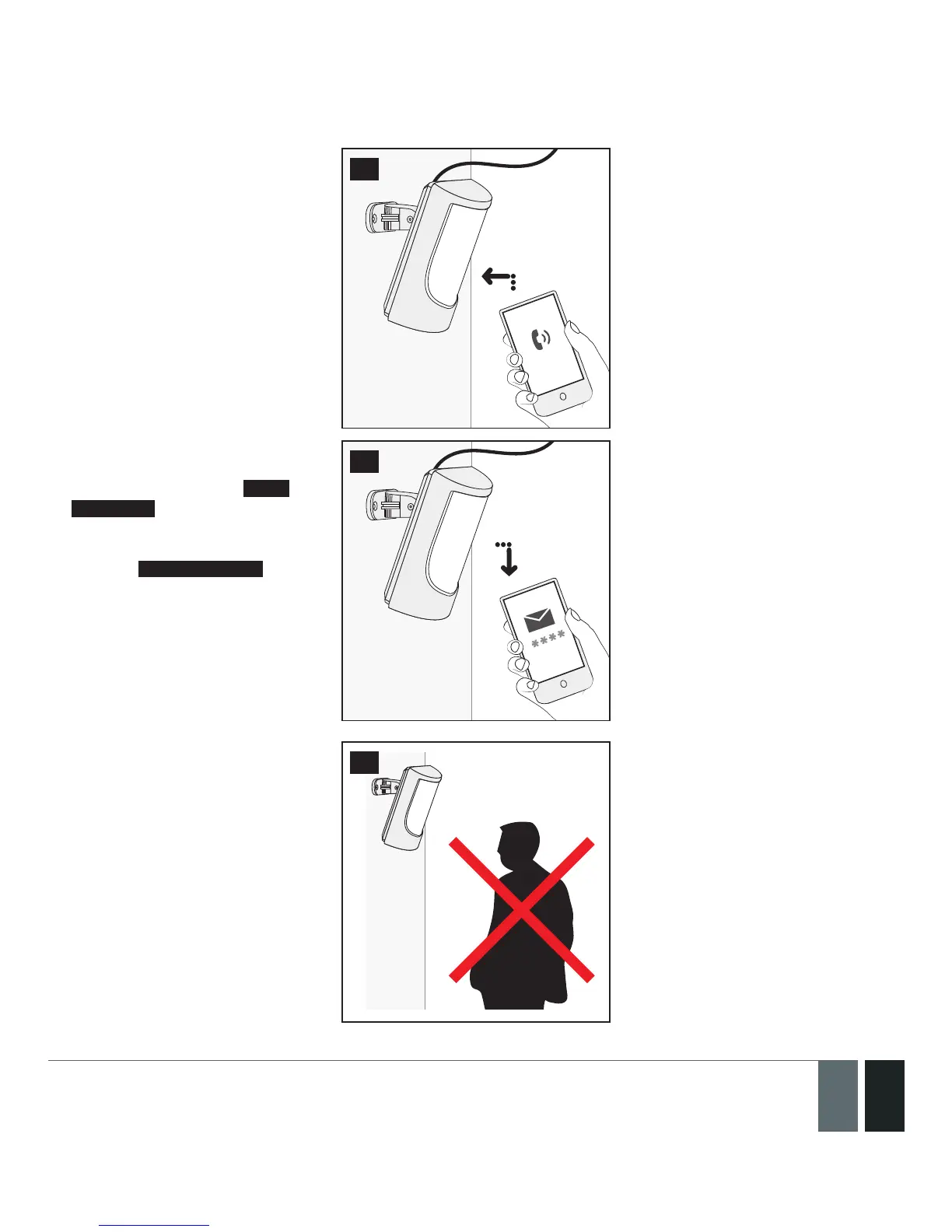
4. Wait for 1 minute for the device
to start up. Then using your
mobile phone dial the phone
number of the SIM card inserted
in the device and wait until
the phone call is automatically
rejected by the device. The
device will reply you with SMS
text message conrming that
your phone number has been
successfully stored in the device
memory
9
5. Using your mobile phone type
an SMS text message contain-
ing the following text: 0000
PSW XXXX (replace XXXX with
any 4-digit combination).. The
result should look something
like this: 0000 PSW 2583. Now
send this SMS text message to
your device’s phone number and
wait for a reply conrming that
the SMS password has been
successfully changed.
10
6. Your system is now ready to be
armed and disarmed. Before
arming the system, ensure that
you are not standing in front of
the device.



 To Next Page