99
99EN
EPIR3 User Manual v1.3
the SMS delivery report or not. Once enabled, the system will attempt to send the SMS text message to every
preset user phone number that is enabled to receive a certain event from the system by SMS text message.
In addition, this parameter overrides the SMS delivery report parameter regardless of the SMS delivery report
parameter’s status (enabled/disabled).
• SMS delivery report - This parameter determines whether to request SMS delivery report or not. Once
disabled, the system will not verify the status of the SMS text message delivery and will attempt to deliver
the SMS text message only to the rst preset user phone number regardless if the next preset user phone
number (-s) is enabled to receive a certain event by SMS text message or not.
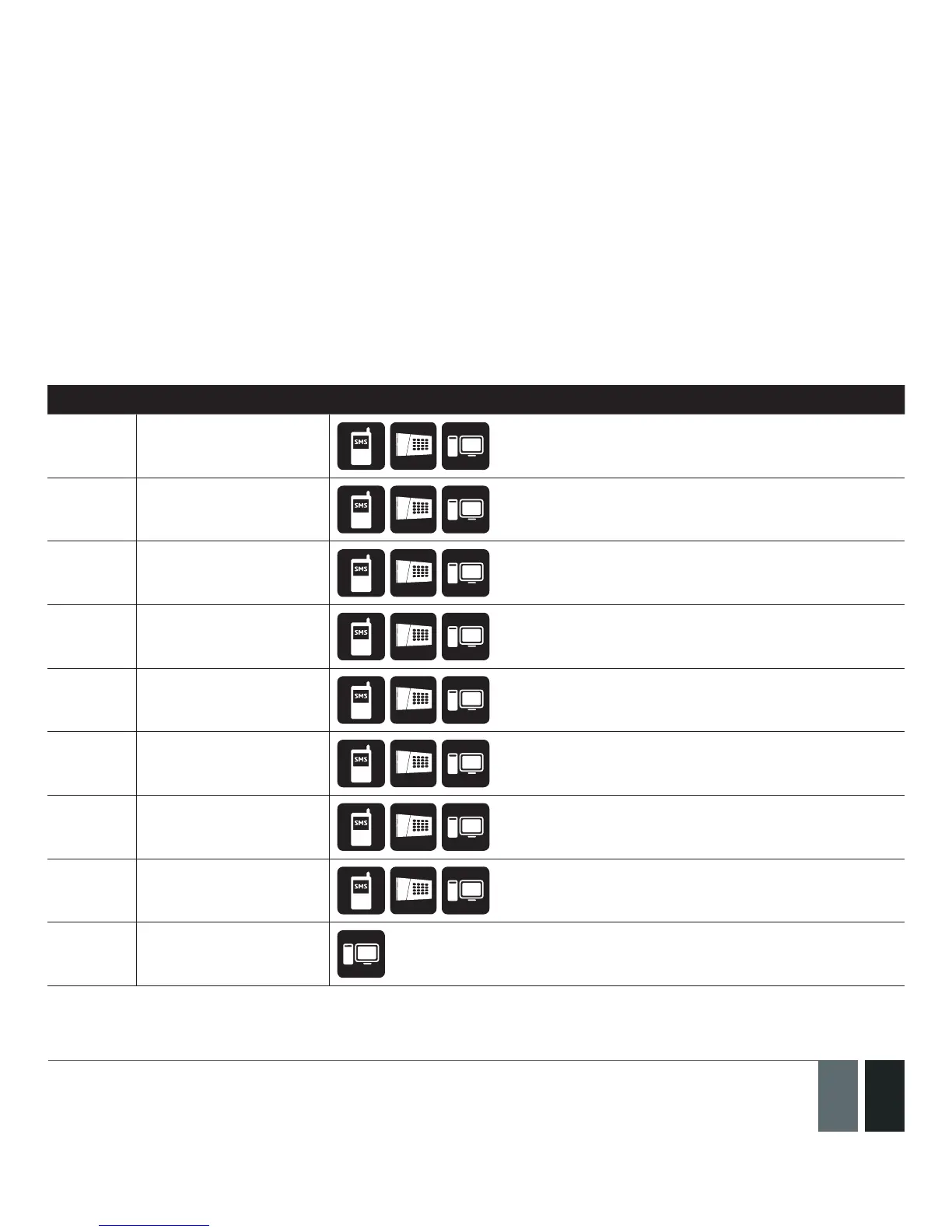
The following table provides the description of system notications by SMS text message sent to the user phone
number.
Seq. No. Event Description
1 Tamper alarm
SMS text message sent to the user in case of
tamper violation. Indicated as Tamper x.
2 Zone alarm
SMS text message sent to the user in case of zone
alarm occurrence.
3 Mains power loss
SMS text message sent to the user in case the
mains power supply is lost.
4 Mains power restore
SMS text message sent to the user in case the
mains power supply is restored.
5 Periodical info
Info SMS text message sent to the user
periodically by the set values.
6 System armed
SMS text message sent to the user regarding
armed system.
7 System disarmed
SMS text message sent to the user about
disarmed system.
8 System started
SMS text message sent to the user on system
startup.
9 Low battery SMS text message sent to the user in case the
back-up battery runs below 8V.



 To Next Page