Handling in Operation
© Elma Schmidbauer GmbH BA_Elmasteam_8_Vers.07.2016
7.4.3 Selecting strong
INFORMATION
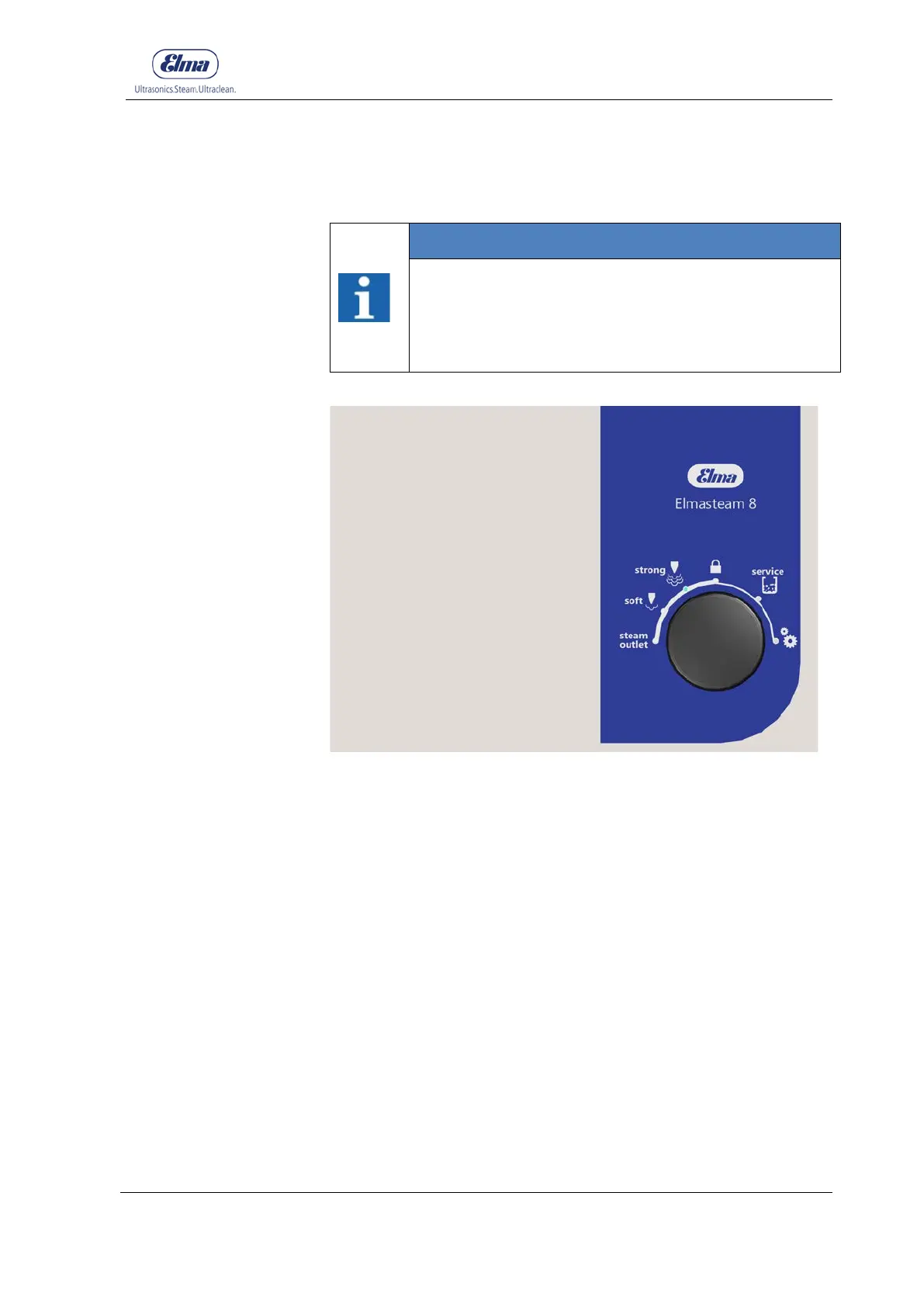
The selected programme lights up as blue on the
display segment (point).
The setting for the steam range strong is pre-set at
the factory and can be amended in the programme
settings (Chapter 7.4.6 Settings).
Figure 7.4.3: Programme selection, strong
For use in the steam range of 6 - 8 bar (adjustable in 0.5 bar
increments).
1. Set the rotary knob to
strong
.
2. Press the rotary knob to confirm.
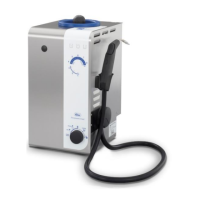
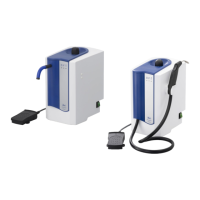
3. Utilise the steam via the fixed nozzle or the handpiece.
4. Please observe the Chapter 7.1 Working with the
handpiece or the Chapter 7.2 Working with the fixed
nozzle.



 To Next Page