28
SETTINGS [SECOND LAYER]
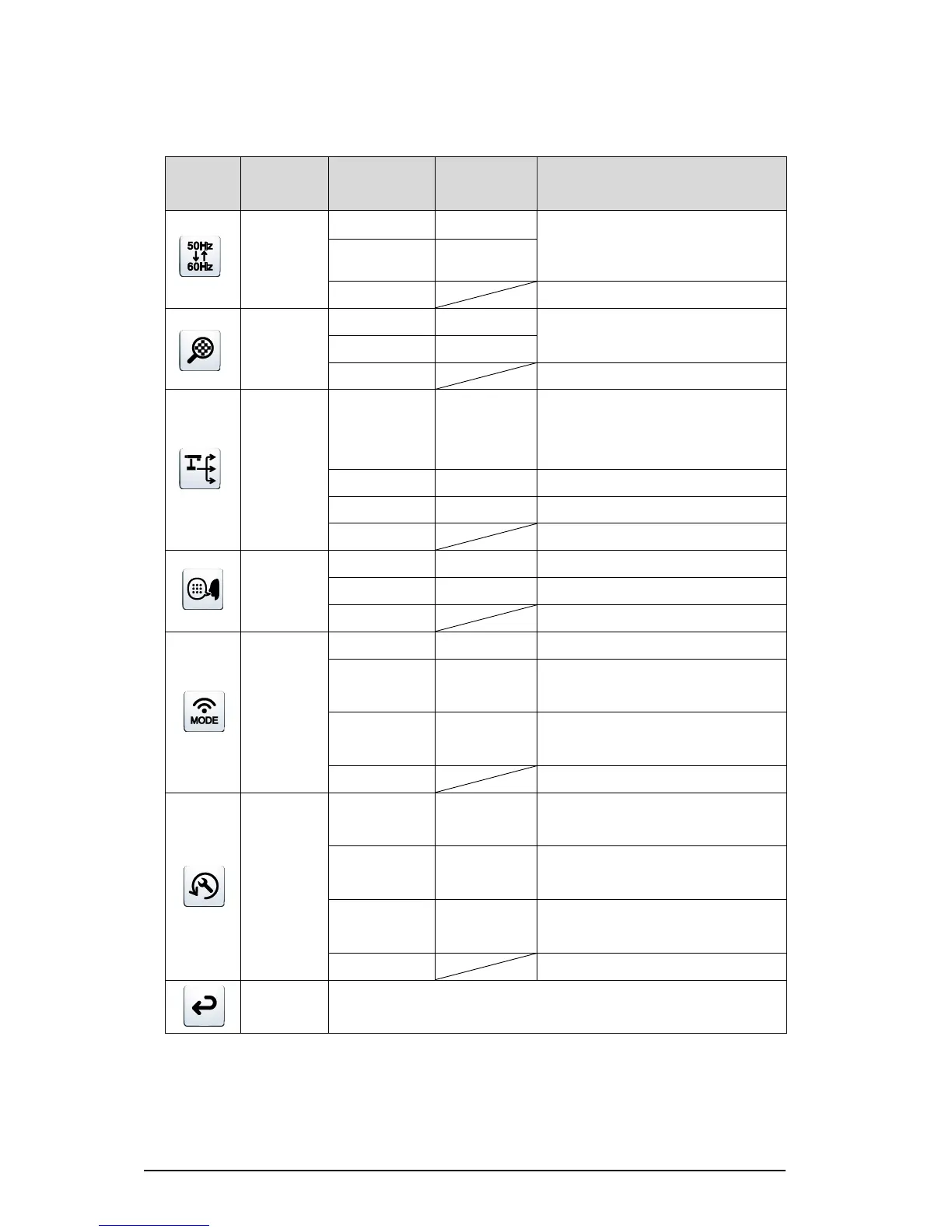
To reduce fluorescent light flickering
due to the power supply frequency.
Select the same value as used for the
power supply frequency.
To ON/OFF the digital zoom.
To automatically change the output
destination (prioritizing HDMI over
RGB).
To set the output destination to HDMI.
To set the output destination to RGB.
To display the menu in English.
To display the menu in Japanese.
To disable the network connection.
To connect to the network in the Access
Point mode.
To connect to the network in the Station
mode.
To reset the settings other than network
settings to factory defaults.
To reset the network settings to factory
defaults.
To reset all the settings to factory
defaults.
To go back one layer in the menu.



 To Next Page