103
Selecting a Design After Opening the Edit
Window
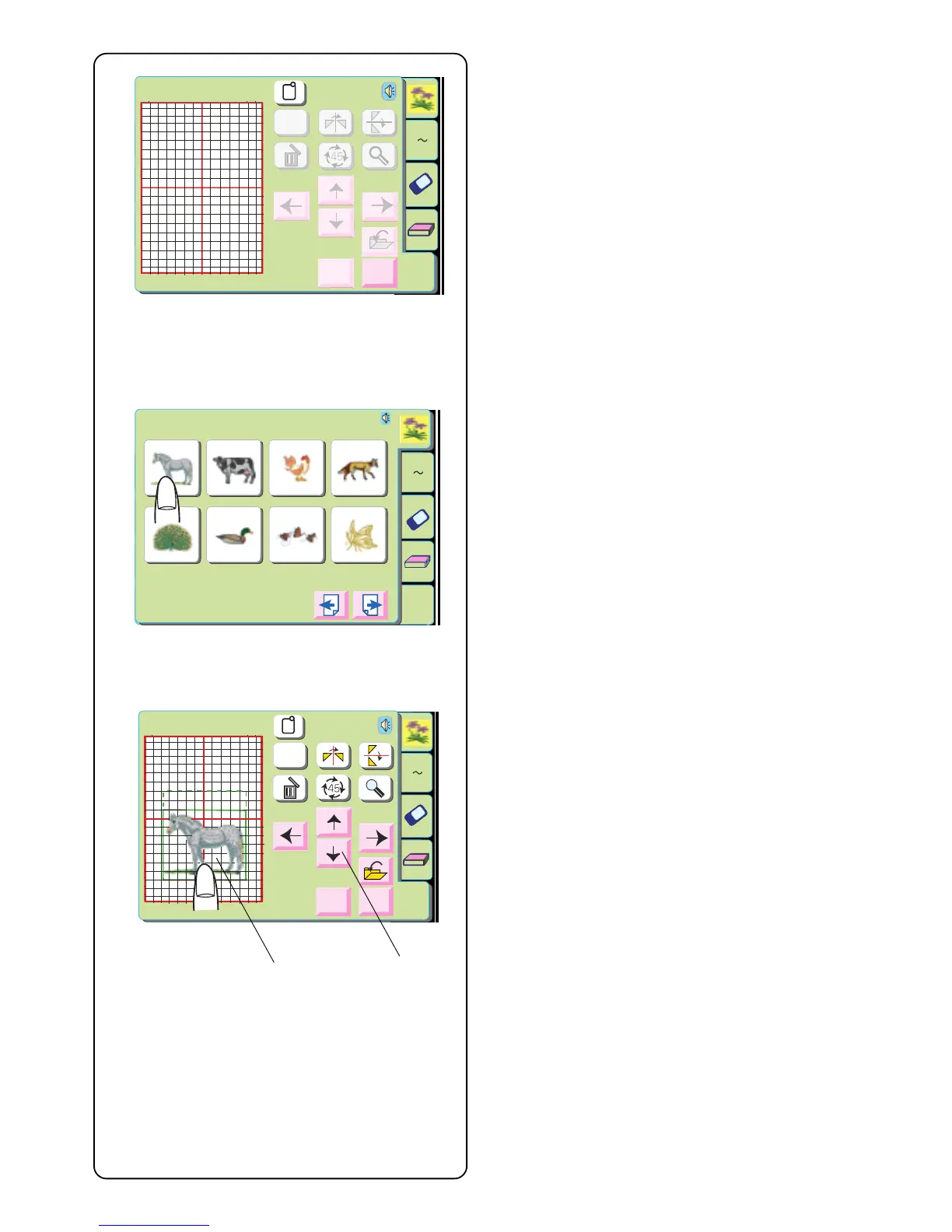
Touch “Built-In Designs”, “Alphabets”, or “PC Designs”
key.
Select a design.
The design will appear in the edit window with an outline
surrounding it.
Moving a Design
q Touch the design on the screen and drag it to the
new location with your fingertip. NEVER drag it with
a sharp pointed object.
OR
w Move Design keys
Use these keys to move the design to a new
position. The carriage will not move (like it does with
the jog keys) but instead the design moves relative
to the hoop and not the machine.
Edit
B: 140x200mm
Size
A Z
Edit
Cancel
OK
A Z
Edit
1 2 3 4
5 6 7 8
Designs
Hoop Size A(F): 126
X
110mm
Edit
B: 140x200mm
A Z
Edit
Cancel
Size
OK
q
w



 To Next Page