102
SET
Edit
B: 140x200mm
Size
A Z
Edit
SET
SET
Cancel
OK
SET
SET
SET
?
Edit Window
Modify and combine designs to create your unique
interpretation of them.
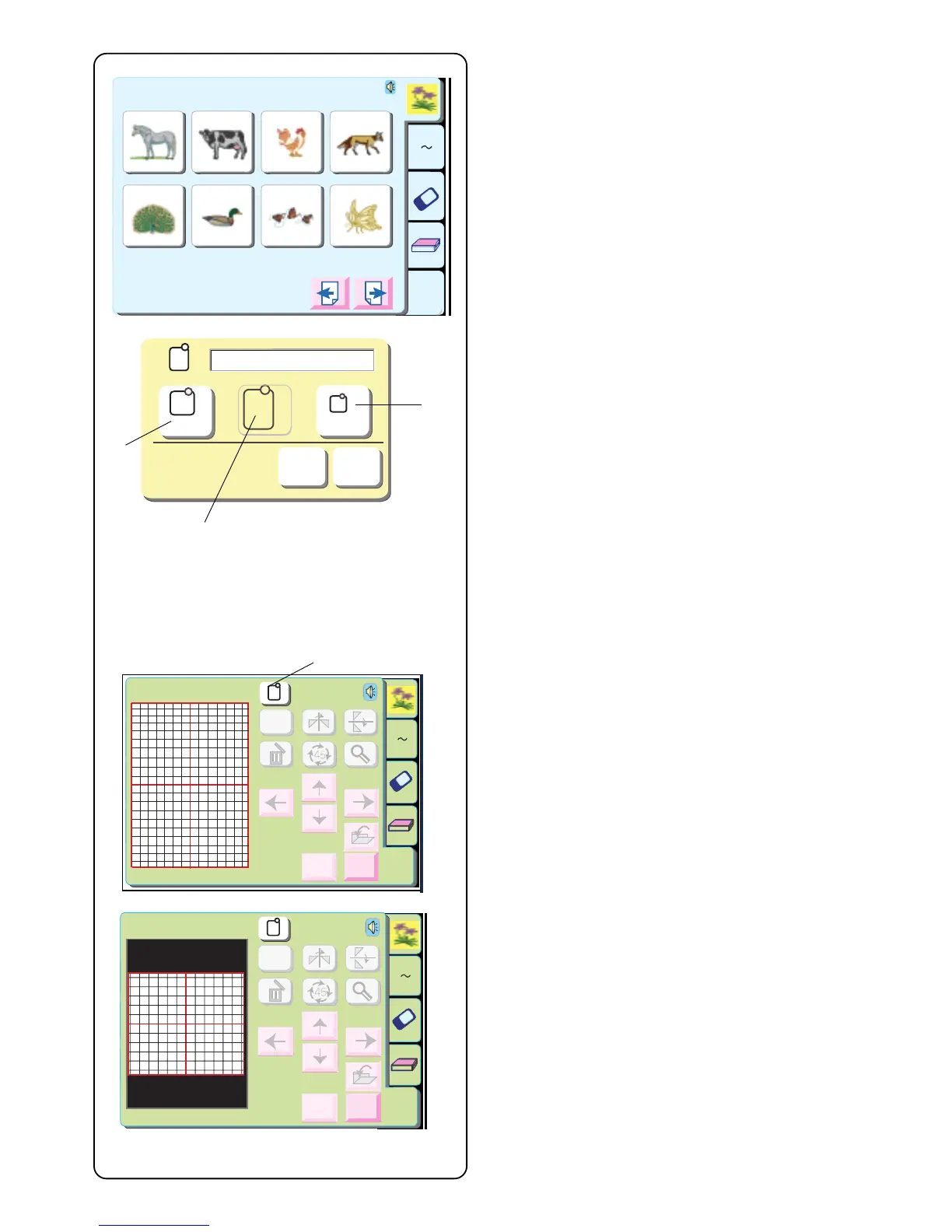
Touch the “Edit” key.
The hoop selection window opens. Select one of these
hoops by touching its corresponding key.
q Standard Hoop A or Optional Hoop F –
126 mm x 110 mm (5˝ x 4 3/8˝)
w Large Hoop B – 140 mm x 200 mm (5 1/2˝ x 8˝)
e Optional Free Arm Hoop C – 50 mm x 50 mm (2˝ x
2˝)
Touch “OK” key to open the selected hoop edit window.
NOTE: If you touch the “Cancel” key, the large hoop B
edit window will open because large hoop B is the
default hoop.
NOTE: If you select a design before opening the edit
window, touch the “Hoop Selection” key r and use
same method as described above.
Large hoop B edit window
C
A(F)
Cancel
OK
B: 140x200mm
C
B
A Z
Edit
1 2 3 4
5 6 7 8
Designs
Hoop Size A(F): 126
X
110 mm
q
w
e
r
Edit
Size
A Z
Edit
Cancel
OK
A(F): 126x110mm
Standard hoop A and Optional hoop F edit window



 To Next Page