104
Edit
B: 140x200mm
A Z
Edit
Cancel
Size
OK
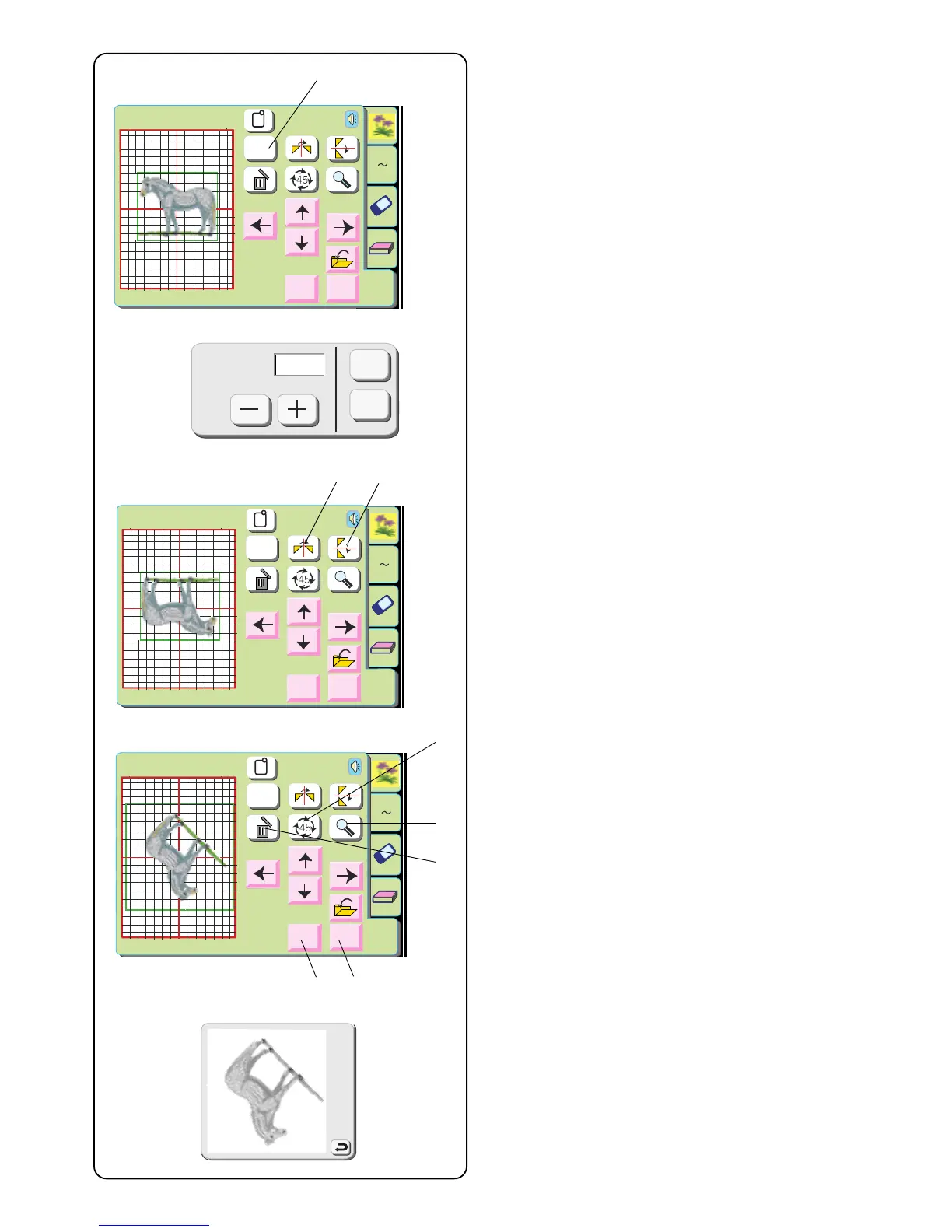
q Size key
Touch this key and the size adjustment window will
open. Design size can be changed in 10%
increments between 90% and 120% from the original
size.
Edit
B: 140x200mm
A Z
Edit
Cancel
Size
OK
Size
OK
Cancel
100%
q
Edit
B: 140x200mm
A Z
Edit
Cancel
Size
OK
w
e
r
y
t
u
i
y
Touch the “–” key to decrease the design size.
Touch the “+” key to increase the design size.
Touch the “OK” key and the new size of design will
appear in the edit window. (If you touch the “Cancel”
key, size window closes and design remains at
original size.)
w Mirror Image key
Touch this key to flip the design from left to right.
e Face to Face key
Touch this key to flip the design from top to bottom.
r Rotate key
Touch this key to rotate the design 45 degrees
clockwise.
t Delete key
The design that is surrounded by the outline will be
deleted.
y Magnifier key
Touch this key to view the design in a larger image.
Touch “Return” key to close window.
u OK key
All designs are grouped together and the ready to
sew window opens.
i Cancel key
Touch this key and all designs in the edit window will
be deleted and edit mode is deactivated.


 To Next Page