17
A Z
Straight Stitch
4
5 6
7 8 9
10
11 12
A
Auto
Adjust
3
1
SET
SET
SET
?
23
2 3
2 3
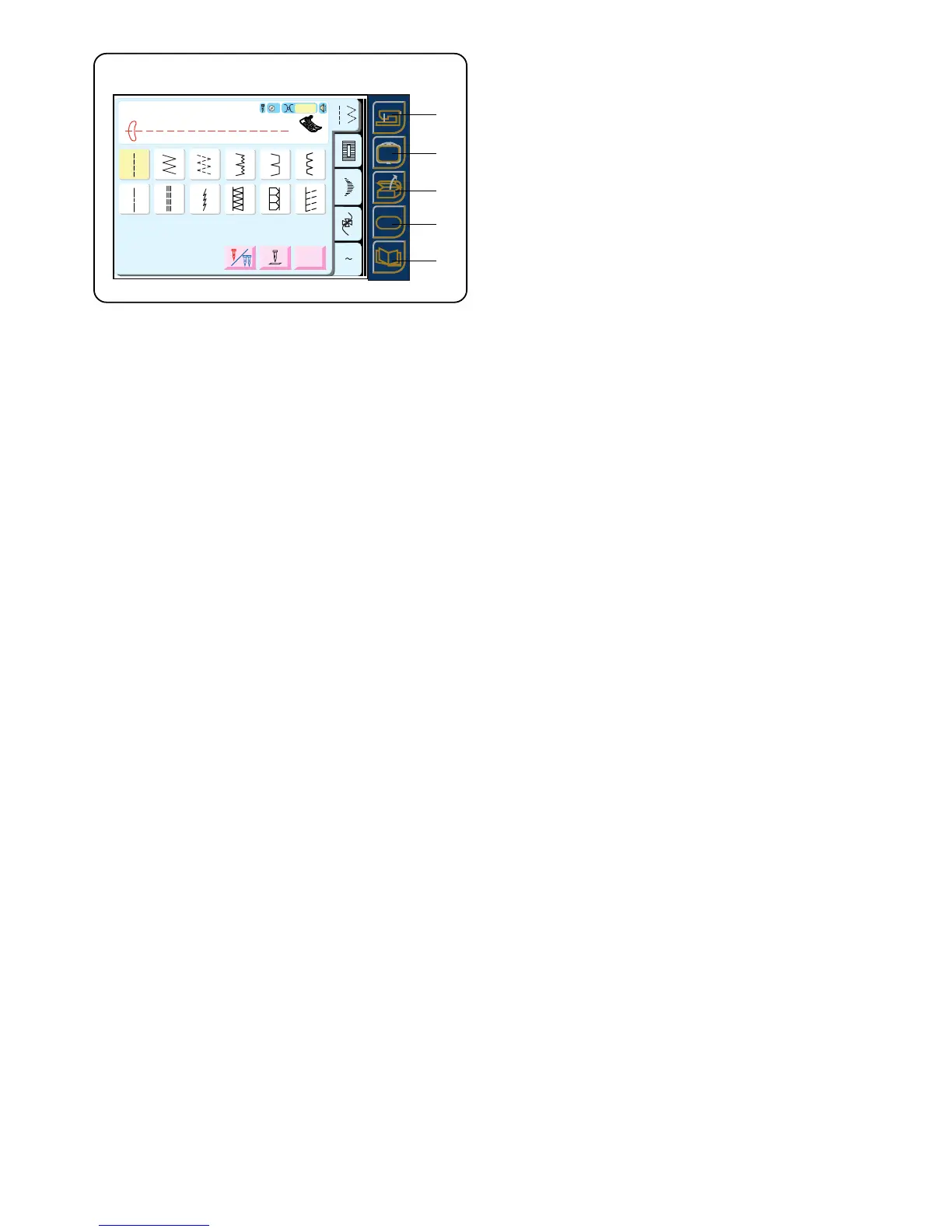
Operation Keys
q Traditional Sewing Key
Press this key to switch from embroidery sewing to
traditional sewing.
w Embroidery Sewing Key
Press this key to switch from traditional sewing to
embroidery sewing.
e Open File Key
Press this key to open files containing saved
sequences in traditional sewing or saved design
layouts in embroidery sewing. See pages 74 and
109.
r Set Preference Key
Press this key to access the machine settings for
screen contrast, sound volume, eco mode, inch/mm,
language, adjust key positions, free arm length and
to reset all settings to default.
Other machine settings that pertain only to
embroidery sewing are: maximum sewing speed,
sewing light, thread selection, format.
t Information Key
Press this key to find quick helpful tips for: fine
tuning adjustment, changing needles, inserting the
bobbin, sewing buttonholes, threading machine and
winding a bobbin.
q
w
e
r
t



 To Next Page