107
Saving a Design in a File
(Edit key must be activated)
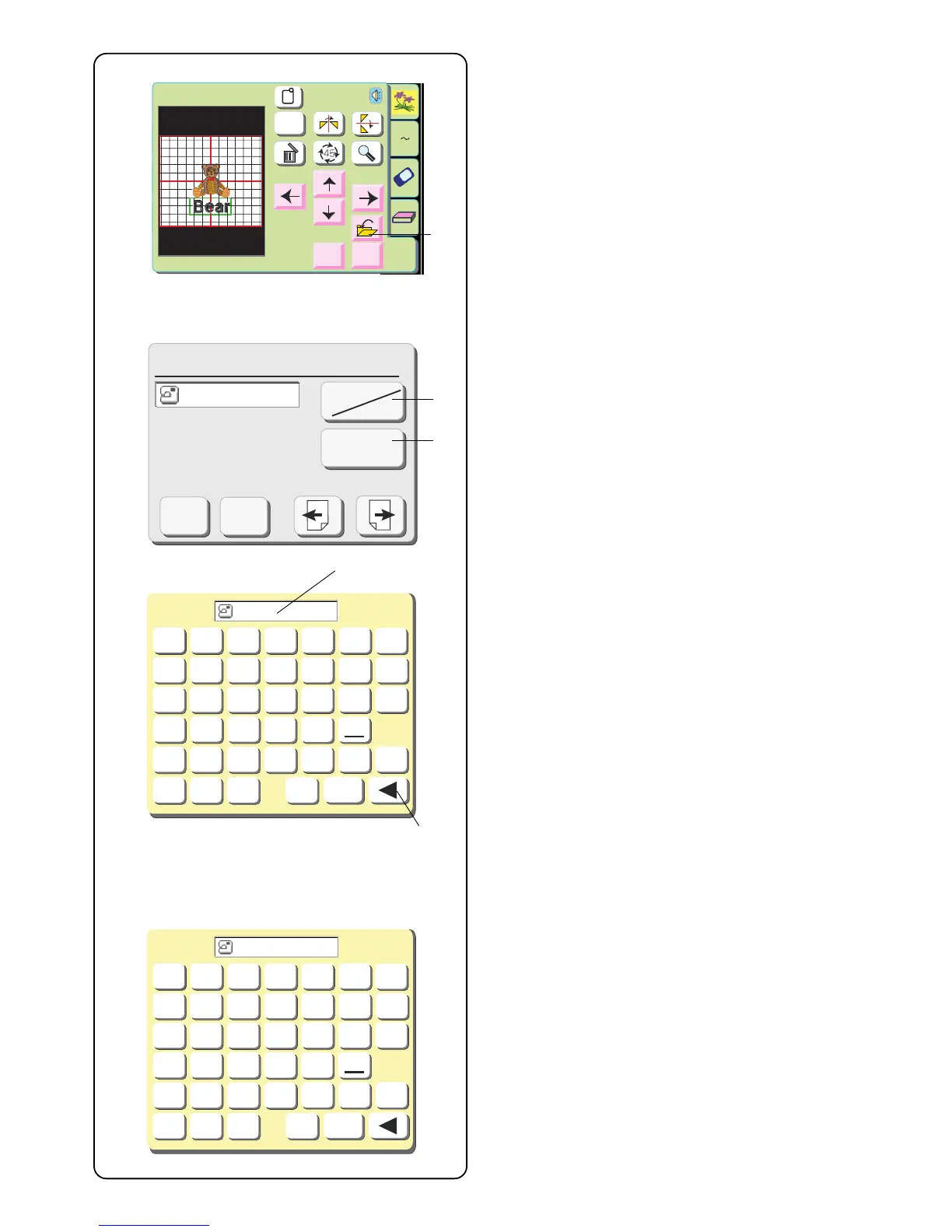
q Save File key
Touch this key if you want to save your unique
combination so it can be used in the future.
The save file window will open.
Select the location of where the file will be saved by
touching the “Built-in/Card” key w.
• Built-in: the file will be saved in the internal
memory of the machine.
• Card: the file will be saved onto the ATA PC
(Compact Flash) card.
File names are automatically assigned in numerical
order, beginning with M_001.
Touch the “File Name” key e to label the file with a
different name.
Touch the keys (up to 8 characters) that correspond to
the file name you wish to assign.
To correct the last character in the name, touch the
“Backspace” key r.
Touch the remaining keys to complete file name.
Edit
Size
A Z
Edit
Cancel
OK
A(F): 126x110mm
Cancel
Size
OK
Save File (Built-in)
M_001
Cancel
OK
Built-in
Card
File Name
Cancel
A
B
C
DEF
G
HI JKLM
N
OP QR
STU
0
1
2
7
8
9
3
456
VWX
YZ
OK
BEAK
Cancel
A
B
C
DEF
G
HI JKLM
N
OP QR
STU
0
1
2
7
8
9
3
456
VWX
YZ
OK
BEAR_1
q
w
e
r
r


 To Next Page