94
Ready to Sew Window After Embroidery Begins
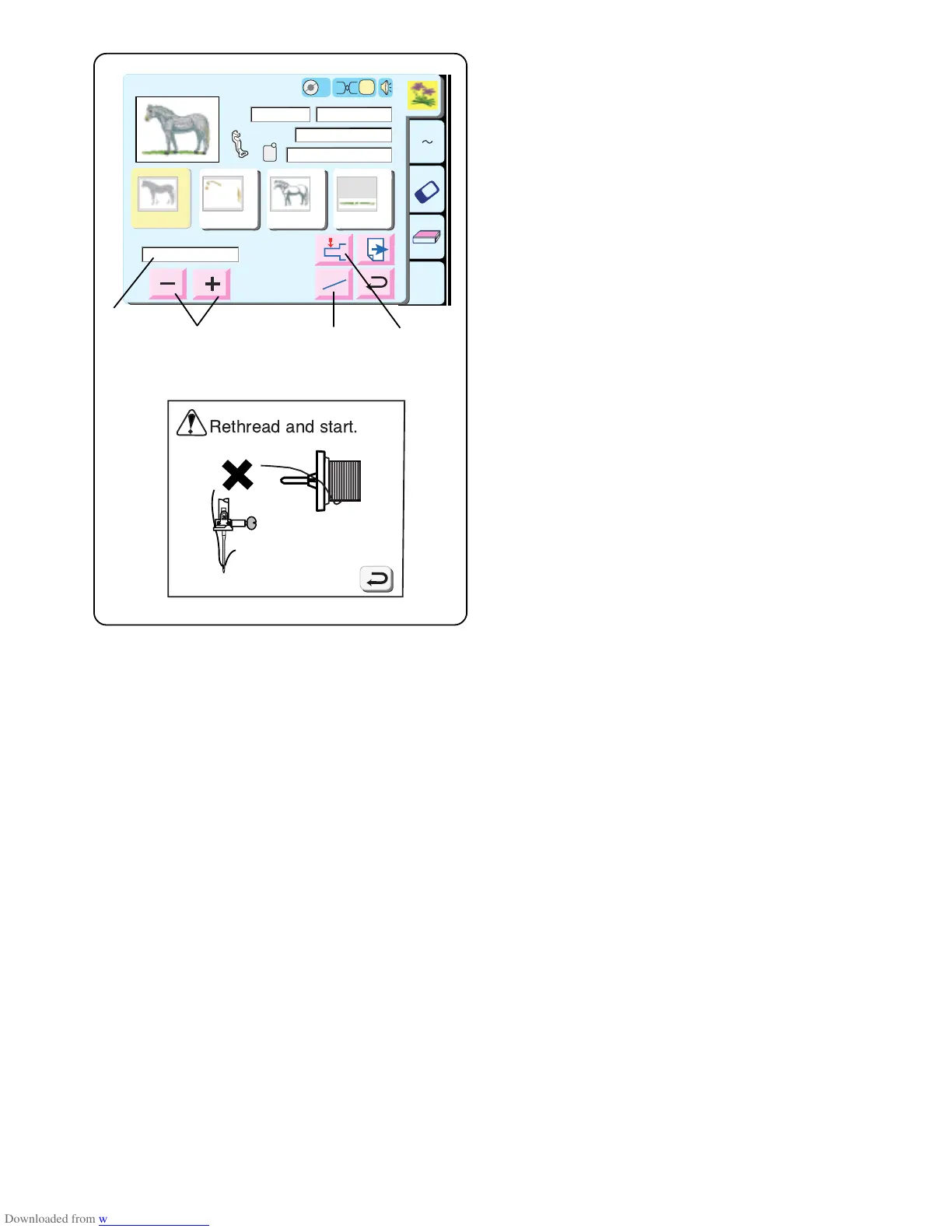
When you start to sew, the ready to sew window will
change – jog keys disappear and current stitch count q,
stitch minus/plus keys and return carriage key appear.
Thread Breaks
If the needle thread breaks, the machine will stop and
show a warning message. Touch the “Return” key.
Rethread machine.
w Stitch Minus/Plus keys
Touch the “–” key to move the hoop back to the point
before the thread break occurred. Each time you
touch the “–” key the hoop moves back 10 stitches.
Each time you touch the “+” key the hoop moves
forward 10 stitches.
e Jog/ST key
Touch this key before sewing – the jog keys
disappear and the stitch minus/plus keys appear.
r Return Carriage key
Since this is a very important key to use before
turning off your machine it appears here as well as in
the SET preferences window (see page 19).
A Z
Edit
1
2
3 4
Ready to Sew
Size
2
P
Jog
224
255
ST
2
Bamboo
Blond Beige 213 Umber 237
Jog
ST
00001 ST/N
O
A(F):126x110mm
1
2
3 4
30 min
5 Colors
109x84mm
1
Snow
White
5597
Seashell
5776
GS
Gray
5802
Green
Dust
5757
q
w
e
r



 To Next Page