71
Sewing Alphabets
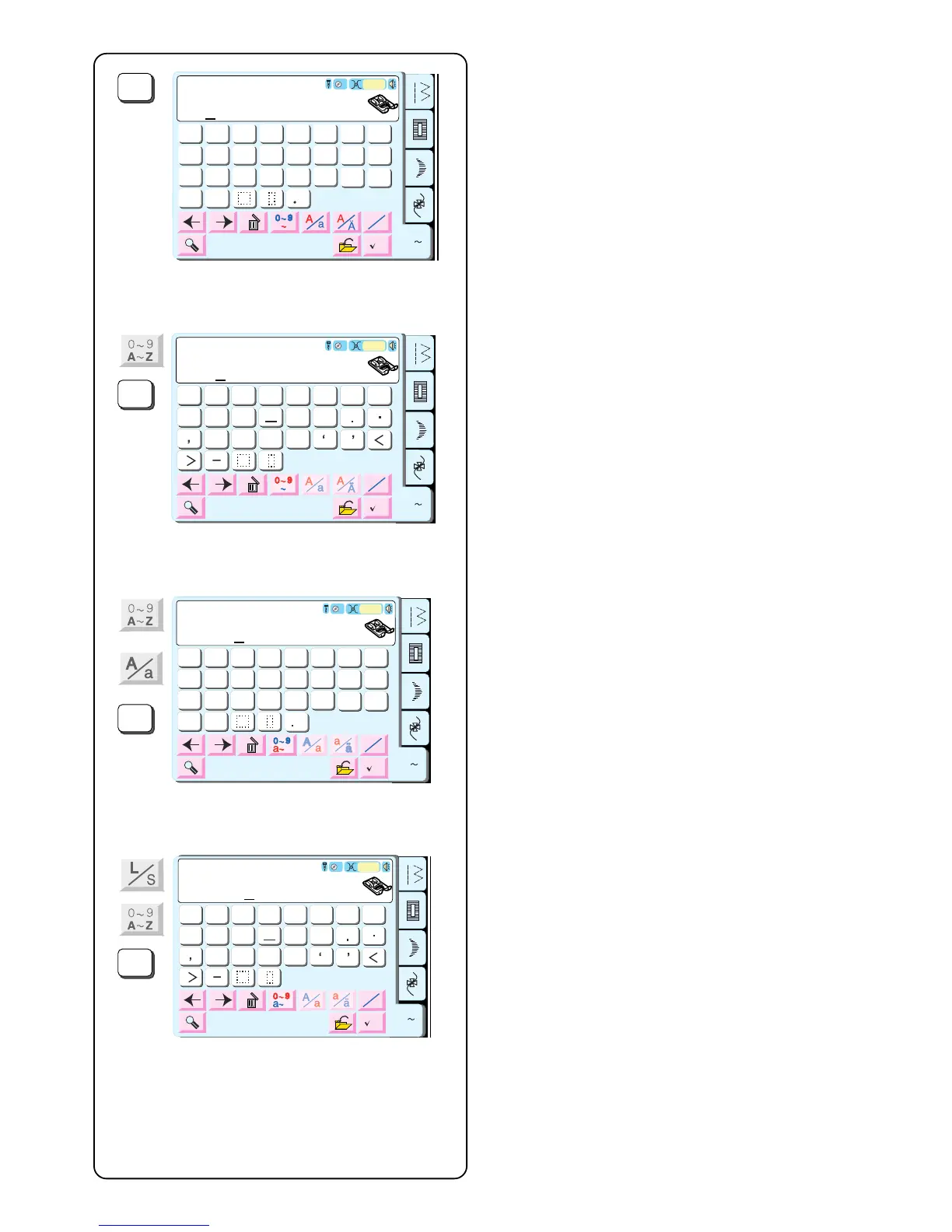
Alphabet Selection Window should be open. See page
70.
When you select a character, it is automatically
memorized into a sequence. Select “A”.
Touch the “Numbers/Punctuation” key. Select “1”.
Touch the “Numbers/Punctuation” key. Touch the “Upper/
Lower Case” key. Select “a”.
Touch the “Alphabet Size” key. Touch the “Numbers/
Punctuation” key. Select “1”.
Sew. The machine will sew the sequence and
automatically stop upon reaching the end. Cut away
connecting threads between characters.
6
7
89
0
1
2
3
45
&
?
?
!
!
$
@
A Z
Block
G
H
IJKL
M
N
O
P
Q
R
S
T
U
V
W
X
YZ
A
B
C
D
EF
L
S
AZ
M
Auto



 To Next Page