THIS DOCUMENT CONTAINS CONFIDENTIAL INFORMATION PROPRIETARY TO ENERGATE INC. NO PART OF ITS CONTENTS MAY BE DISCLOSED OR CONVEYED TO,
USED BY, OR COPIED TO A THIRD PARTY WITHOUT PRIOR WRITTEN CONSENT BY ENERGATE INC. PRINTED COPIES WILL BE CONSIDERED UNCONTROLLED.
AW000873-G 43
9.2 Outdoor Temperature Sensor
Energate recommends a sensor using a 10 kOhm (at 25 °C) thermistor with a B25/85 value of 3977, such as the Aprilaire
8052.
1. Do one of the following:
For the Foundation thermostat:
Remove the thermostat from the backplate. See 3.7 Removing the Foundation Thermostat from the
Mounting Bracket.
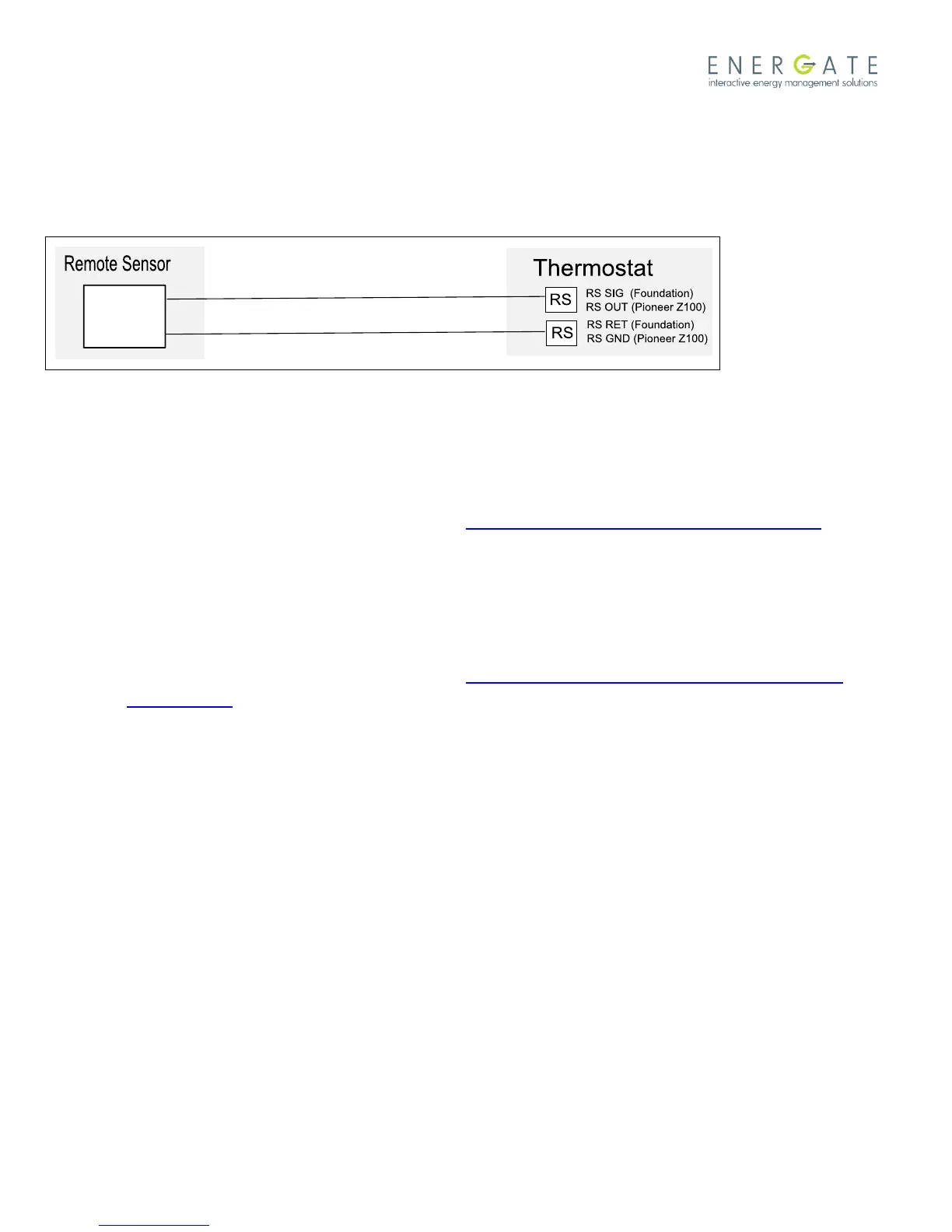
Connect one wire of the remote sensor to the RS SIG input terminal on the thermostat backplate.
Connect the other remote sensor wire to the RS RET input terminal.
For the Pioneer thermostat:
Remove the thermostat from the backplate. See 3.5 Removing Pioneer Z100 Thermostat Front Housing
from Backplate.
Connect one wire of the remote sensor to the RS OUT input terminal on the thermostat backplate.
Connect the other remote sensor wire to the RS GND input terminal.
2. Remount the thermostat.
3. After a few seconds, confirm that the outdoor temperature is displayed on the home screen.
9.3 Air Filter Sensor
HVAC equipment can have an air filter sensor that closes a contact to 24 VAC to signal that the filter is dirty and should
be changed.
You can wire this sensor to the thermostat’s FILTER terminal. When it receives the signal, the thermostat displays a
Change Air Filter message to indicate to the user that he or she should replace or clean the filter.



 To Next Page