10
3.2LoggingMethod
AftercompletetheIPsettingsfromlastsection,youcannowaccesstheweb‐basedconfiguration
menu.
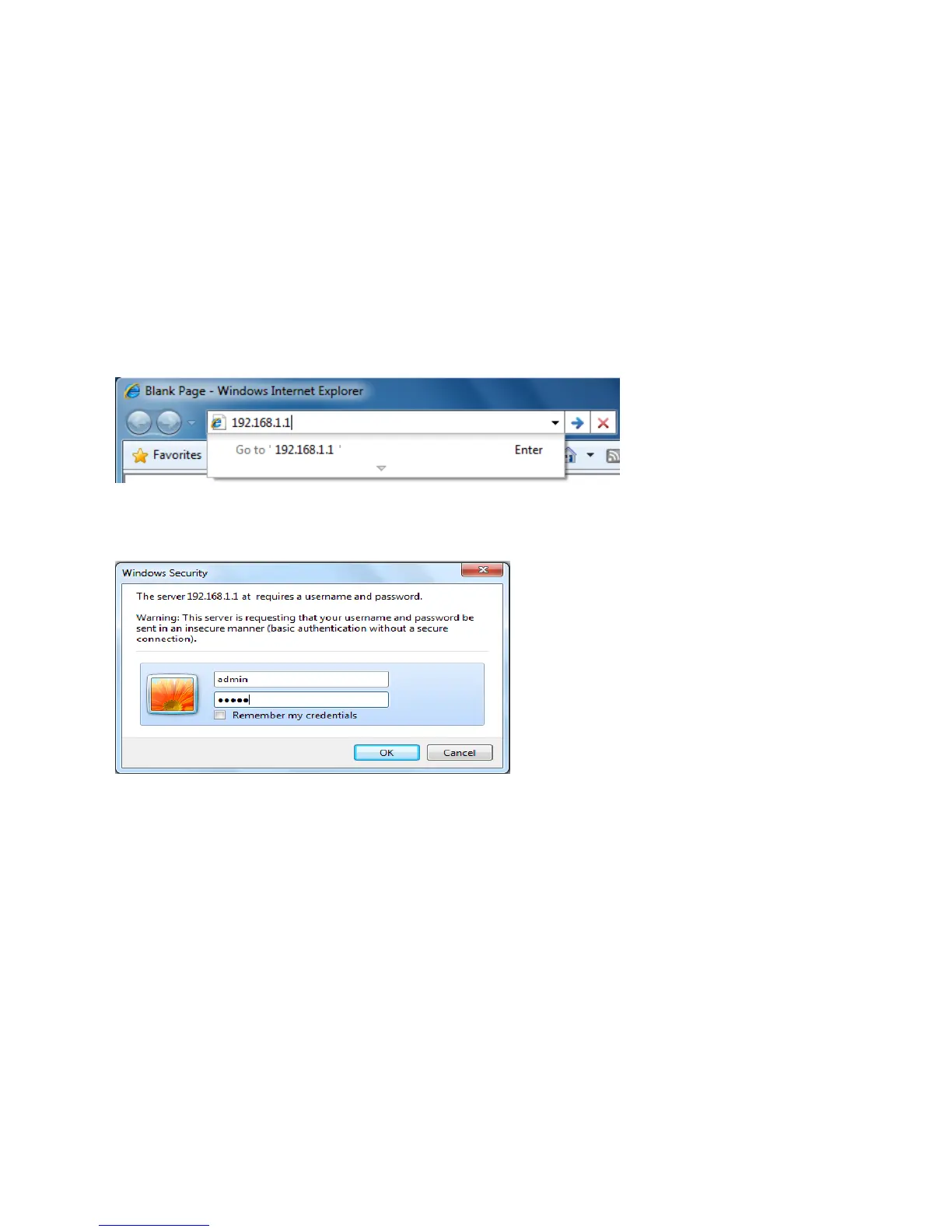
1.Openwebbrowser
2.EnterIP192.168.1.1intoyouaddressfilter.
Auction:IfyouhavechangedtheM36LANIPaddress,makesureyouenterthecorrectIPAddress.
3.AfterconnectedtotheM36successfully,browserwillpopoutaWindowsSecuritywindow.Please
enterthecorrectUsernameandPassword.
4.ThedefaultUsernameandPasswordarebothadmin.
Auction:IfyouhavechangedtheUsernameandPassword,pleaseenteryourownUsernameand
Password.













 To Next Page