26
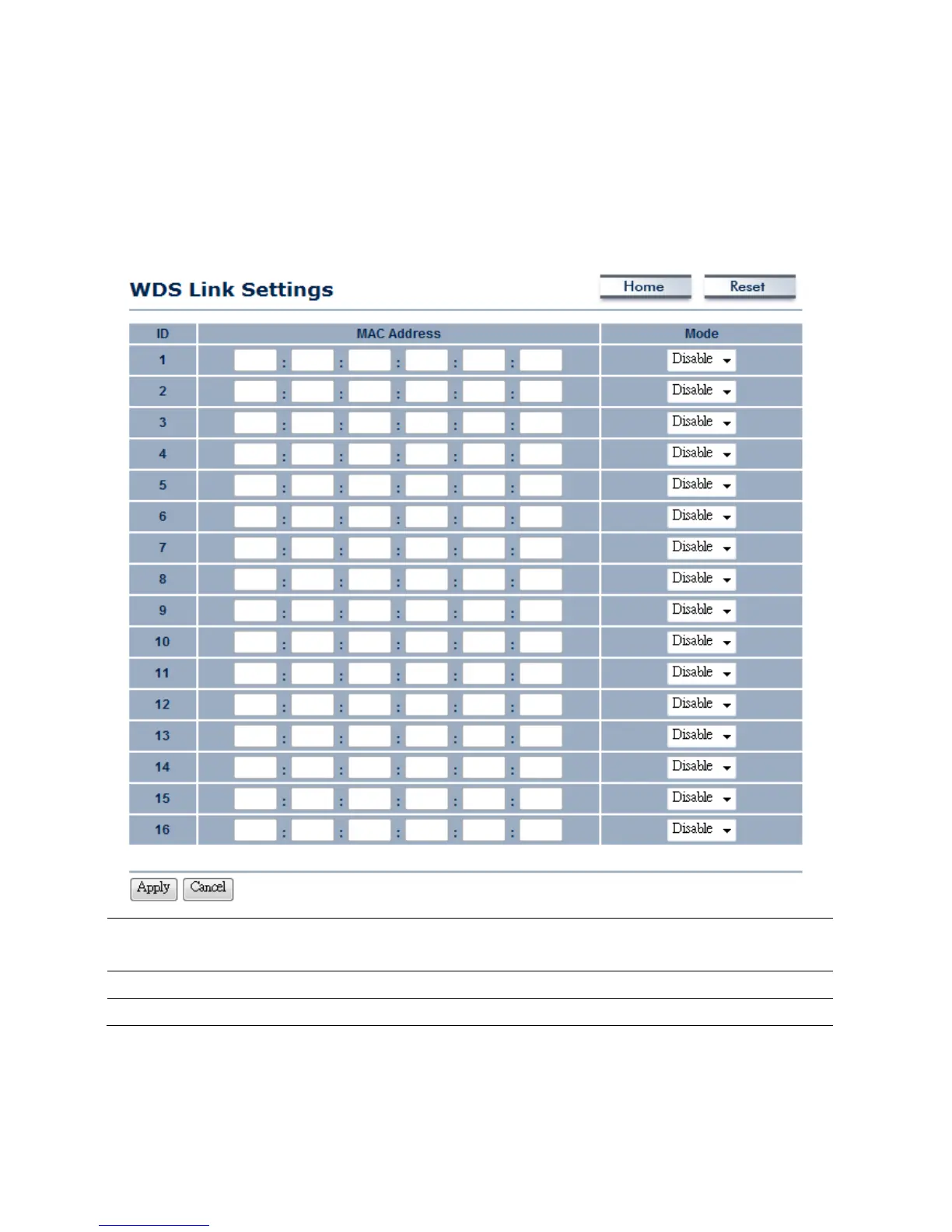
4.6WDSLinkSettings
WDSLinkSettingsisusedtoestablishaconnectionbetweenAccessPointsbutthedeviceisnot
losingAccessPointfunction.APhasWDSfunctioncanextendthewirelesscoverageandallowLANs
tocommunicateeachother.
MACAddress
EntertheAccessPoint’sMACaddressthatyouwouldlik etoextendthewireless
area.
Mode
SelectDisableorEnablefromthedropdownlist.
Apply/Cancel
PressApplytoapplythechangesorCanceltoreturnprevioussettings.
Auction:TheAccessPointthatyouwouldliketoextendthewirelessareamustenteryourAccess
Point’ sMACaddress.NotallAccessPointsupportsthisfeature.













 To Next Page