42
Step3 ConfigureVLANIDinyourwirelessdeviceifavailable.
Step4 Selectcorrectauthenticationtypeandpassword.
Auction:WirelessClientIPaddressmustconfigur emanuallyatthesamesubnetinLocalArea
NetworkorenableDHCPserverofM36toretrieveIPautomatically.
8.2RepeaterMode
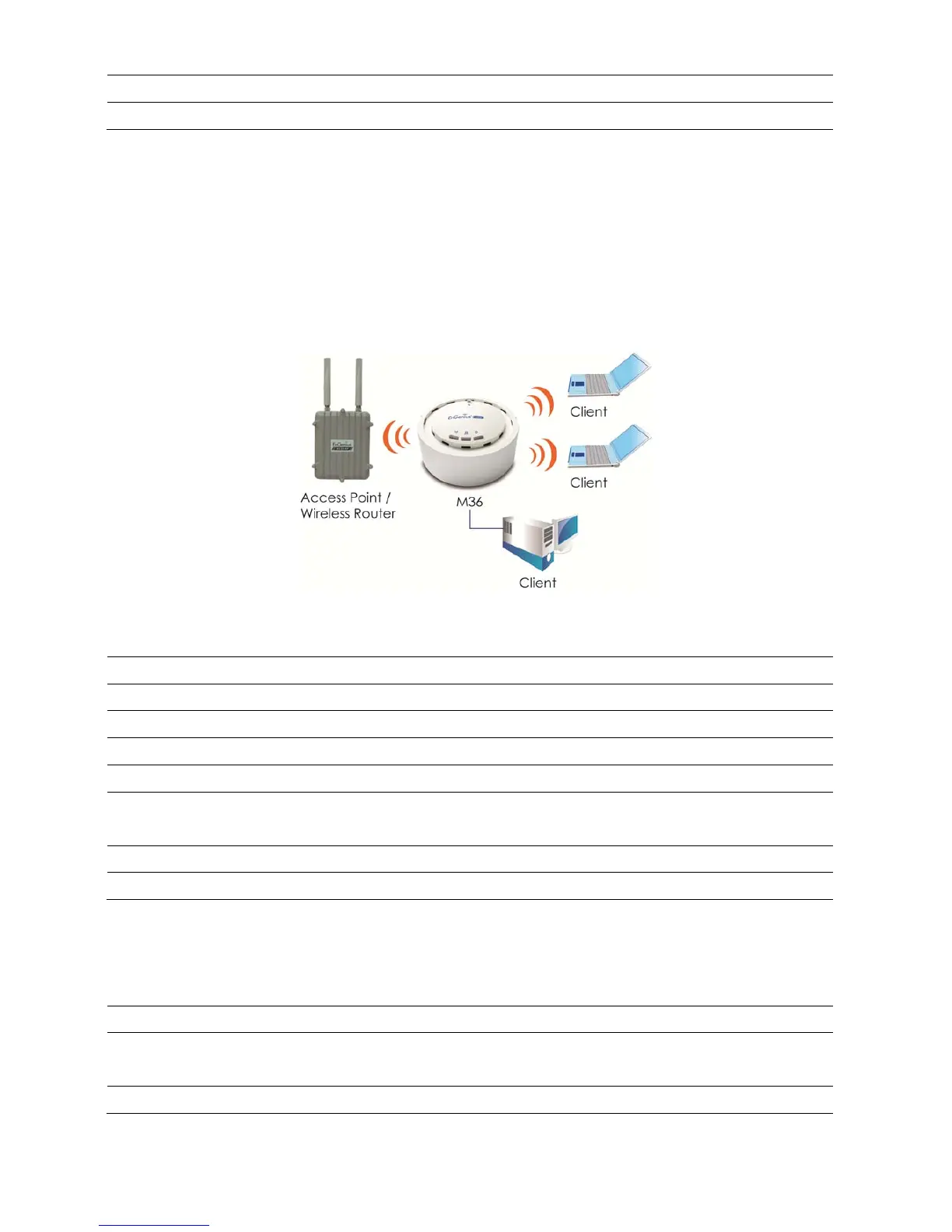
APRepeaterisusedtoextendthewirelesscoverageareaoftheAccessPoint.Pleaserefertothe
previoussectiontoconfiguretheAccessPoint.
Repeater
Step1 Logintotheweb‐based configurationinterfacewithdefa ultIP192.168.1.1
Step2 Selectyourcountryorregion’ sregulation.
Step3 ChangedevicemodetoRepeaterfromsystemproperties.
Step4 Selectwireless modeyouwouldliketoassociatewith.
Step5 Selectchannel/frequencyyouwouldliketoassociatewith.
Step6
UsesitesurveytoscannearbyAccessPointandselectthecertainAPyouwouldlike
toconnectwithorenterSSIDmanually.
Step7 SelectcorrectauthenticationtypeandpasswordthesameasAccessPoint.
Step8 EnablePreferBSSIDforautoma ticallyreconnected.
Note(1):Formoreadvancedsettings,pleaserefertothepreviouschapters.
Note(2):RepeaterIPsubnetmustthesameastheAccessPoint,pleaserefertotheIPSettingssectionfordetails.
WirelessClient
Step1 Selectwireless modeyouwouldliketoassociatewith.
Step2
UsesitesurveytoscannearbyAccessPointandselectthecertainAPyouwouldlike
toconnectwithorenterSSIDmanually.
Step3 ConfigureVLANIDinyourwirelessdeviceifavailable.













 To Next Page