35
onVLANdonothavetobephysicallylocatednexttooneanotherontheLAN
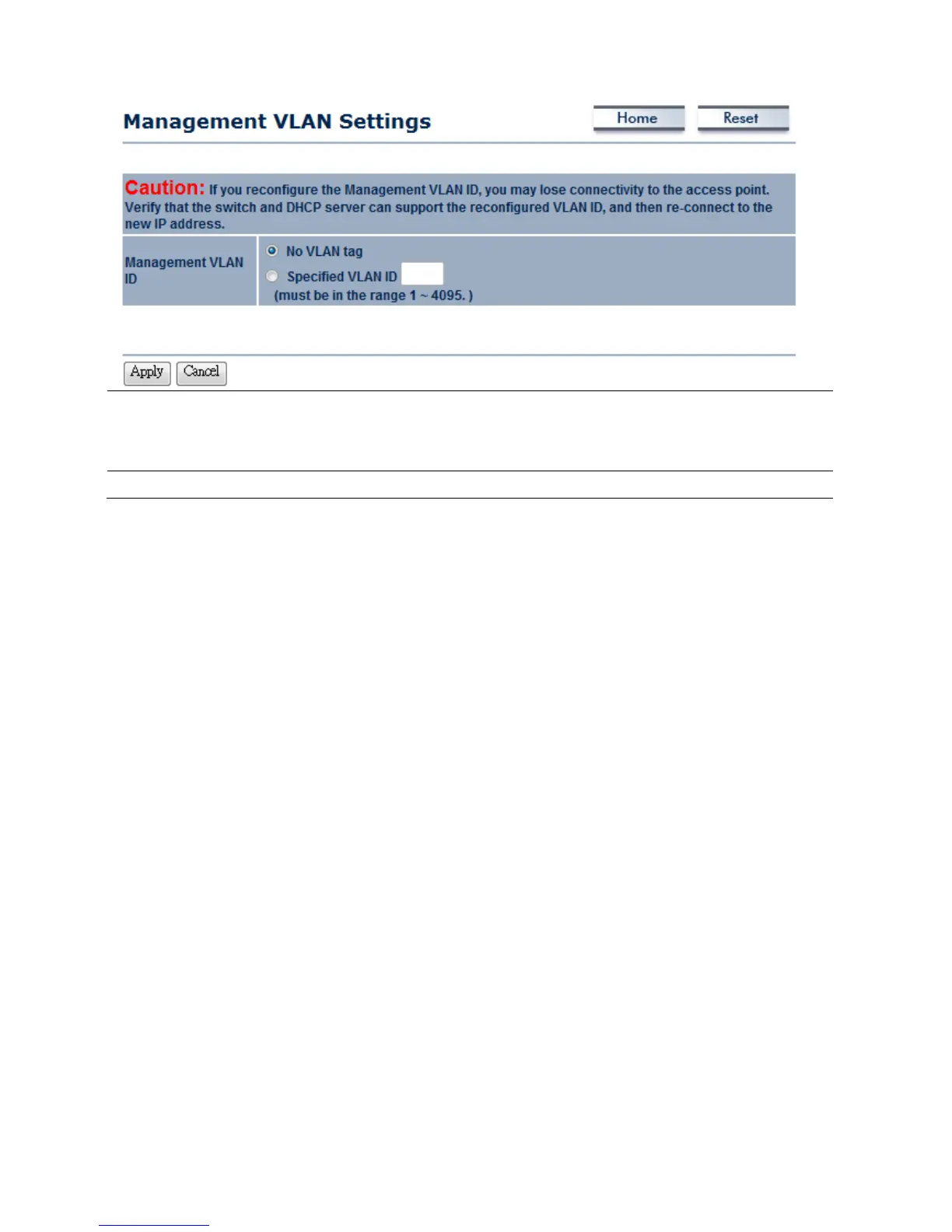
ManagementVLANID
If your network includes VLANs and if tagged packets need to pass through the
AccessPoint, specifytheVLANIDintothisfield.Ifnot,selecttheNoVLANtagradio
button.
Apply/Cancel
PressApplytoapplythechangesorCanceltoreturnprevioussettings.
Auction:IfyoureconfiguretheManagementVLANID,youmayloseconnectiontotheM36.Verify
DHCPservercansupportthereconfiguredVLANID,andthenre‐connecttothenewIPaddress.
7.3SNMPSettings
ClickontheSNMPSettingslinkundertheManagementmenu.Thisisanetworkingmanagement
protoc olusedtomonitornetwork‐attacheddevices.SNMPallowsmessages(calledprotoc oldata
units)tobesenttovariouspartsofanetwork.Uponreceivingthesemessages,SNMP‐compatible
devices(calledagents)returndatastoredintheirManagementInformationBases.













 To Next Page