43
Step4 Selectcorrectauthenticationtypeandpassword.
Auction:WirelessClientIPaddressmustconfiguremanuallyatthesamesubnetinLocalAreaNetworkorenableDHCP
serverofM36toretrieveIPaut omatically.
8.3Mesh
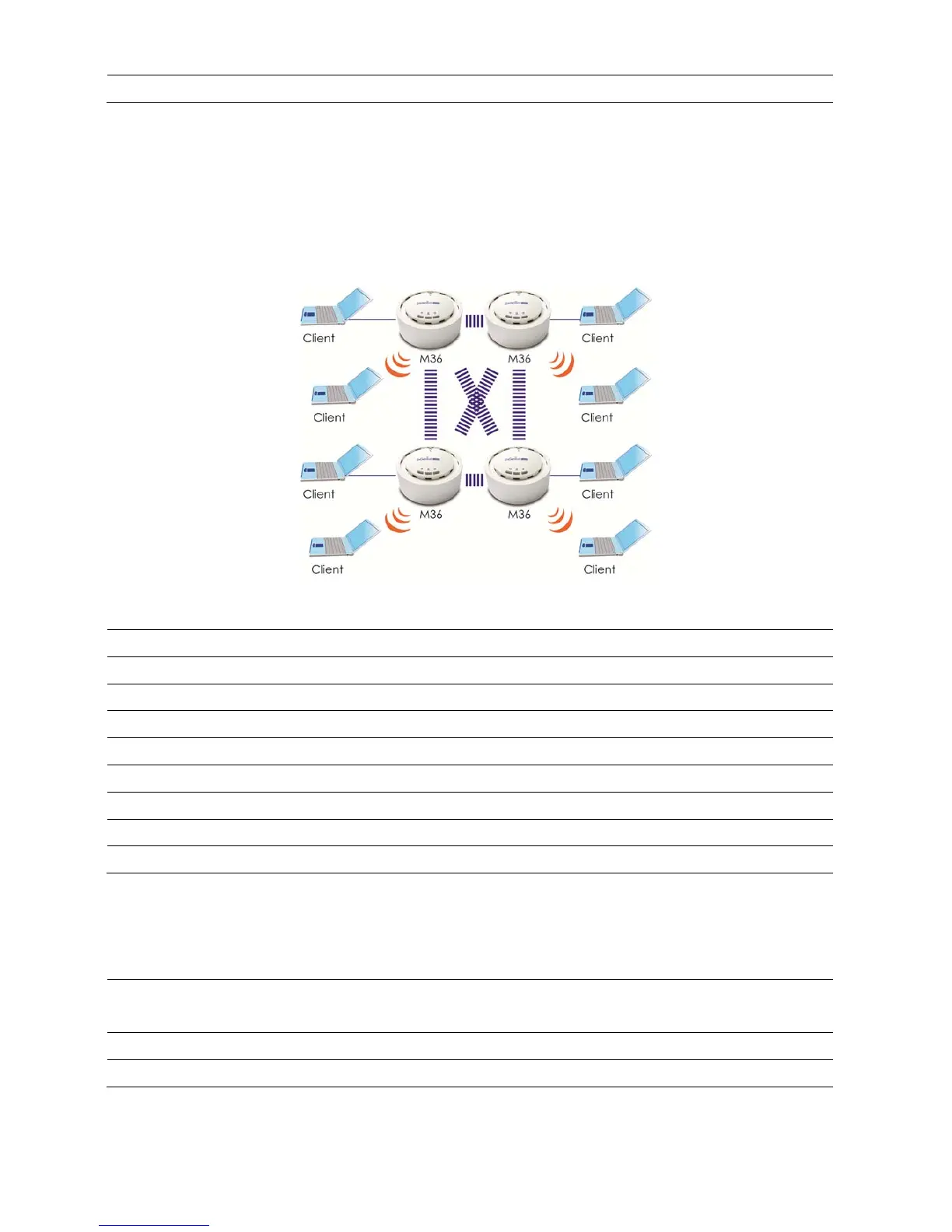
InordertoconstructtheMeshNetwork,thefollowingconfigurationmustbethesame.
Mesh
Step1 Logintotheweb‐based configurationinterfacewithdefa ultIP192.168.1.1
Step2 Selectyourcountryorregion’ sregulation.
Step3 ChangedevicemodetoMeshfromsystemproperties.
Step4 Selectwireless modeyouwouldliketoassociatewith.
Step5 Selectchannel/frequencyyouwouldliketoassociatewith.
Step6 SpecifySSIDfortheMeshNetwork.
Step7 Setuptheauthen ticationsettings.
Step8 Specifycurrentdeviceisagatewayorrelay.
Step9 PressApplytosaveallchanges.
Note(1):Non‐M36productmayfinddifficultyofconfiguration.
Note(2):InMeshMode,recommended1Gatewaywith4RelayLinearandradiativedeploymentscenario.
AccessPoint
Step1
SpecifytheSSIDforyourbroadcastSSIDandyoucanalsoconfiguremultipleSSIDat
thesametime.
Step3 Setuptheauthen ticationsettings.
Step4 PressApplytosaveallchanges.
Note:Formoreadvancedsettings,pleaserefertothepreviouschapters.













 To Next Page