37
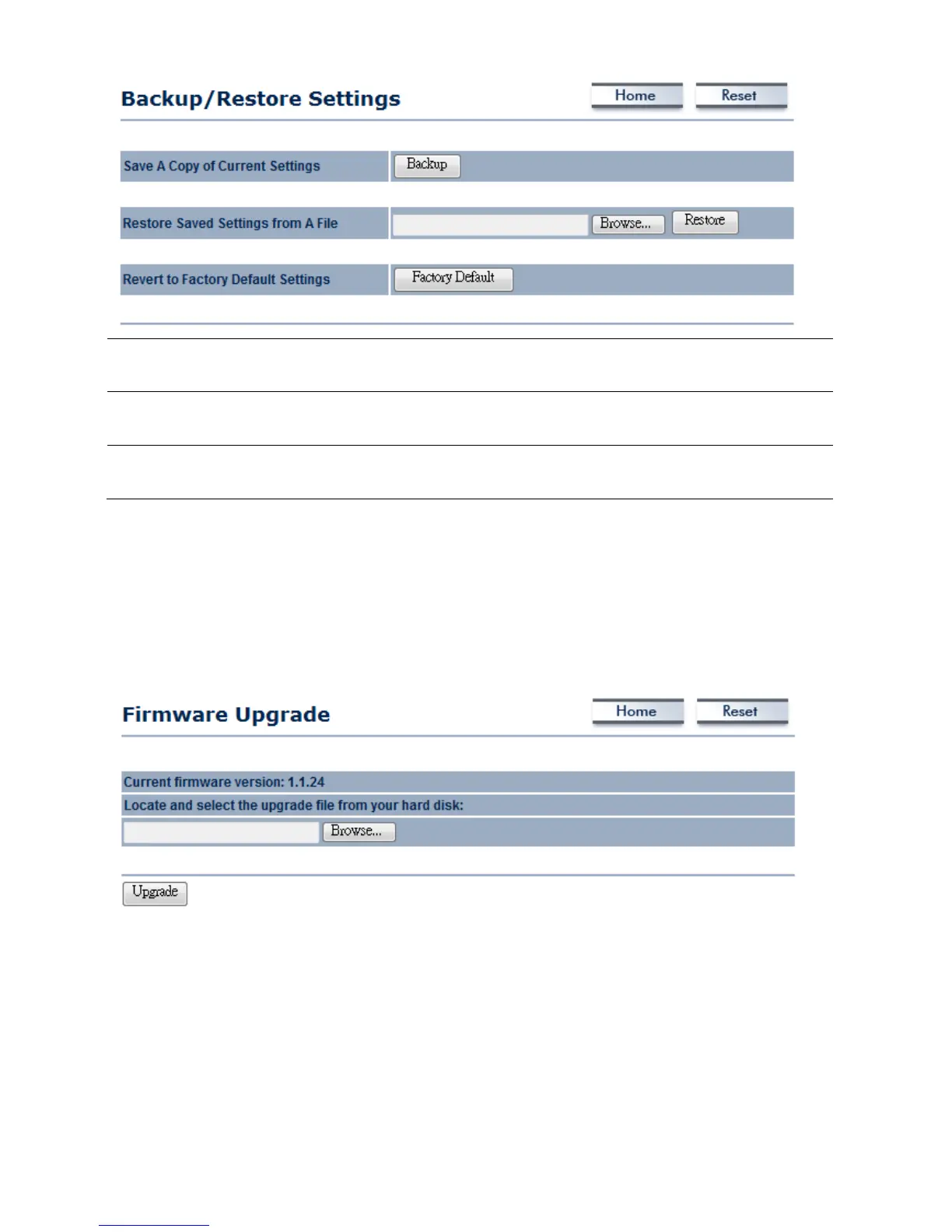
SaveACopyofCurrent
Settings
ClickonBackuptosavecurrentconfiguredsettings.
RestoreSavedSettings
fromaFile
M36canrestoreaprevioussettingthathasbeensaved.ClickonBrowsetoselectthe
fileandRestore.
ReverttoFactoryDefault
Settings
ClickonFactoryDefaultbuttontoresetallthesettingstothedefaultvalues.
7.5FirmwareUpgrade
ClickontheFirmwareUpgradelinkundertheManagementmenu.Thispageisusedtoupgradethe
firmwareofthedevice.Makesurethatdownloadedtheappropriatefirmwarefromyourvendor.
Auction:Upgradeprocessmaytakefewminutes,pleasedonotpoweroffthedeviceanditmaycause
thedevicecrashedorunusable.M36willrestartautomaticallyoncetheupgr adeiscompleted.
7.6TimeSettings
ClickontheTimeSettingslinkundertheManagementmenu.Thispageallowsyoutoconfigurethe
timeonthedevice.YoumaydothismanuallyorbyconnectingtoaNTPserver.













 To Next Page