44
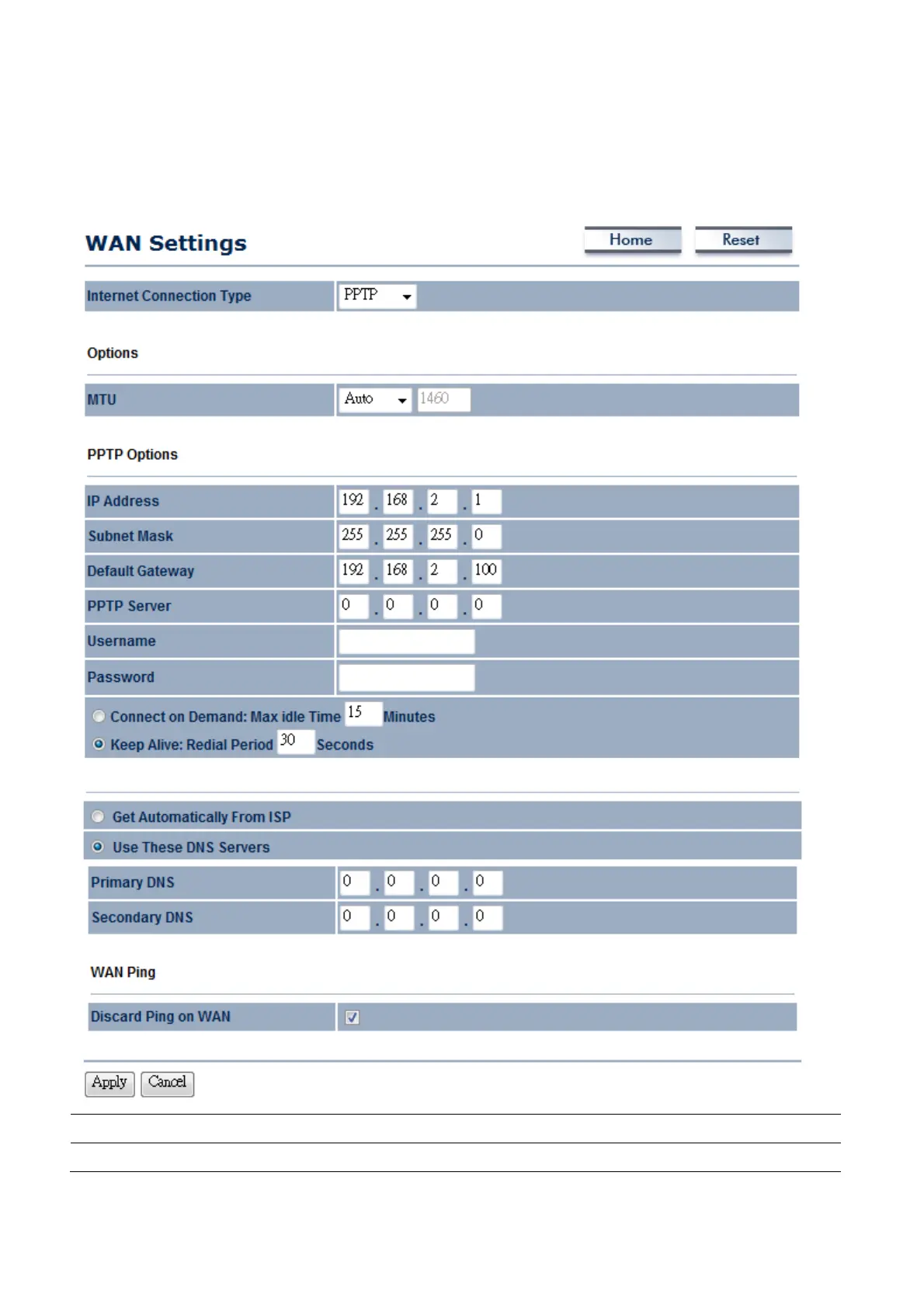
6.1.4 WAN Settings → PPTP (Point-to-Point Tunneling Protocol)
Select PPTP as your WAN connection type if your ISP provides information about IP Address, Subnet
Mask, Default Gateway (Optional), DNS (Optional), Server IP, Username, and Password.
Internet Connection Type
Select PPTP to begin configuration of the PPTP connection.
MTU
Specify the Maximum Transmit Unit size. Suggest remain in Auto.














 To Next Page