64
8.8 Management → Diagnostics
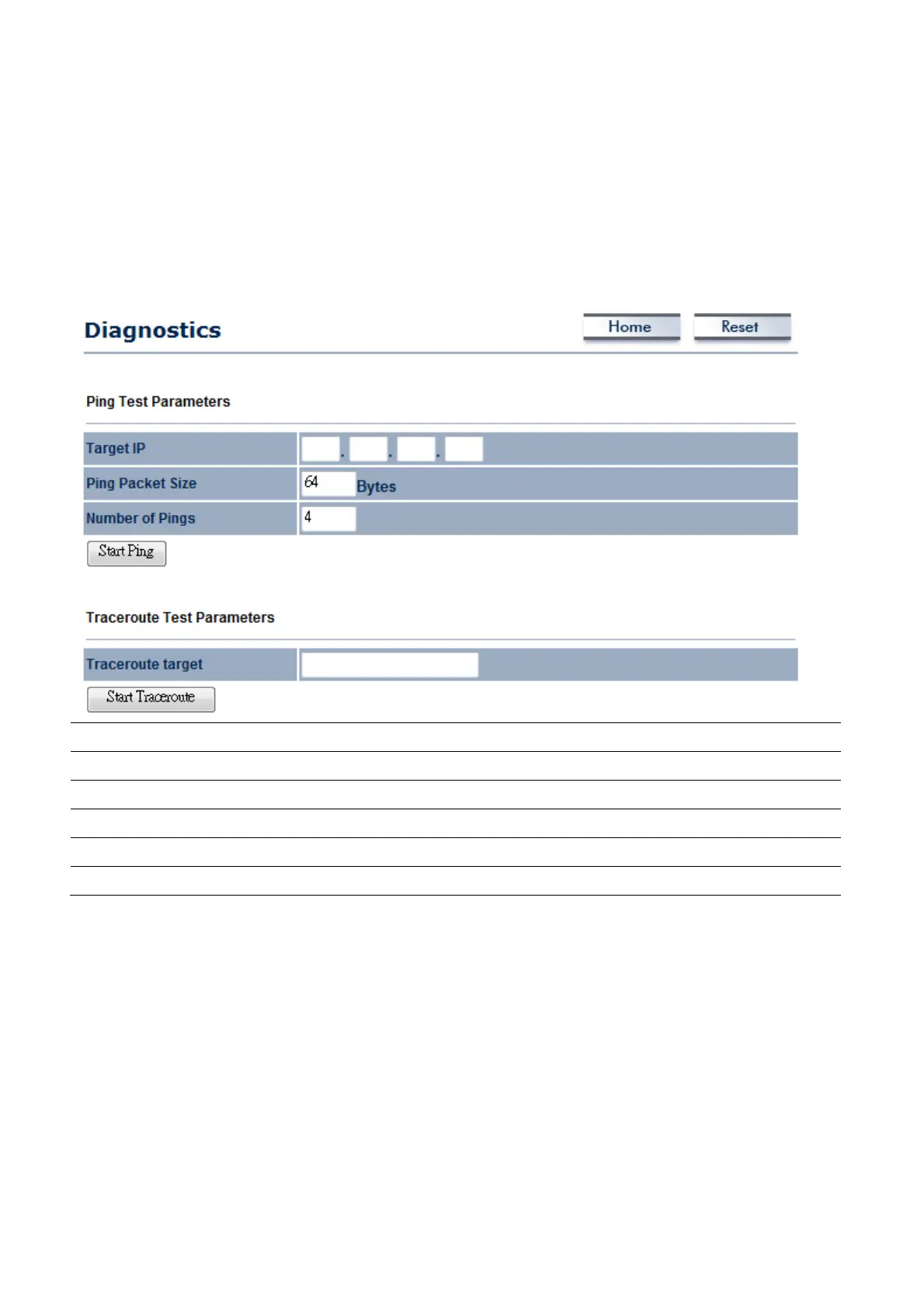
Click on the Diagnostics link under the Management menu. This function allows you to detect
connection quality and trace the routing table to the target. Traceroute can help you to manage your
network by detecting any routing during the transmission. If any routers refuse to reply ICMP packet,
the result will show * sign for its Domain Name or IP Address.
Target IP
Specify the IP address you would like to search.
Ping Packet Size
Specify the packet size of each ping.
Number of Pings
Specify how many times of ping.
Start Ping
Press Start Ping to begin.
Traceroute Target
Specify an IP address or Domain name you would like to trace.
Start Traceroute
Press Start Traceroute to begin.














 To Next Page