68
Please refer to the last section to check Access point’s configuration.
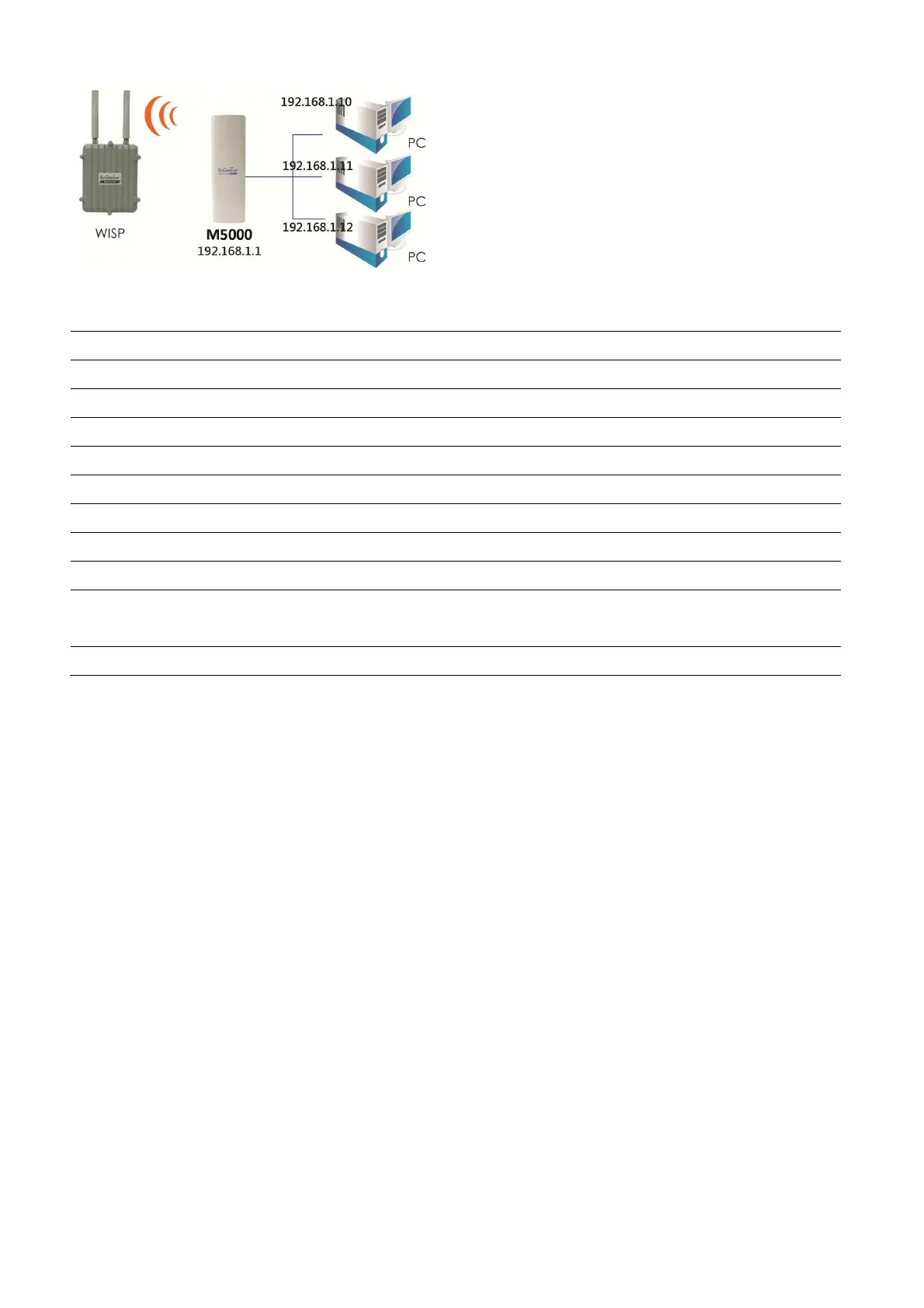
Client Router
Step1
Login to the web-based configuration interface with default IP 192.168.1.1
Step2
Select your country or region’s regulation.
Step3
Select Operation Mode to Client Router from System Properties.
Step4
Change your Local Area Network setting to Obtain an IP Address Automatically.
Step5
802.11a wireless network.
Step6
Use site survey to scan Access Points that are available in nearby area.
Step7
Select the AP you would like to associate with.
Step8
Setup the authentication settings that match to the Access Point’s setting.
Step9
Setup your WAN connection type given by your Internet Service Provider from WAN
Settings.
Step10
Press Apply to process all the configurations.
Auction: Client Router’s IP setting must match to the Access Point’s subnet.
9.5 Mesh
In order to construct the Mesh Network, the following configuration must be the same.













 To Next Page