Chapter
4
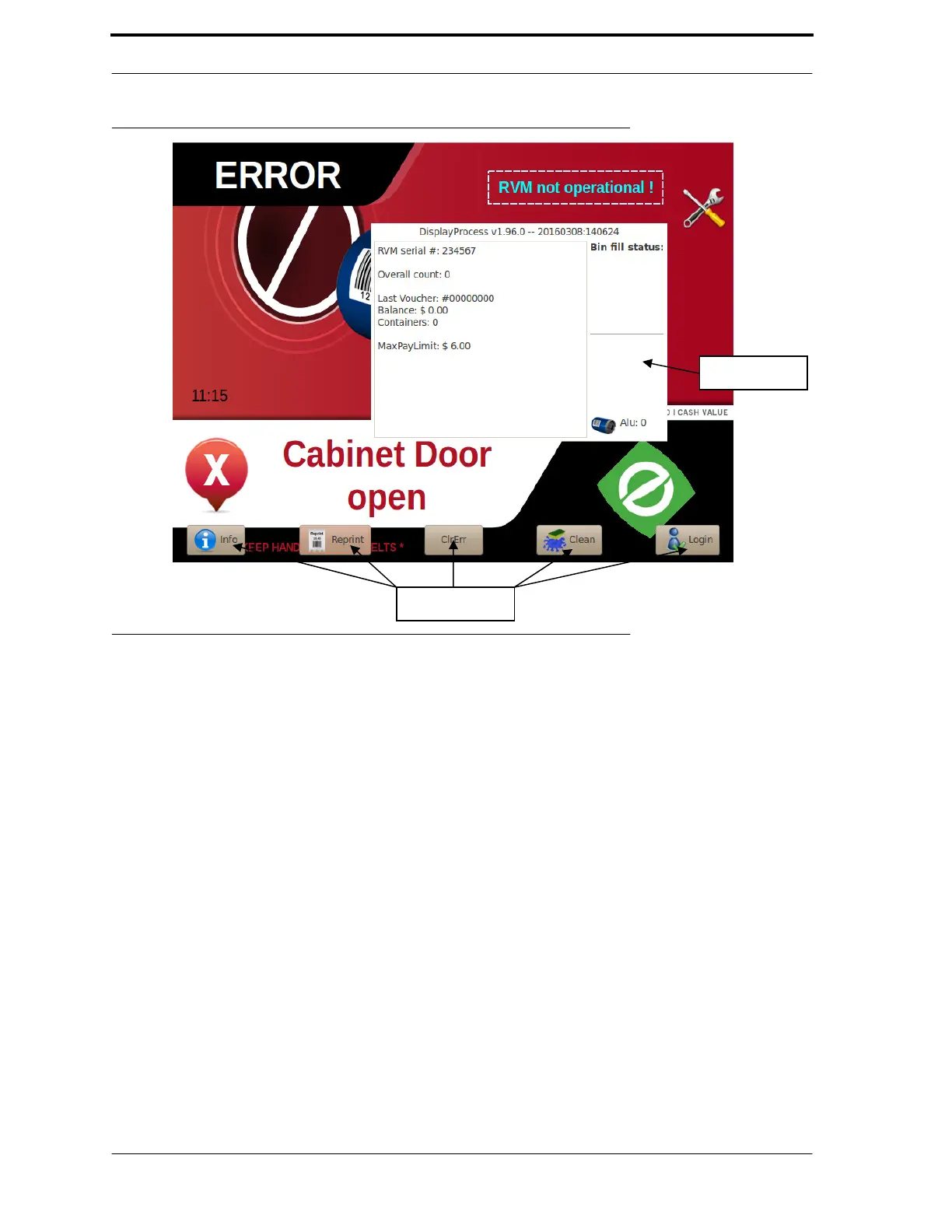
FIGURE 4-1. Shop Mode
4.3.
Service Mode
Service Mode allows technicians to perform in-depth diagnostics and maintenance tasks on the
RVM. To access this mode, the technician must have a pre-programmed USB drive (known as the
Jump Drive) and a corresponding PIN or click the LogIn icon and enter the default PIN.
Service Mode comprises these programs:
•
••
•
Technician Interface - gives quick access to the most common tasks.
•
••
•
Diagnostic Program - gives access to Actuators, Sensors, and Thresholds.
•
••
•
Configuration editor - allows advanced users to edit the RVM’s configuration files.
4.3.1.
Starting Service Mode
To enter Service Mode, follow these steps:
1.
Open the top cabinet door.
2.
Click the LogIn icon and enter the default PIN to enter diagnostics or insert
your Jump Drive into the USB port on the RVM Controller Box. A login
screen pops up.
3.
Use the on-screen keypad to enter your PIN.
4.
Next, the Technician Interface starts up, as shown in Figure 4-2.



 To Next Page