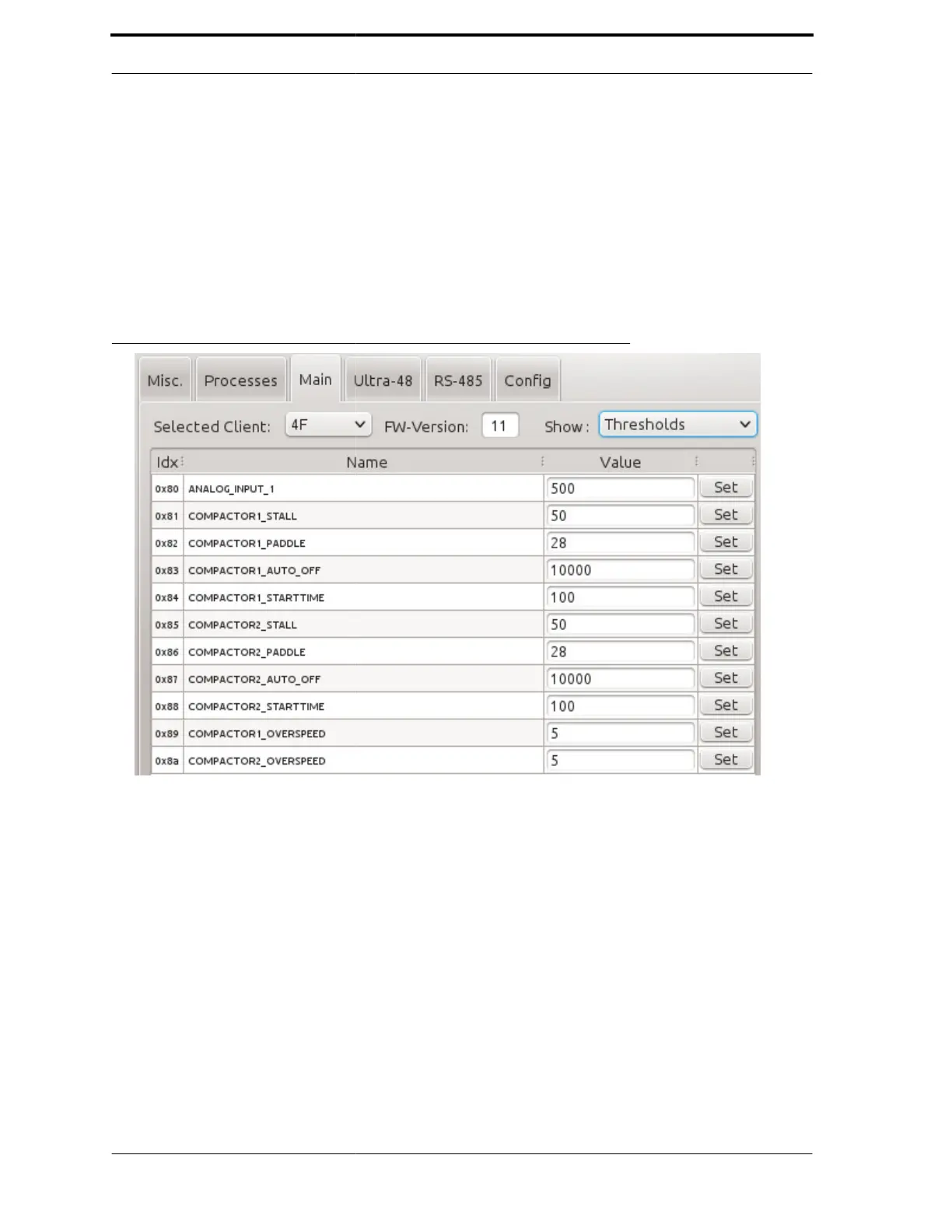
4.5.2. Thresholds
The Main and Ultra-48
respective actuators. To
Thresholds. As an
3 lists all of the threshold
type threshold setting
FIGURE 4-17. MC1 Thresholds
Chapter
4
both have thresholds screens to adjust
so in either tab, switch the Show: Actuators
Figure 4-17 shows the thresholds screen for the
for MC1, which are found in the Main tab.
Ultra-48 tab.
for their
to Show:
tab. Figure 4-
commodity



 To Next Page