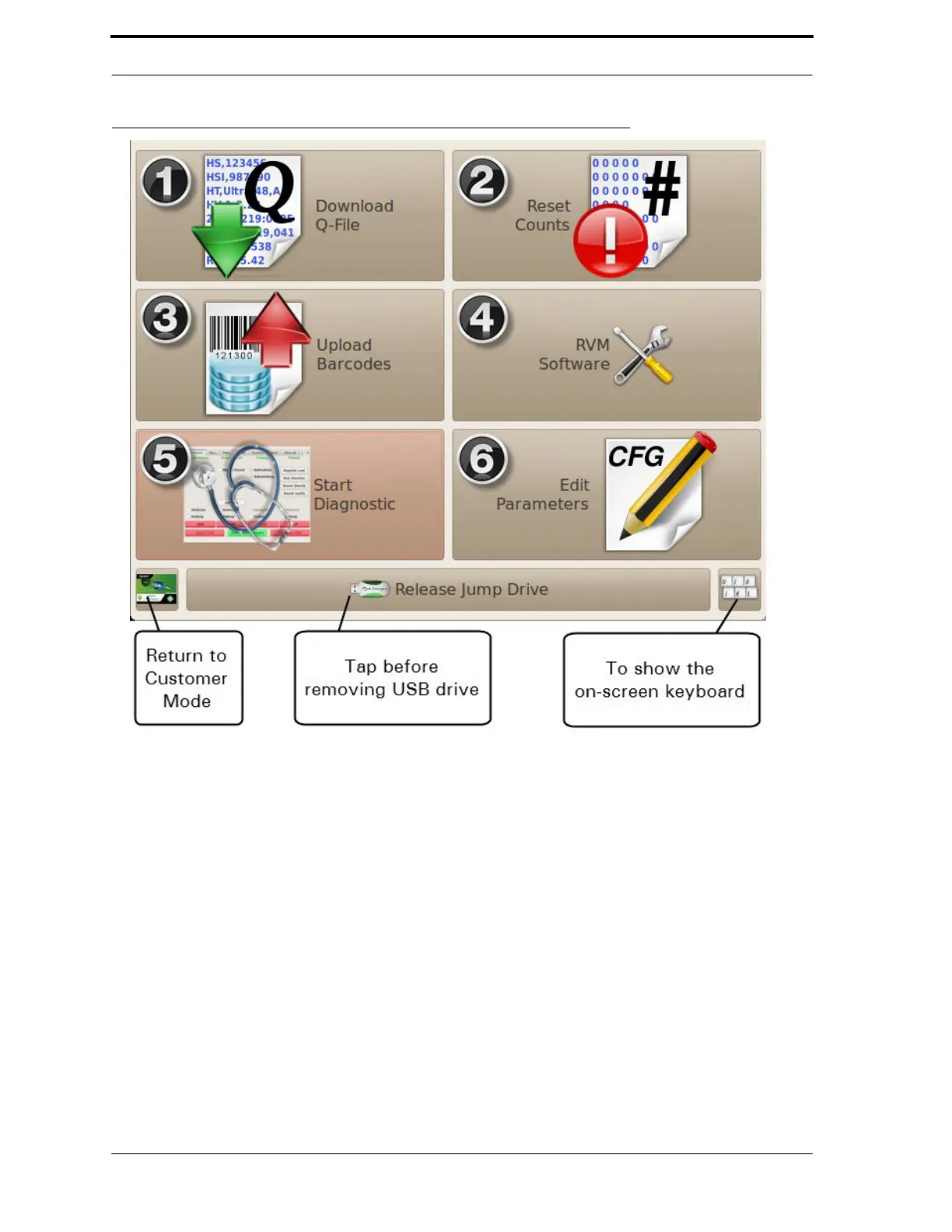
FIGURE 4-2. Technician Interface (Default)
4.3.2.
Using the Technician Interface
Figure 4-2 shows the default Technician Interface screen. It gives quick access to routine service
tasks on the RVM.
Each number in Figure 4-2 corresponds to the list below:
1.
Download Q-File. This option saves the Q-File to your jump drive. When
you
tap this button, you see the dialog box pictured in Figure 4-3. Tap the on-
screen keyboard button to enter the reading from the mechanical counter, and
then tap OK when the download is complete, you will see the message “The
Q-File has been written to the memory stick.”



 To Next Page