Chapter
5
5.2.2.
Store Responsibilities
The store is responsible for changing the printer paper and emptying the commodity bins. The store
must not have access using the rear access panel or side access panels of the machine.
5.3.
Component Maintenance
This section lists the tasks to do on each visit. In addition, do any extra cleaning or cosmetic
improvements that are possible. This not only helps with future PM, but it also improves the overall
appearance of the machine.
Note:
This chapter often instructs you to test components with the
Diagnostic Program. In these cases, the location of the specific
diagnostic test is noted in parenthesis. To learn to use the Diagnostic
Program, See Section 4.4 “Diagnostic Program” on page 4-7.
5.3.1.
Cleaning Mode
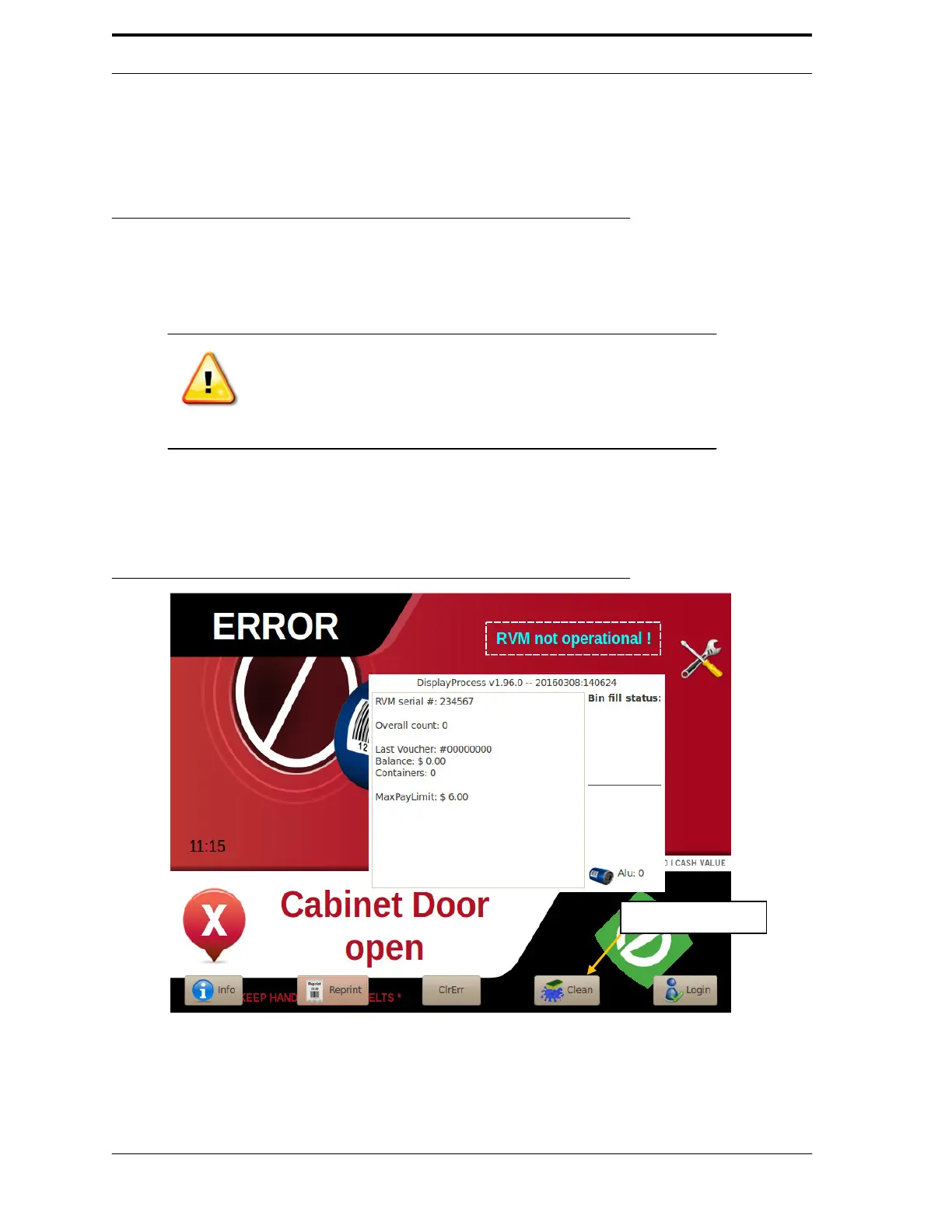
At each visit, run Cleaning Mode to clean the Feed Belts, Camera, and Laser.
FIGURE 5-1.Open Door Screen
Follow these steps:
1.
Open the top front door.
Tap Clean Button



 To Next Page