EPS NEXUS Manual V1.5.2 EN WWW.EPSBV.EU 50
5.11 Water supplementation
The instructions below are limited to connecting a float and setting it up. Settings for a buffer tank control or WLS2 you need the supplied
instructions of the respective device
For instructions on the electrical connection of a float, see off-contact on page 25
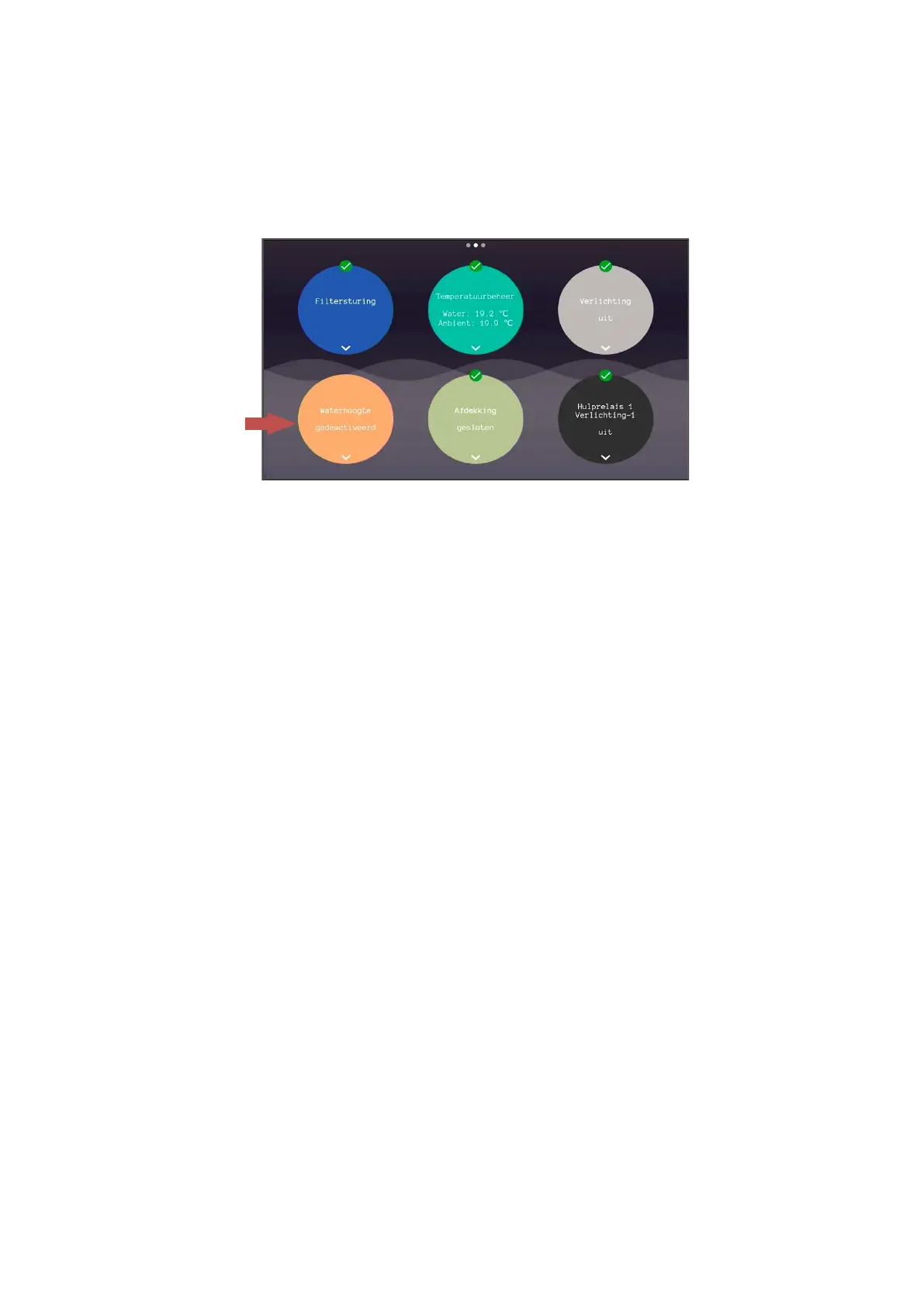
In order to correctly set the water replenishment control with a float, the following steps must be performed:
1. Go to the control panel and enter pin 123
2. Scroll down and turn on 'ext input used as floatswitch'
3. Now go to the water replenishment menu
4. Turn on the water replenishment control
5.11.1 Features
Water replenishment timeout: This feature ensures that when the filling valve is successively left open longer than the completed time, the
water replenishment stops completely.
To reset the water supplementation, the control can be switched off and back on.
Water replenishment flow monitoring: This function ensures that all are filled when flow is measured by the flow sensor.
N/C: Choose this option if a float is normally closed, or if the system displays the opposite water level. ATTENTION! On-screen updating
takes a few seconds, depending on the water suppletion delay setting.
N/O: Choose this option if a float is normally open, or if the system displays the opposite water level. ATTENTION! On-screen updating takes
a few seconds, depending on the water suppletion delay setting.
Water suppletion delay: This is the delay time with which the system displays the measured value and uses it as a current measurement.
This is to prevent commuting.


 To Next Page