EPS NEXUS Manual V1.5.2 EN WWW.EPSBV.EU 40
5.7.6 display filter control
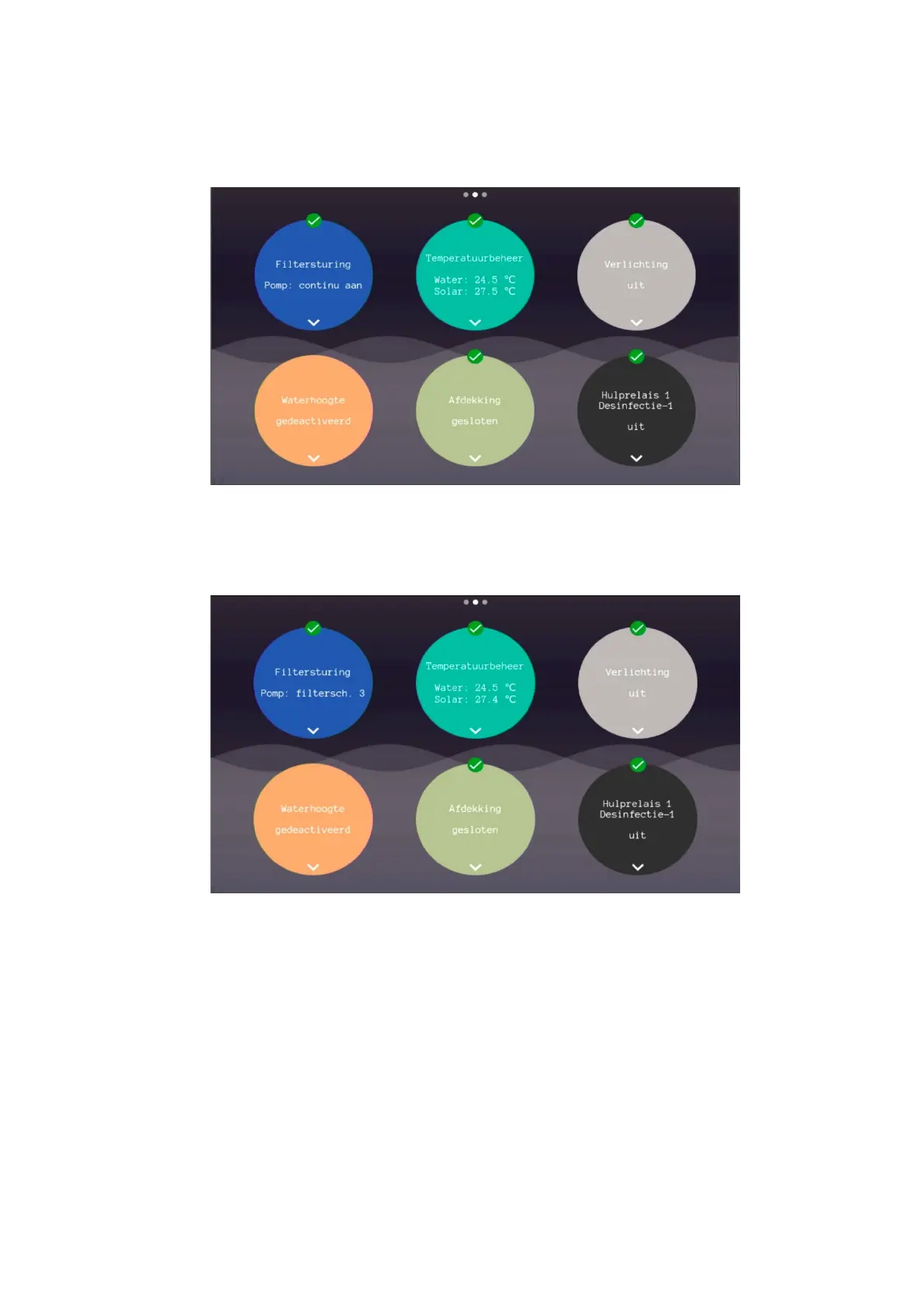
The filter control has many exceptions and settings. It can sometimes be unclear to an installer or user why the filter pump is doing
something. This can always be read from the display and thus it can be determined if this behavior is desirable.
Continuous on
• The most common message is the continuous on or one of the filter schedules. This means that the pump is running according to
the filter schedule. The speed and on/off times are determined by the respective schedule.
Filter schedule x
• The most common message is the continuous on or one of the filter schedules. This means that the pump is running
according to the filter schedule. The speed and on/off times are determined by the respective schedule.


 To Next Page