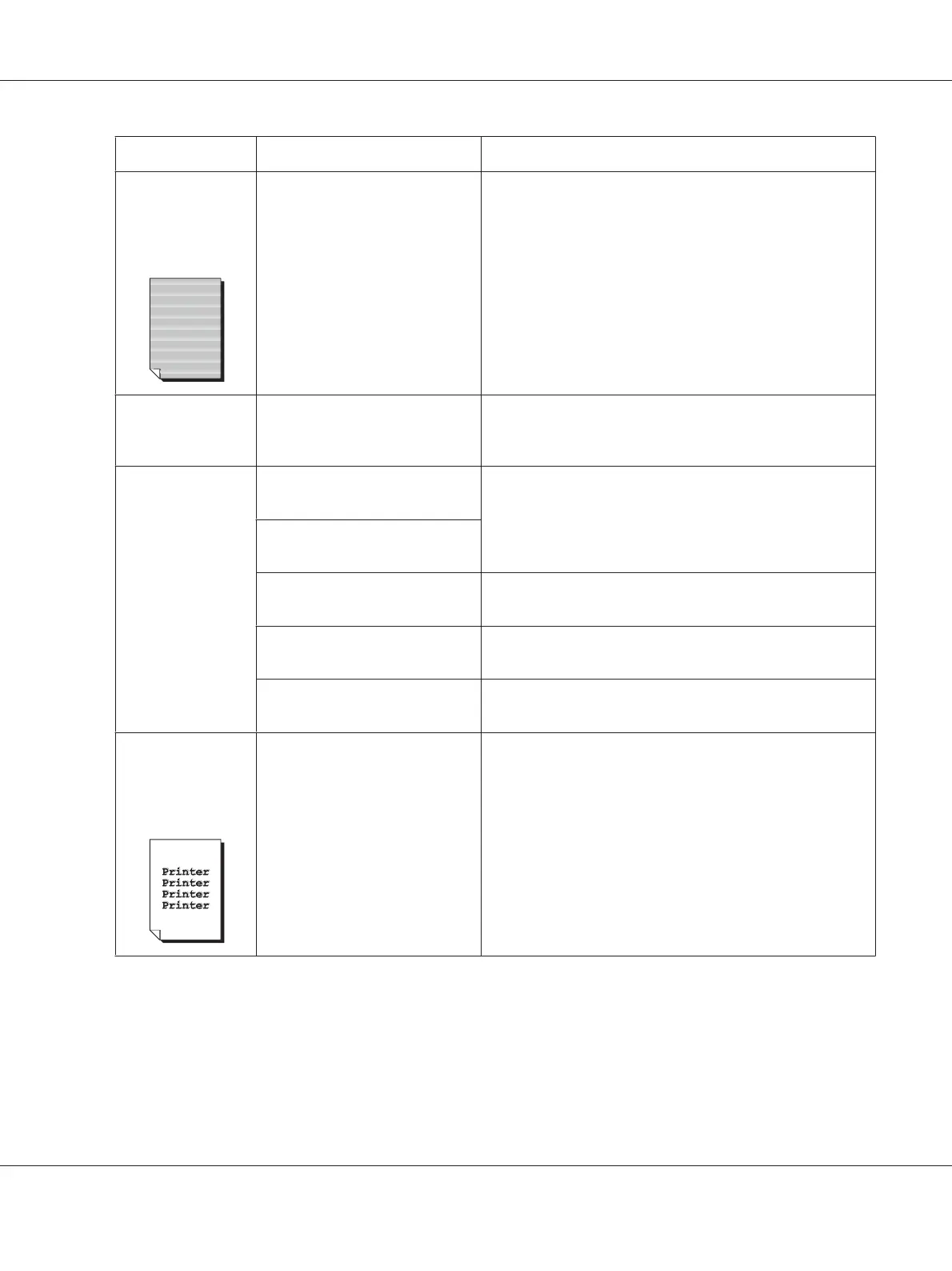
Symptom Cause Solution
Thin white
horizontal lines
appear at intervals
on images.
Toner is not evenly adhering to
the media.
Perform IMAGE REFRESH. (Set MACHINE SETTING/IMAGE
REFRESH in the UTILITY menu to YES.)
If the problem persists, contact your vendor or authorized
service provider.
Colors look
drastically wrong.
One or more of the toner
cartridges may be defective.
Remove the toner cartridges and verify that the toner is
distributed evenly on each cartridge roller, and reinstall the
toner cartridges.
Colors are not
registering
properly; colors
are mixed or have
page-to-page
variation.
The scanner unit or front cover is
opened during the calibration.
Set MACHINE SETTING/CALIBRATION in the UTILITY menu
to ON, and then perform the color calibration. For details,
refer to “MACHINE SETTING Menu” on page 32.
Gradations are not adjusted
correctly.
The photoconductor units is not
correctly seated.
Remove the photoconductor unit and check for damage. If it
is damaged, replace it.
One or more of the toner
cartridges may be defective.
Remove the toner cartridges and check for damage. If it is
damaged, replace it.
The media is moist from
humidity.
Remove the moist media and replace it with new, dry media.
The color has a
poor reproduction
or has poor color
density.
The photoconductor unit may
be defective.
Remove the photoconductor unit and check for damage. If it
is damaged, replace it.
AcuLaser CX16 Series Printer / Copier / Scanner User’s Guide
Troubleshooting 189











 To Next Page