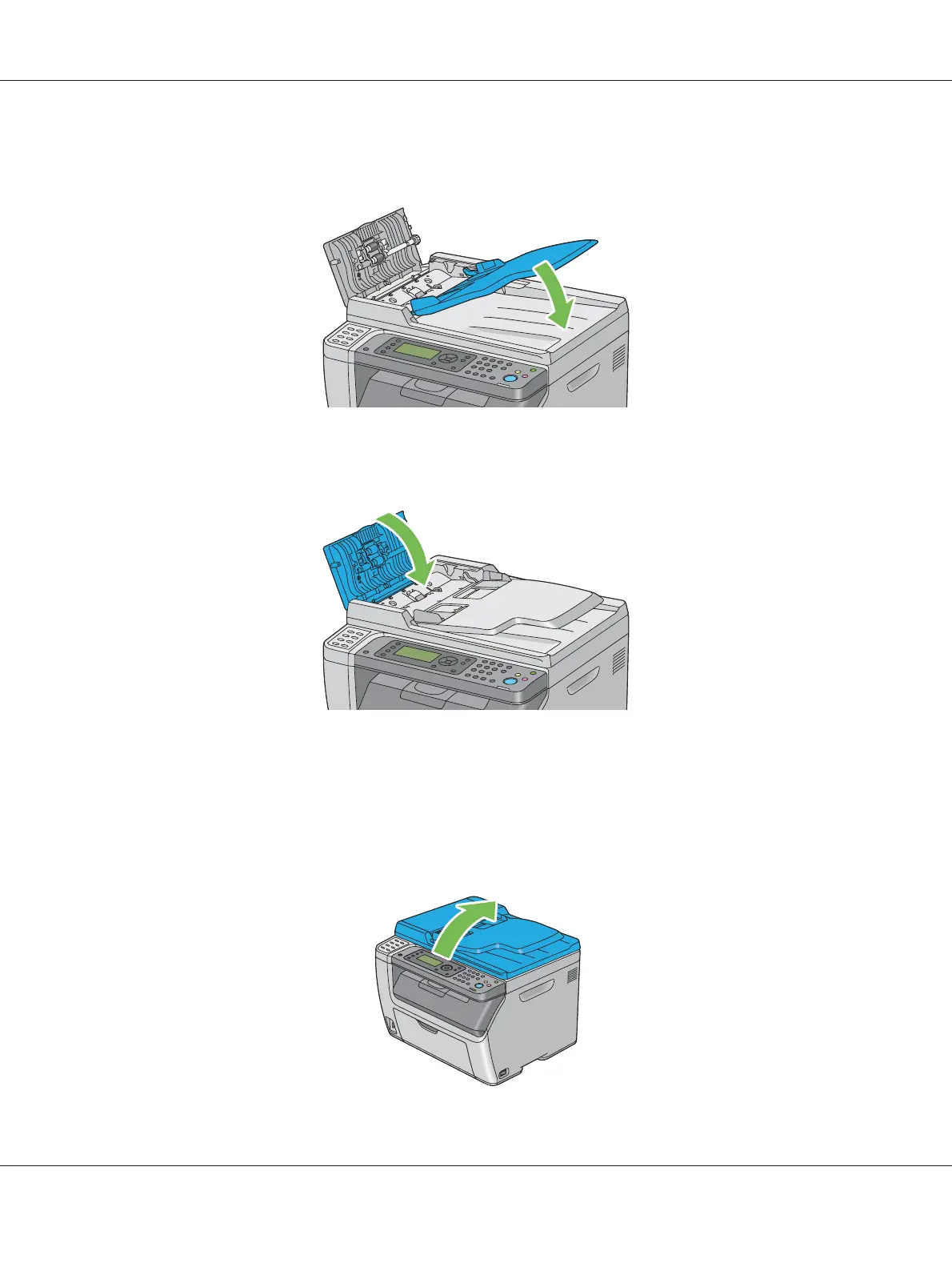
5. Close the document feeder tray.
6. Close the ADF cover, and then load the documents back into the ADF.
Note:
Ensure that you adjust the document guides before printing a Legal-size document.
7. If you cannot remove the jammed document from the document output tray or cannot find any
jammed document there, open the document cover.
Epson AcuLaser CX17 Series User’s Guide
Troubleshooting 305


 To Next Page
 Loading...









