Scanner Basics
Part Names and Functions
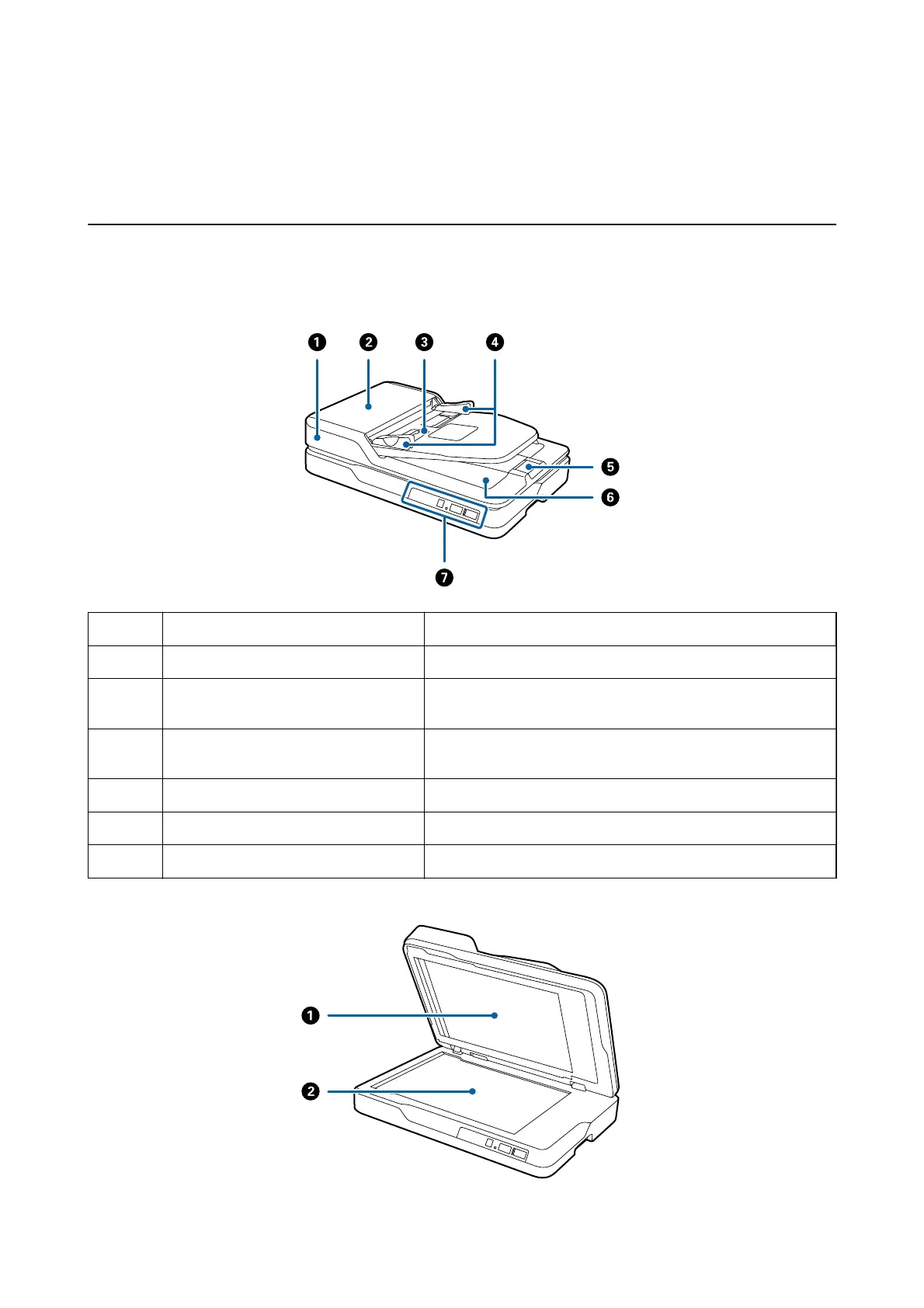
Front
A
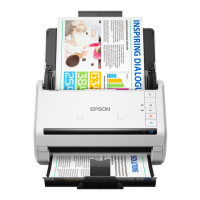
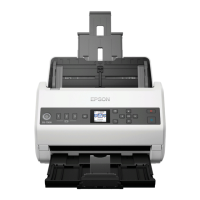
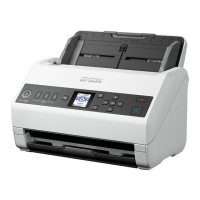
ADF (Automatic Document Feeder) Feeds loaded originals automatically.
B
ADF cover Open it when cleaning the ADF or removing jammed paper.
C
Input tray Loads originals. When scanning is complete, check the center
window for ejected originals.
D
Edge guides Feeds originals straight into the scanner. Slide to the edges of the
originals.
E
Stopper Prevents ejected originals from falling o the tray extension.
F
Output tray Holds originals ejected from the scanner.
G
Control panel Operates the scanner.
User's Guide
Scanner Basics
12



 To Next Page