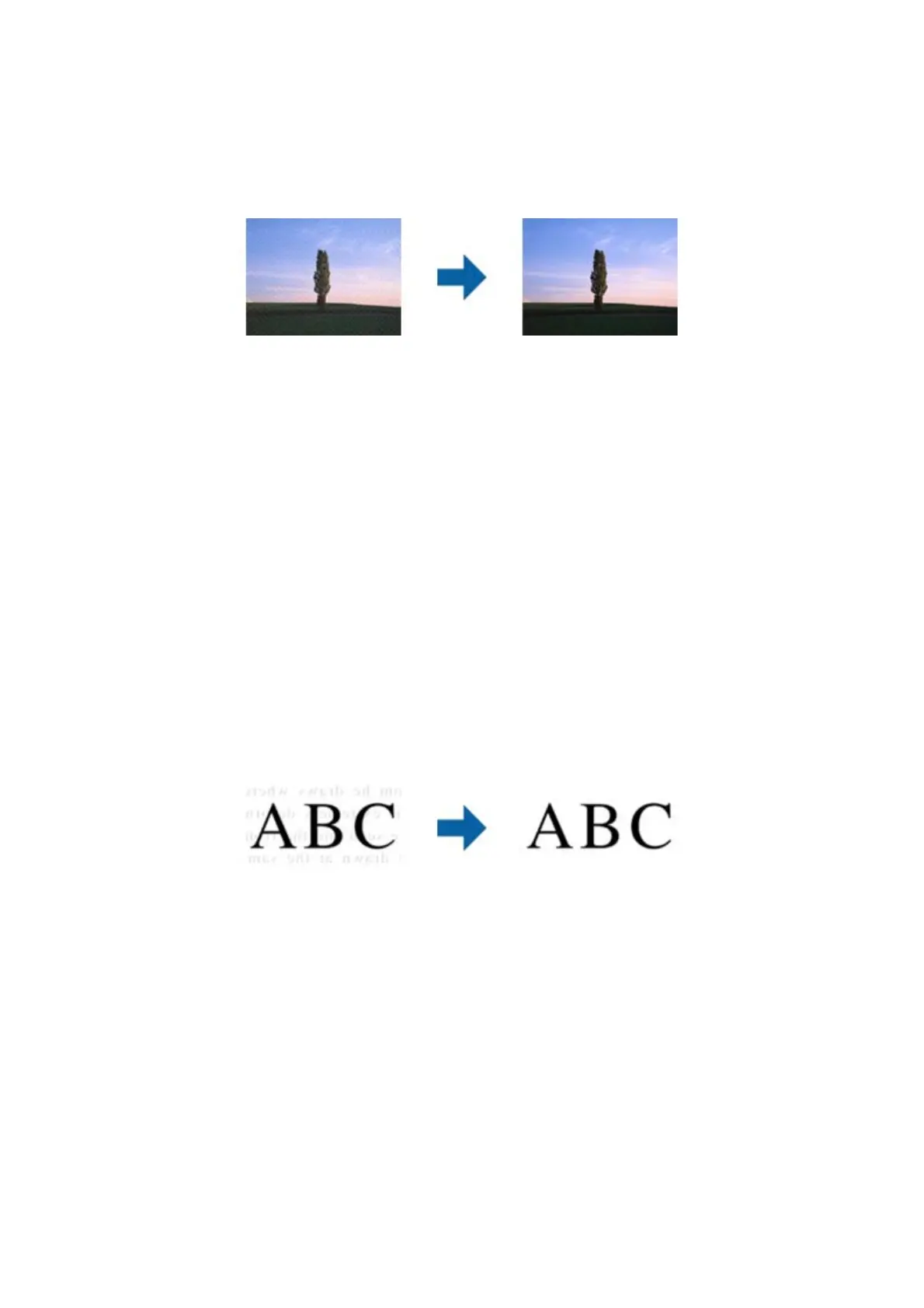
Descreening
You can remove moiré patterns (web-like shadows) that appear when scanning printed paper such as a magazine.
To check for moiré patterns, display the image at 100 % (1:1). If the displayed image is zoomed out, the image
appears rough and may look like it has moiré patterns.
Note:
o To use this feature, set the Resolution on the Main Settings tab to 600 dpi or less.
o is feature is not available when selecting the Main Settings tab > Image Type > Black & White.
o e eect of this feature cannot be checked in the preview window.
o is feature soens the sharpness of the scanned image.
Image Option
You can select the eect for the scanned image.
Text Enhancement
You can make blurred letters in the original clear and sharp. You can also reduce the
oset
or unevenness of the
background.
You can select the level of the eect when selecting the Main Settings tab > Image Type > Color or Grayscale.
Note:
To use this feature, set the Resolution on the Main Settings tab to 600 dpi or less.
User's Guide
Advanced Scanning
41



 To Next Page