Placing Long Paper
Note:
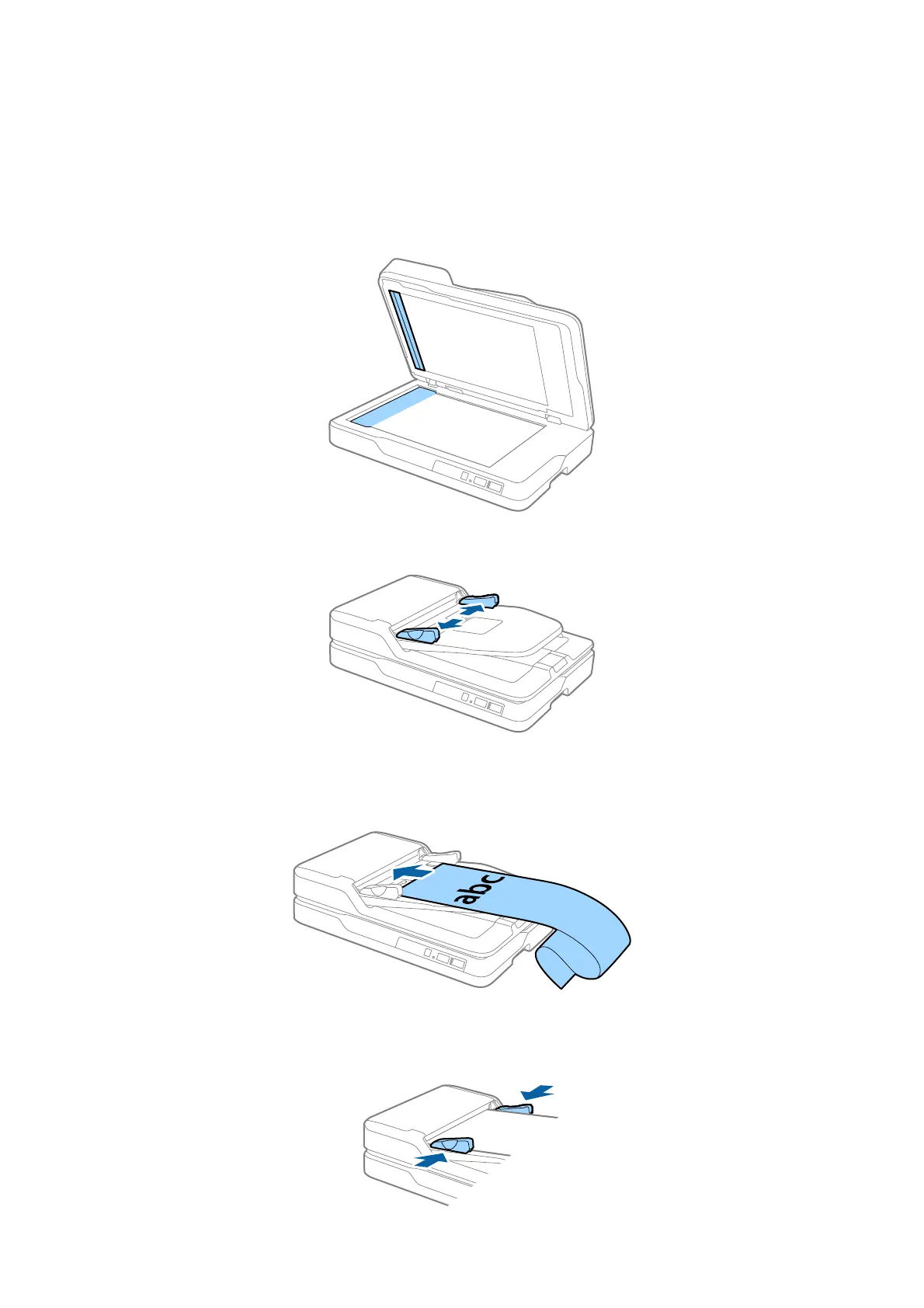
Remove any documents from the scanner glass. Make sure there is no dust or dirt on the glass and the clear part shown
below before scanning.
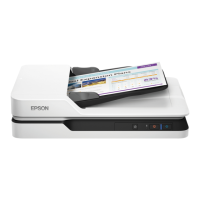
1. Slide the edge guides on the ADF input tray all the way out.
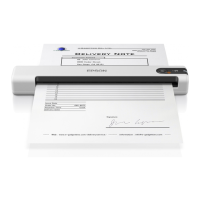
2. Load the original into the input tray straight, facing up and with the top edge facing into the ADF.
Slide the original into the ADF until it meets resistance.
3.
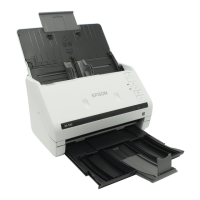
Adjust the edge guides to
t
the edge of the long paper making sure there is no gap between the paper edge
and the edge guide. Otherwise, the originals may be fed askew or jammed.
User's Guide
Specications of Originals and Placing Originals
24



 To Next Page