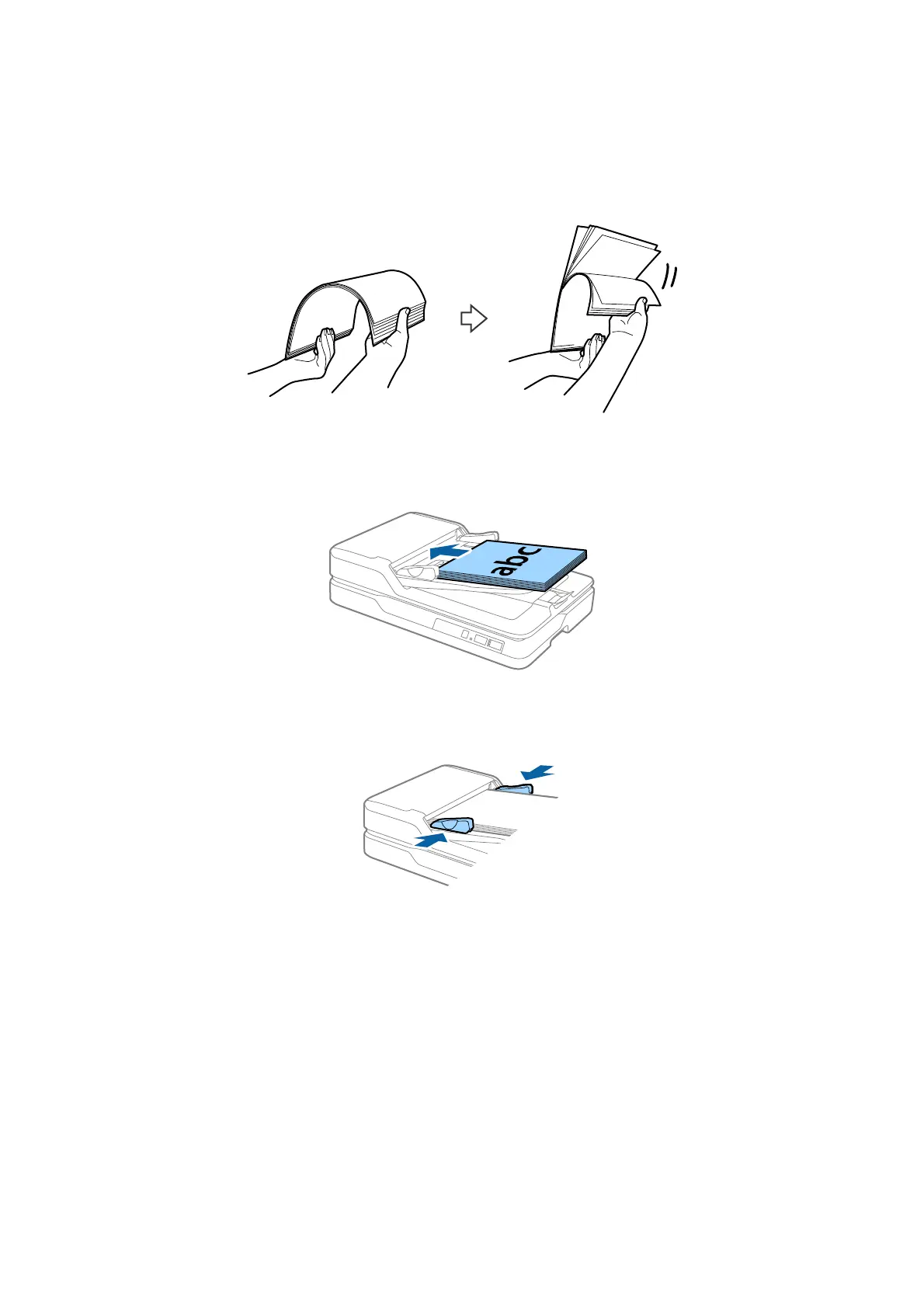
2. Fan the originals.
Hold both ends of the originals and fan them a few times, and then tap the top edges of the paper on a at
surface to align the sheets.
3. Place the originals into the ADF input tray facing up and with the top edge facing into the ADF.
Slide the originals into the ADF until they meet resistance.
4. Slide the edge guides to t the edge of the originals making sure there are no gaps between the originals and
the edge guides. Otherwise, the originals may be fed askew.
Related Information
&
“
Specications
of Standard Size Originals for Single Sided Scanning” on page 19
& “Cleaning the ADF” on page 63
&
“Cleaning the Scanner Glass” on page 66
User's Guide
Specications of Originals and Placing Originals
23



 To Next Page