oBusiness cards
oPlastic cards
oCarbon-less papers
o ermal papers
o Coated paper
Placing Originals into the ADF
Placing Standard Size Originals
Note:
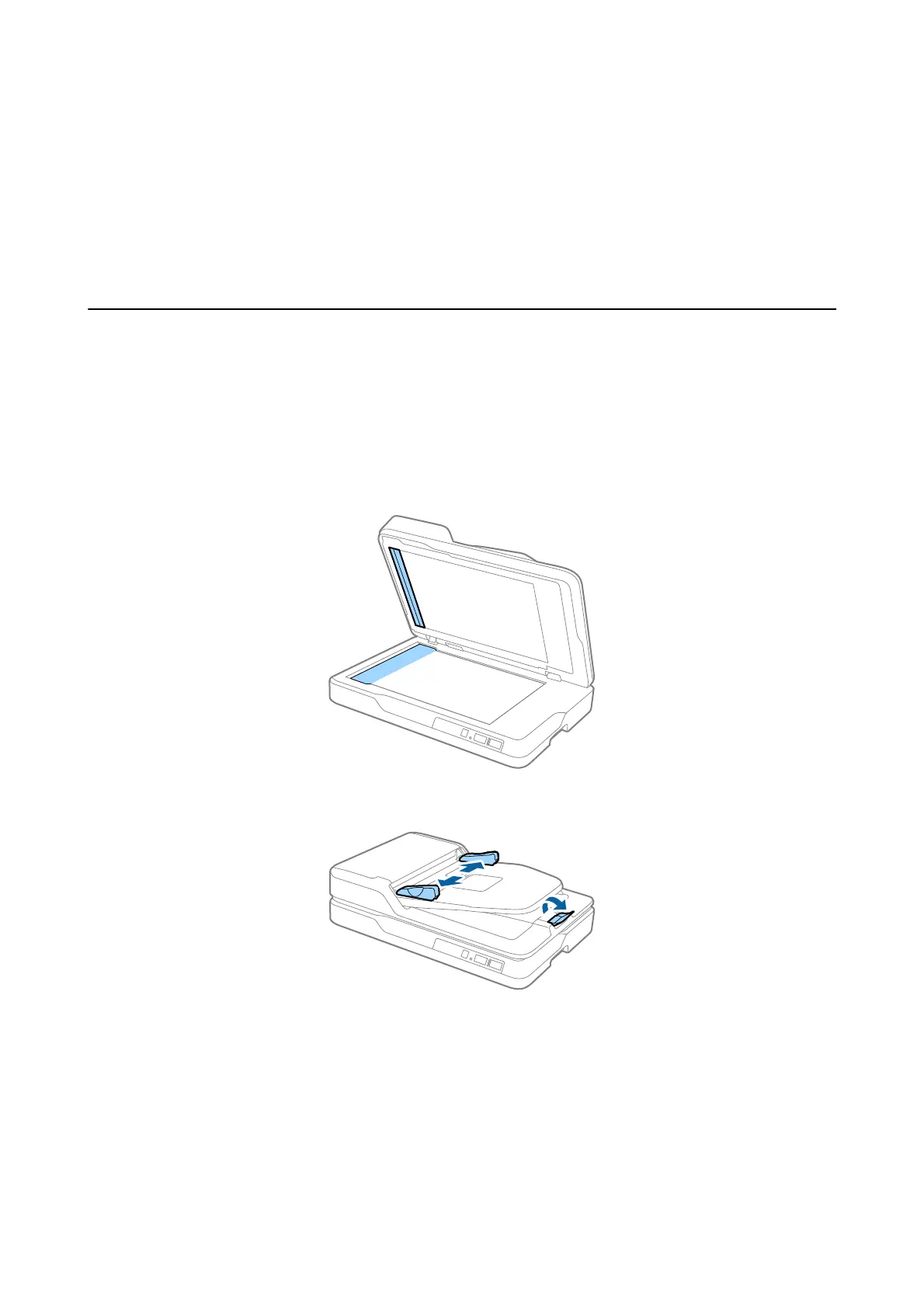
Remove any documents from the scanner glass. Make sure there is no dust or dirt on the glass and the clear part shown
below before scanning.
1. Slide the edge guides on the ADF input tray all the way out. When scanning A4 size paper, raise the stopper.
User's Guide
Specications of Originals and Placing Originals
22



 To Next Page