& “Dropout” on page 42
You can remove the color
specied
from the scanned image, and then save it in grayscale or black and white. For
example, you can erase marks or notes you wrote in the margins with color pen when scanning.
& “Color Enhance” on page 42
You can enhance the color specied for the scanned image, and then save it in grayscale or black and white. For
example, you can enhance letters or lines that are in light colors.
& “Brightness” on page 43
You can adjust the brightness for the whole image.
& “Contrast” on page 43
You can adjust the contrast for the whole image. If you increase the contrast, the bright areas become brighter,
and the dark areas become darker. On the other hand, if you lower the contrast, the dierences between the
bright and dark areas of the image are less dened.
& “Gamma” on page 43
You can adjust the gamma (brightness of the intermediate range) for the whole image. If the image is too light or
too dark, you can adjust the brightness.
& “reshold” on page 44
You can adjust the border for monochrome binary (black and white). Increase the threshold, the black color area
becomes larger. Decrease the threshold, the white color area becomes larger.
& “Skip Blank Pages” on page 44
You can skip blank pages if there are any in the originals.
& “Edge Fill” on page 44
You can remove the shadow created around the scanned image.
& “Correct Document Skew” on page 45
You can correct the slant of the original.
& “Remove Punch Holes” on page 45
You can remove the shadows of holes on the scanned image when scanning originals with punched holes.
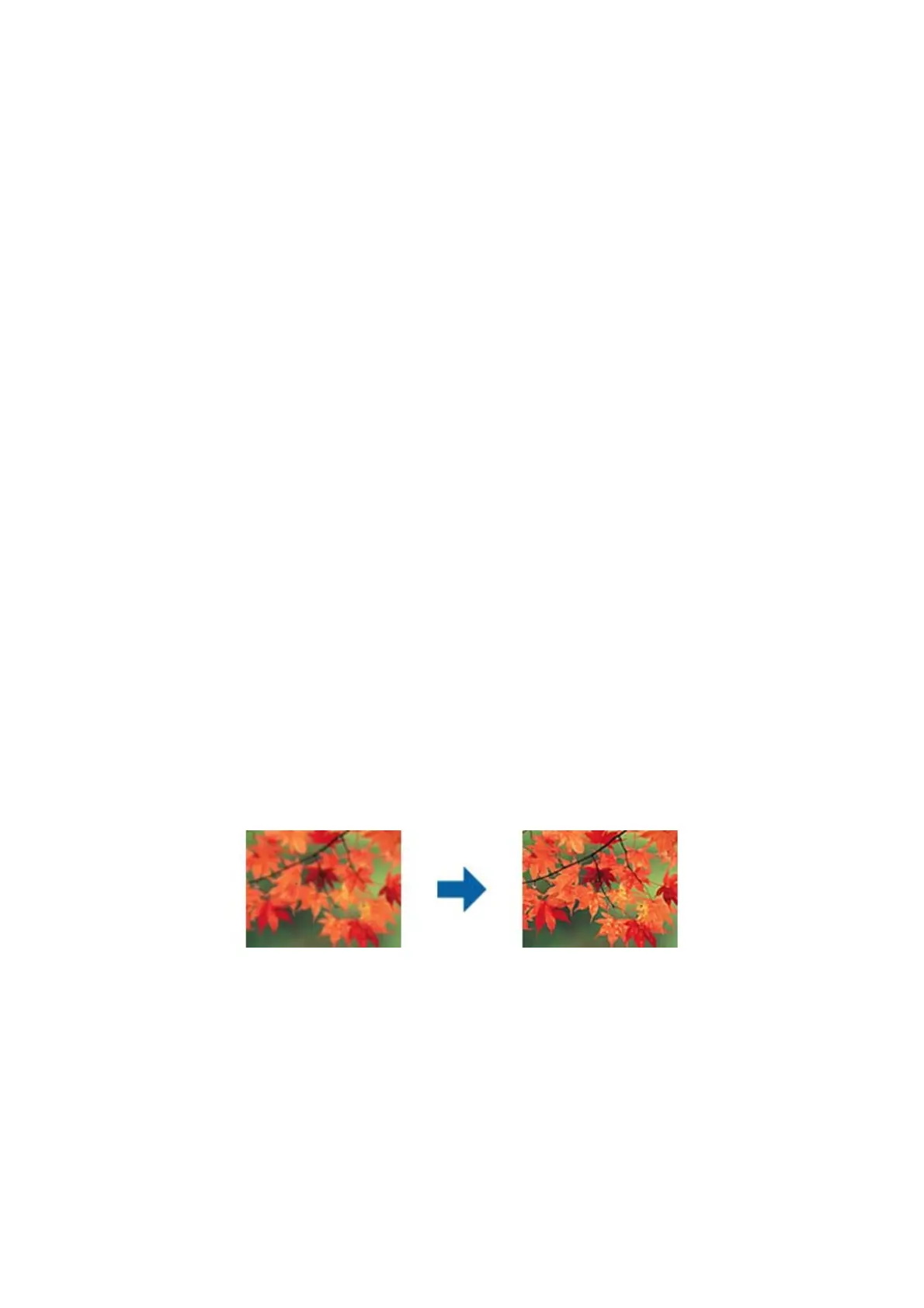
Unsharp Mask
You can enhance and sharpen the outlines of the image.
Note:
is feature is not available when selecting the Main Settings tab > Image Type > Black & White.
User's Guide
Advanced Scanning
40



 To Next Page