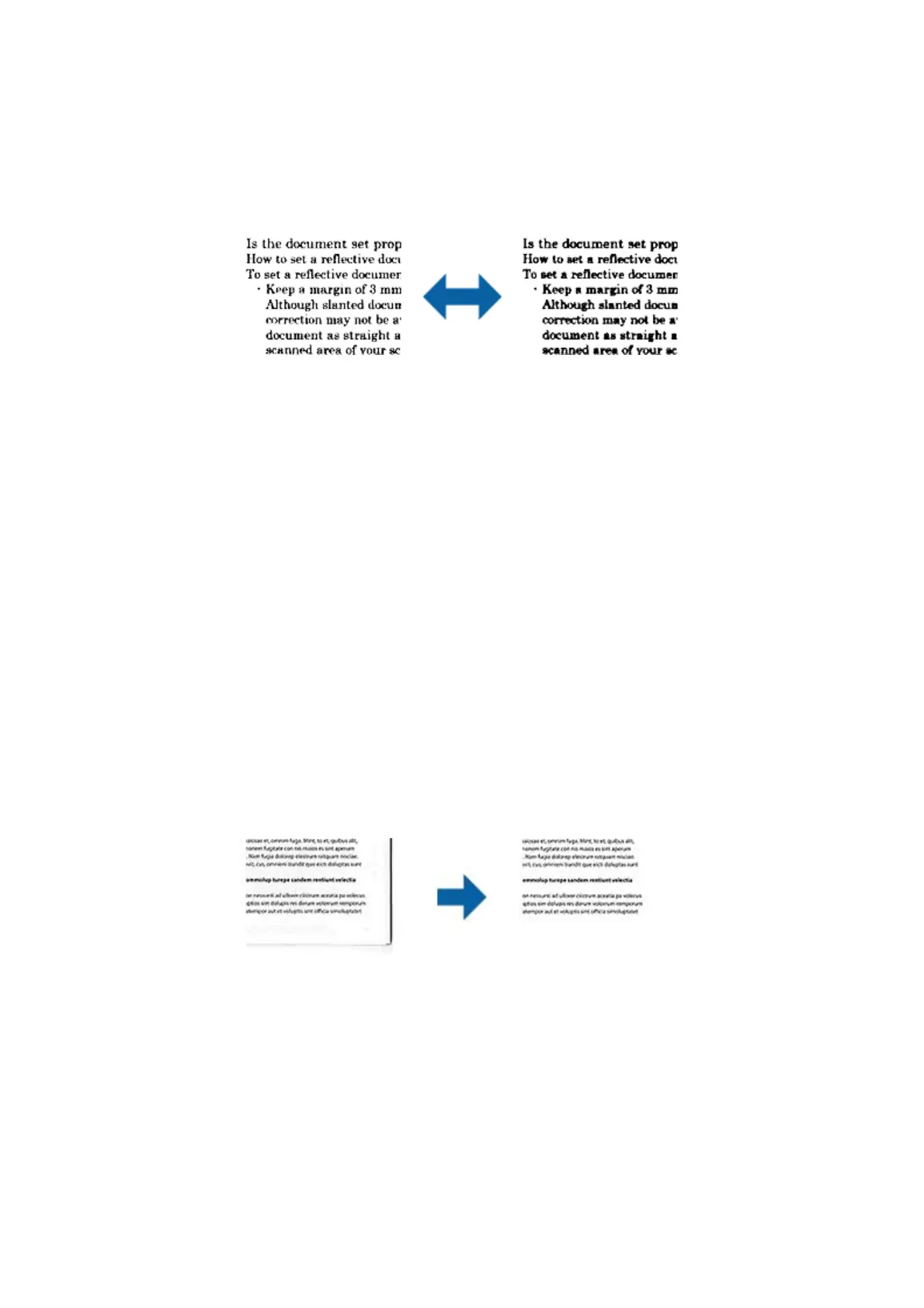
Threshold
You can adjust the border for monochrome binary (black and white). Increase the threshold, the black color area
becomes larger. Decrease the threshold, the white color area becomes larger.
Note:
is feature may not be available depending on the settings on the Main Settings tab > Image Type or the settings on the
Advanced Settings tab.
Skip Blank Pages
You can skip blank pages if there are any in the originals.
You can select the amount of blank page detection. If you set this to a high level, you can skip any originals with
light colors or
oset
as blank pages.
If the result is not what you expected, select Skip Blank Pages > Settings, and then adjust User Dened Level.
Select again Skip Blank Pages > User Dened Level.
Note:
o Some pages may be incorrectly skipped as blank pages.
o is feature is not available when scanning double-sided originals that are stitched.
Edge Fill
You can remove the shadow created around the scanned image.
For double-sided scanning, the settings for the edge ll range are mirror-reversed for the back of the original.
If you select Settings, the Edge Fill Level screen is displayed, and you can adjust the edge ll ranges for the top,
bottom, le, and right.
Note:
e eect of this feature cannot be checked in the preview window.
User's Guide
Advanced Scanning
44



 To Next Page