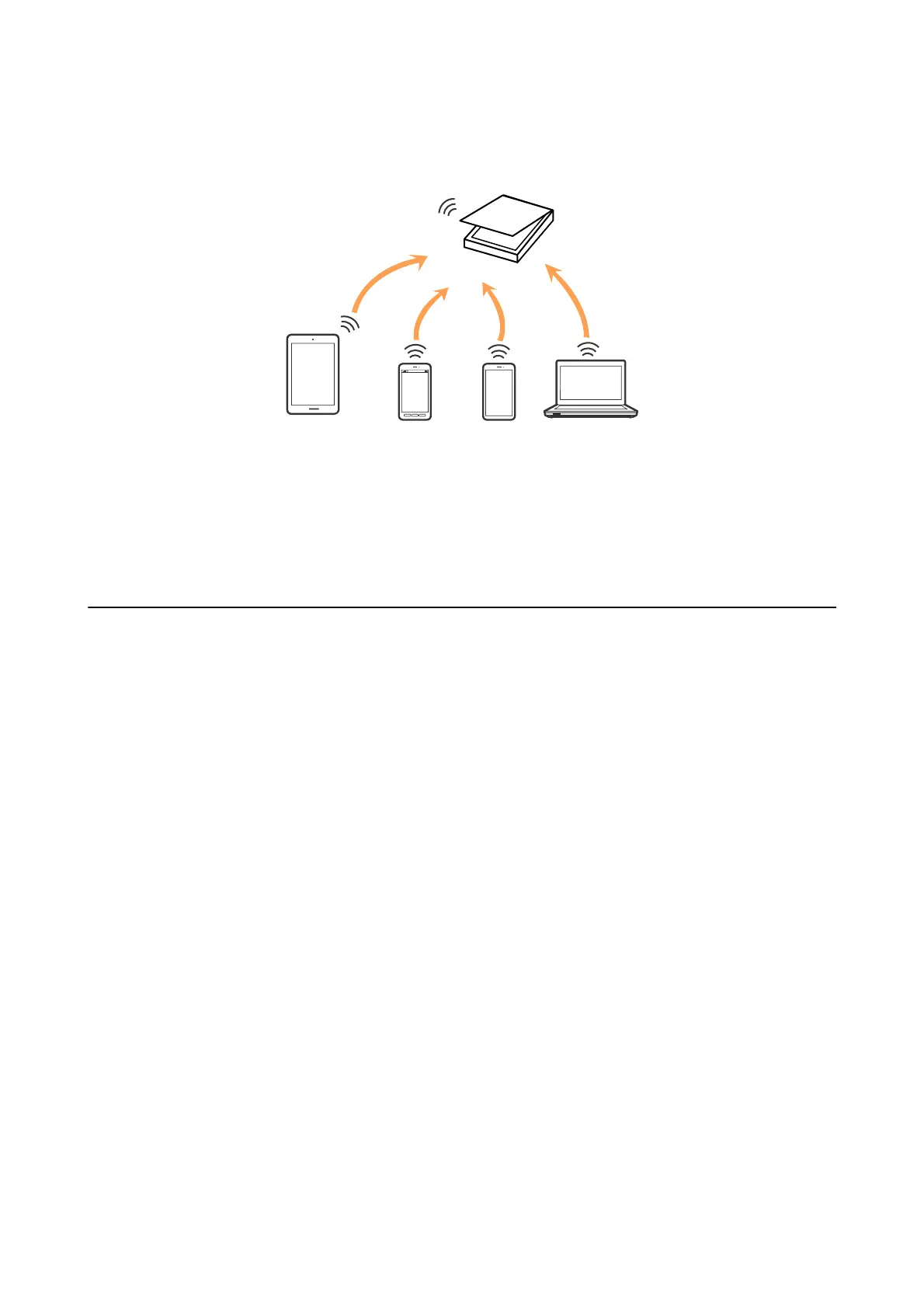
Note:
AP mode is a connection method designed to replace Ad Hoc mode.
e
scanner can be connected by Wi-Fi and AP mode simultaneously. However, if you start a network connection
in AP mode when the scanner is connected by Wi-Fi, the Wi-Fi is temporarily disconnected.
Related Information
&
“Making AP Mode Settings” on page 59
Connecting to a Computer
We recommend using the installer to connect the scanner to a computer. You can run the installer using one of the
following methods.
o Setting up from the website
Access the following website, and then enter the product name.
http://epson.sn
Go to Setup, and then click Download in the download and connect part. Click or double-click the
downloaded le to run the installer. Follow the on-screen instructions.
o Setting up using the soware disc (only for the models that come with a soware disc and users with computers
with disc drives.)
Insert the soware disc into the computer, and then follow the on-screen instructions.
Selecting the Connection Methods
Follow the on-screen instructions until the following screen is displayed and then select the connection method of
the scanner to the computer.
User's Guide
Network Settings
56



 To Next Page